


Lumen - magic auto brightness based on screen contents. You control Lumen simply by using your brightness keys - it'll automatically learn your preferences.
Cost / License
- Free
- Open Source (GPL-3.0)
Application type
Platforms
- Mac
 United States
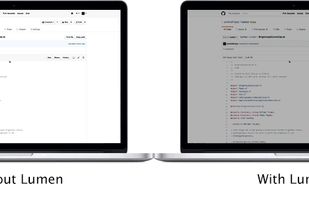


Lumen - magic auto brightness based on screen contents. You control Lumen simply by using your brightness keys - it'll automatically learn your preferences.
United States
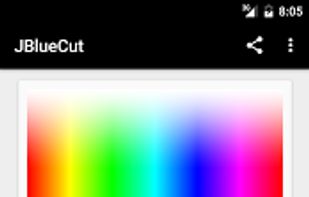
"JBlueCut" is a blue light screen filter - eye protection App. Can effectively reduce the bluelight on screen and ease eyestrain by few simple steps.


Night Screen is created for those people who spend a lot of time at night working.
Limit your exposure to energy-efficient lighting before bed. In addition to the LED screens in your electronics, energy-efficient lighting emits a lot of blue light.
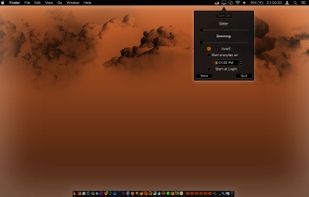
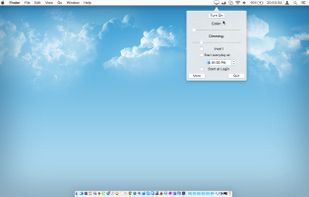
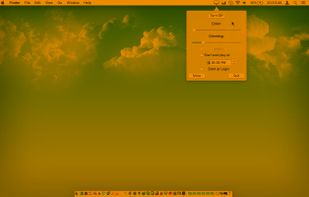
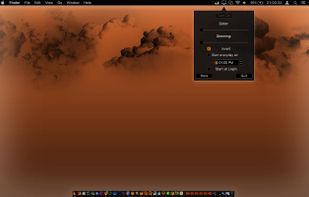

This advanced Windows app allows you to alter the screen shading according to the time of day, which is great if you work outside the normal hours, or if you need a lift in the afternoon. You can set the colour tints and your awake and sleep times.
 India
India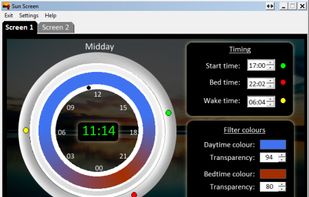

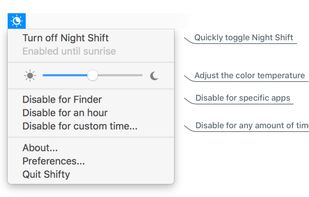
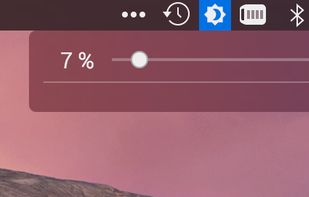
Shifty was made to expand the capabilities of the built in Night Shift feature in macOS. You can disable Night Shift for specific apps and custom time periods. It also provides easy access to a slider to fine tune your color temperature.




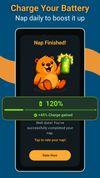
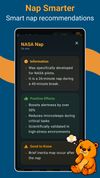
Boost your energy with smart power nap timer with gentle wake-up options, ambient sounds, guided voiced (meditation & stories) and sleep buffer. No Ads. No subscriptions.
 Austria
 EU
EU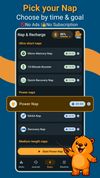


Lux Automatically Adjusts Your Screen Brightness.


Shady puts a shade over your screen to help soothe your tired or dazzled eyes. You can use it to reduce your Mac's brightness far below the usual minimum, without any risk of damage to your screen.
 United Kingdom

Setting the color temp of the screen really only requires about 40 lines of C (80 or so all inclusive). sct is a crude utility which does roughly that. I’d say exactly that, but some of the calculations aren’t actually exact.


