Tool that allows you to generate network traffic and analyze the network's throughput performance.
- Free • Proprietary
- Windows
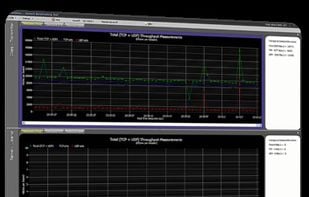


Tool that allows you to generate network traffic and analyze the network's throughput performance.

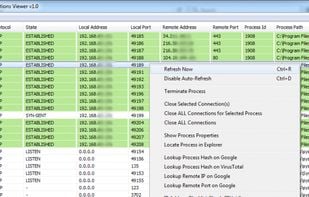
Connections Viewer is a useful network software utility with the primary focus of listing (and managing) both UDP and TCP connections inside the host system.
 TCPViewand
 Connection List

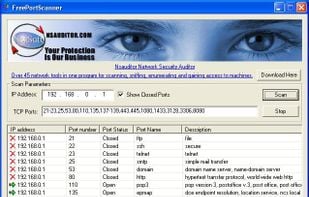
Free Port Scanner is a small, fast, easy-to-use and robust port scanner for the Win32 platform.You can scan ports on fast machines in a few seconds and can perform scan on predefined port ranges. This tool uses TCP packets to determine available hosts and open ports, service...
 Angry IP Scannerand
 NetPeek
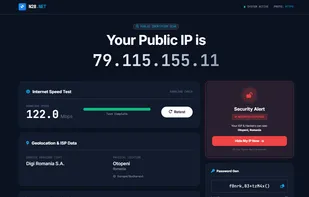
A minimalist, privacy-first network dashboard. Check your IP, test internet speed, detect WebRTC leaks, and analyze device headers without the bloat or tracking.
 Privacy Guides
 Globalpingand
 Cedexis
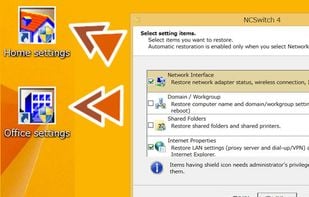
NCSwitch4 is a Windows application. NCSwitch4 takes a snapshot of a set of various PC settings so that you can restore them whenever you need it.
 NetSetManand
 TCP/IP Manager
ThingsPage Sensor software detects and authenticates endpoints without a dedicated hardware. No PC agents are required. Installing the Sensor at one Windows machine at each network makes it easy to have centralized management of multiple networks.
 Angry IP Scannerand
 Fing
Fing
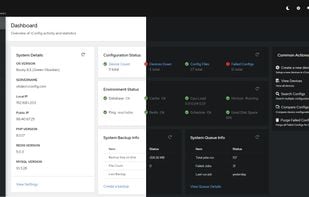
rConfig is a free open source network device configuration management utility for network engineers to take frequent configuration snapshots of their network devices.
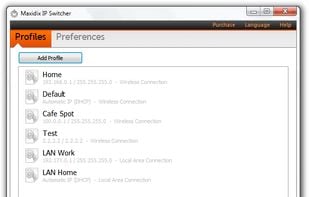
IP Switcher is a simple and effective tool that makes changing of IP settings easy and quick as never before. You don't need anymore to spend your time on endless changing of network settings everytime when you connect to a new network.
 NetSetManandTCP/IP Manager
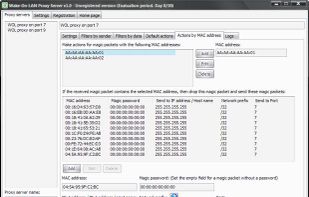
Wake-On-LAN Proxy Server is a network tool that helps network administrators to organize the reception and transmission of magic packets (wakeup signals, which are sent through programs that support the Wake-on-LAN technology) on the network.
 Advanced Port Scanner
Fping is a free console program, much like the ping program that comes with windows. Why use fping instead of the standard windows ping? Fping has the same options as the regular ping as well as several unique options.
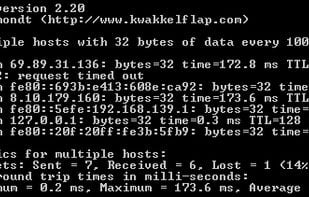
 PingPlotterand
 vmPing
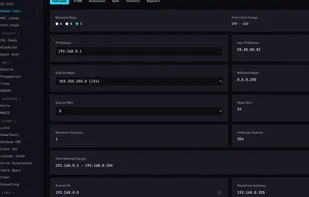
Free network, DNS, and security tools for sysadmins. No ads, no tracking.

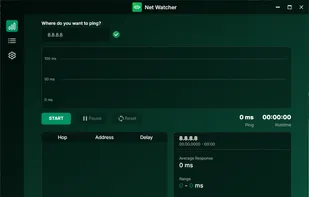
Net Watcher gives you full transparency over the quality and stability of your internet connection. Detect outages, trace network paths, and take action!.
 Speedtest by OoklaandFing
Master your network with SuperPing, the all-in-one professional tool for network scanning, monitoring, and analysis. Designed for IT professionals, developers, and tech enthusiasts alike, SuperPing combines powerful features with a sleek, modern interface to give you...
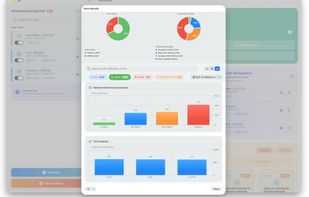
 Nagiosandgping (CLI)
Monitor applications, infrastructure, and servers in one platform. Out-of-the-box dashboards. Metrics. Analytics. Starting at $7.50/month. Free 14-day trial.

Netsbee is the iOS-first network safety app that transforms confusing tech data into clear, actionable advice. No jargon. No hardware. Just peace of mind.



Advanced command-line ping tool. Contribute to Killeroo/PowerPing development by creating an account on GitHub. Comes with the following features:
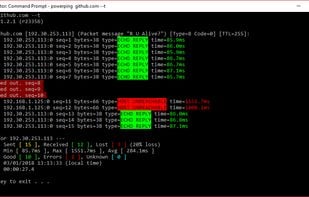 PingPlotterand
 GPING
GPING
Argon is an open source utility with the aim to supply multiple network configuration in Windows XP, Win 7 and Win 8.1 . It's very usefully when you move your notebook from a network to others.
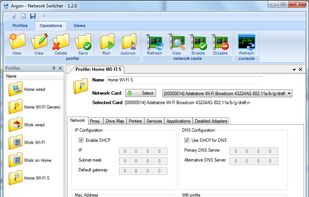 NetSetManandTCP/IP Manager
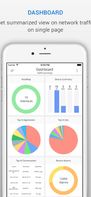
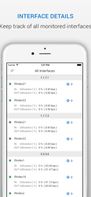

 NetCrunchandFastNetMon
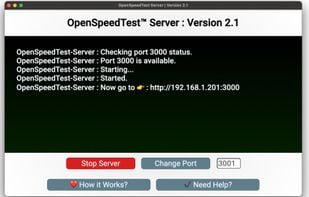
Launch a Network Speed Test Server. Without using any commands, test and fix your local network before pointing fingers towards your ISP for slow and sluggish Internet.
 Speedtest by Ookla
SMAC is a powerful, yet easy to use MAC Address Changer (Spoofer) for Windows 10, 8, 7, VISTA, 2008, 2003, XP, and 2000 systems, regardless of whether the network card manufacturers allow this option or not.
 Browser Boost
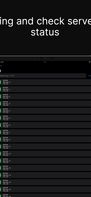
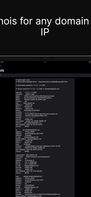
NetworkArch is a network diagnostic app equipped with various tools, including pinging specific IP address or hostname, sending Wake on LAN magic packets, Whois and DNS Lookup.

 Port Authority
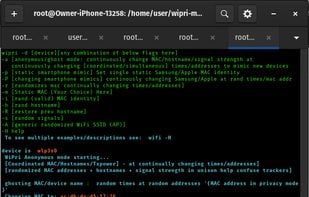
(Network Metadata Privacy) MAC Address spoofer with bonus combo (options): hostname + signal spoofer - no disconnects! Privacy Changing w/Brand Mimics: run as command or optional new randomized identity each boot; includes flags for continually changing random times/changing...
 Browser Boost
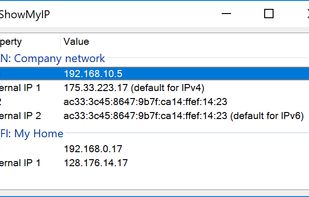
Show My IP will display the local and public IPv4 and IPv6 addresses of all you network interfaces. It also shows which public IPs (v4 and v6) are used by default for accessing the internet. The IPs are automatically updated on network changes.