Web Browsers Page 24 of 77

All apps in Web Browsers category. Use the filters below to narrow down your search. 
Copy a direct link to this comment to your clipboard
  1. MarkDownload icon
     2 likes

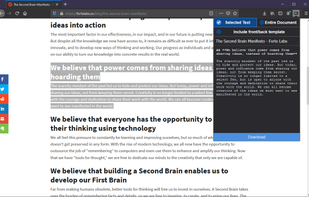
    This is an extension to clip websites and download them into a readable markdown file. Please keep in mind that it is not guaranteed to work on all websites.

    • FreeOpen Source
    • Microsoft Edge
    • Vivaldi Browser
    • Google Chrome
    • Safari
    • Brave
    • Chromium
    • Firefox
    MarkDownload screenshot 1
    10 alternatives
  2. Browse without worry or fear with Avast in your corner: we’ll check every site you visit, from Facebook to your bank, to ensure nothing puts you or your data at risk. We stop phishing attacks, show user reviews, and warn you if a site is deemed untrustworthy by our community of...

    • Anti-Virus App
    • FreeProprietary
    • Microsoft Edge
    • Google Chrome
    • Opera
    • Mozilla Firefox
    Avast Online Security & Privacy screenshot 1
  3. AM-DeadLink icon
     18 likes

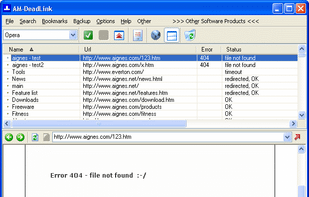
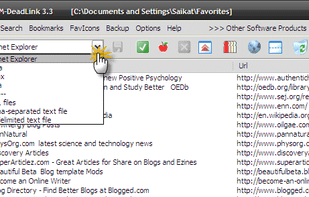
    AM-Deadlink detects the dead links and duplicates, and marks them for removal. It can also clean up duplicates in comma-separated and tab-limited text files and saved URL files. Also, AM-Deadlink downloads the current favicons for all your Favorites and Bookmarks for the four...

    • FreeProprietary
    • Windows
    AM-DeadLink screenshot 1
    2 alternatives
  4. A fast and more graceful way to browse the web. Multi-View show multiple web pages at same time. Save web pages when the software closing and restore saved pages at startup. Dock and table web pages as you want, and support 4K display and scaling.

    Vole Internet Expedition screenshot 1
    154 alternatives
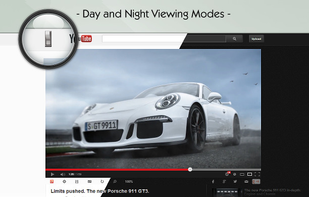
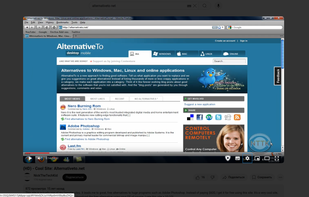
  5. This extension adds light black layer to all websites including YouTube. That helps protect your eyes a bit. You can control and click on your website while the black layer is on your website. What I mean by this is that even though the layer is on top of your website, you can...

    The Lights Off screenshot 1
    1 alternatives
  6. Rekonq icon
     27 likes

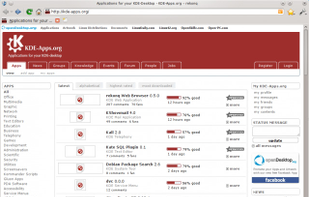
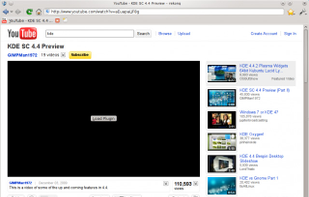
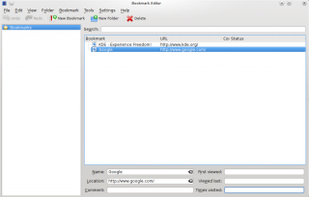
    Rekonq is a web browser for KDE based on WebKit. It first focuses on being a light, fast & clean way to access to net. Its development is doubly based on using the new amazing features offered by the WebKit rendering engine and on the rock solid network KDE technologies.

    • Discontinued
    • Web Browser
    • FreeOpen Source
    • Windows
    • Linux
    • KDE
    Adblock
    100 alternatives
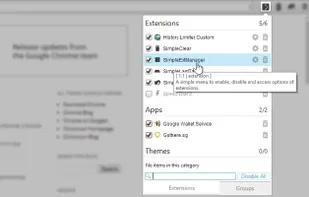
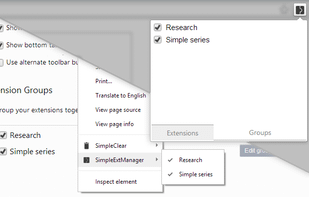
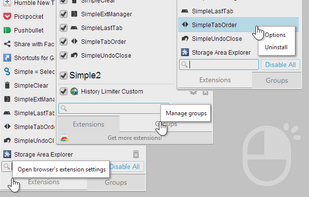
  7. A simple menu to enable, disable and access options of extensions.

    Another addition to the 'Simple' series. This time its an extension manager.

    Features include:

    • basic function to enable/disable, access options and uninstall extensions via popup
    • customize the popup .
    • FreeProprietary
    • Online
    • Chrome OS
    • Google Chrome
    • Opera
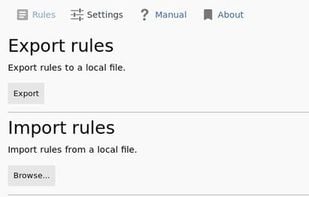
    SimpleExtManager screenshot 1
    4 alternatives
  8. Muzli icon
     6 likes

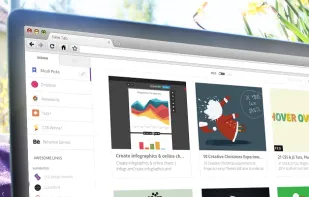
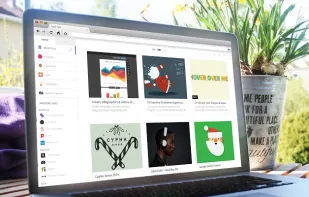
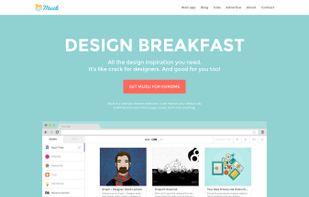
    Muzli is a browser extension that provides quick access to all that’s hot, new and simply awesome stuff in the design & tech web scene.

    • FreeProprietary
    • Online
    • Chrome OS
    • Google Chrome
    • Safari
    Muzli screenshot 1
    12 alternatives
  9. CustomTube icon
     2 likes

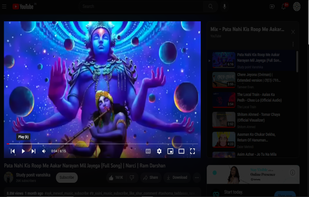
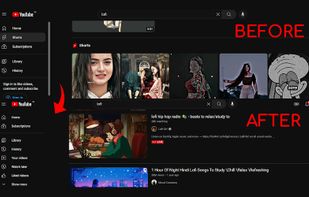
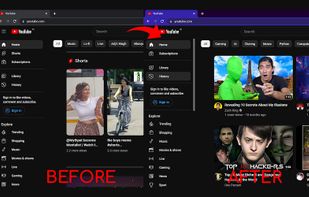
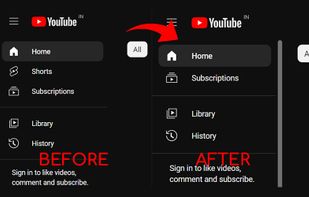
    You can now select your YouTube layout from 2008-2021 with CustomTube. However, it's not advised to use it with other extensions or scripts to avoid issues. If you have a user agent switcher, disable it on youtube.com to ensure functionality beyond the default 2017 layout.

    • FreeOpen Source
    • Online
    • Google Chrome
    • Firefox
    CustomTube screenshot 1
    8 alternatives
  10. GuideToDocs icon
     1 like

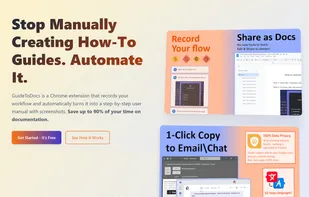
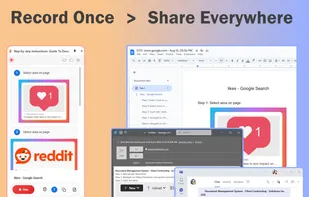
    Tired of manually documenting processes? Guide to Docs is the ultimate Chrome extension that records your screen actions and instantly generates professional user guides — complete with screenshots and step-by-step instructions.

    • FreeProprietary
    • Google Chrome
    GuideToDocs Thumbnail
    4 alternatives
  11. Makeover lets you change the appearance and behavior of web pages with CSS and JavaScript. To use it, you go to a web page you want to customize, tap the Makeover icon, and paste the code into the text field.

    Makeover - Custom CSS screenshot 1
    12 alternatives