


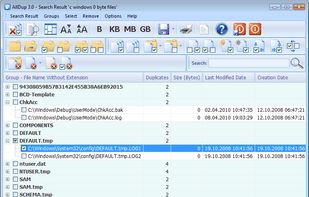
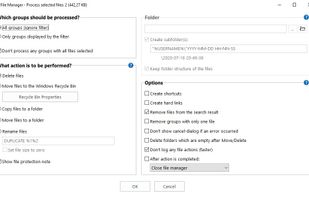
Find and remove duplicate files! Find and hardlink duplicate files! Find and shortcut duplicate files! Find similar files!.
Cost / License
- Free
- Proprietary
Application typeApplication types
Platforms
- Windows
 Germany
 EU
EU




3.9
Good13 ratings


Find and remove duplicate files! Find and hardlink duplicate files! Find and shortcut duplicate files! Find similar files!.
GermanyEU
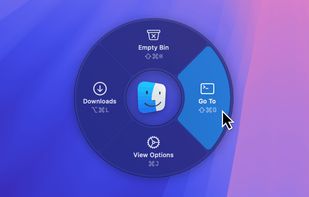
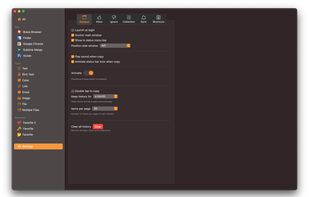
Switch and launch Mac apps using a pie menu with customizable shortcuts and dark mode. Efficiently manage running apps and access your favorites instantly.
GermanyEU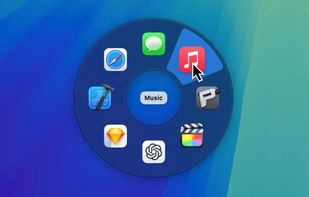


 Norway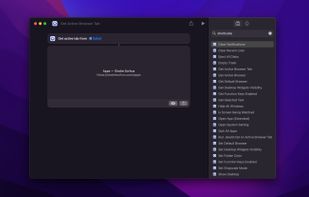


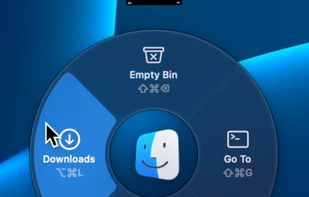
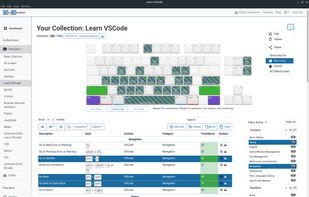
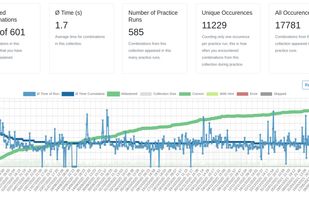
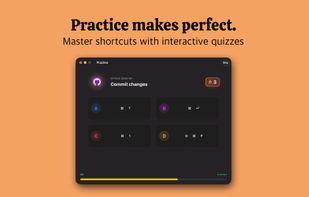
KeyCombiner helps you learn exactly the keyboard shortcuts you need. Create your own shortcut collections by importing from a large public database of shortcuts (VSCode, Vim, IntelliJ, Gmail, Notion, Excel, etc.
GermanyEU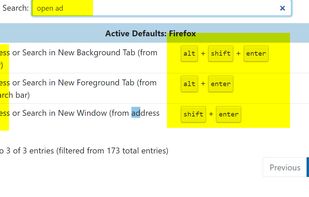

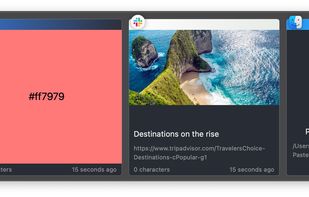
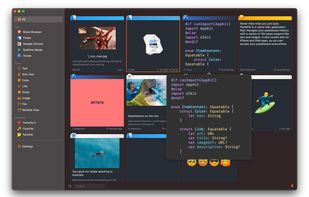
PastePal is a native macOS application that allows us to easily manage pasteboard history, notes and shortcut.
 Vietnam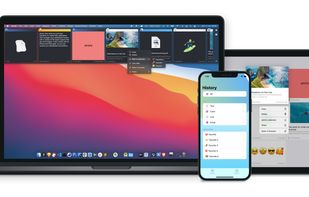

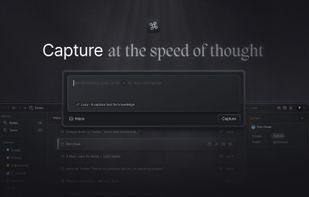
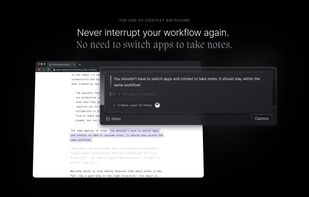
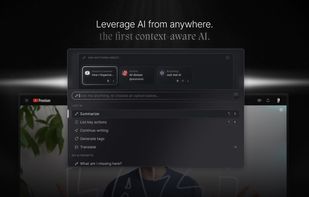
Context switching is poison for productivity. When you get that brilliant idea or see something inspiring, you should be able to take smart notes without switching app or tabs. That’s Lazy. One ? shortcut to capture anywhere.

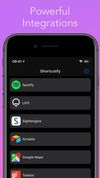
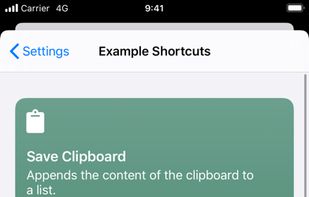
Shortcutify makes third party APIs available as an actions in Shortcuts app. With this you can easily connect multiple services together and do things like playing favorite playlist from Spotify, manage your LIFX lights, many more - from Shortcuts.




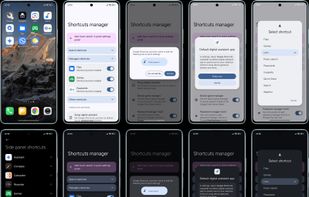
Easily access essential Google apps features directly from your launcher app drawer.


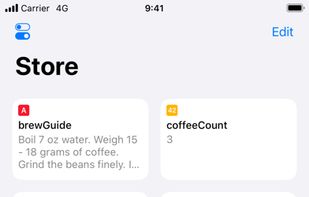
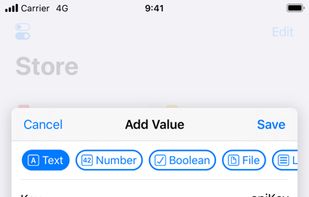
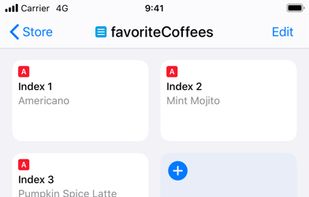
Data Jar is a data store designed to be used with Shortcuts. The data store lets you persist key-value pairs.

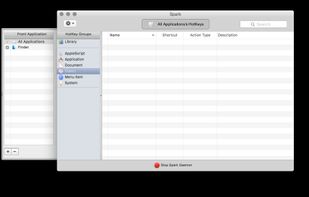
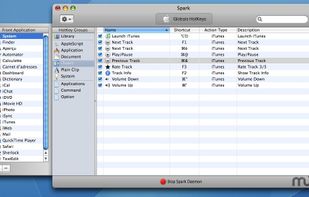
Spark is a powerful and easy shortcuts manager. With Spark you can create Hot Keys to launch applications and documents, execute AppleScripts, command iTunes, and more...


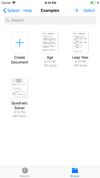
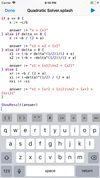
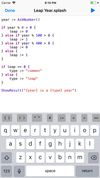
Splash is a programming language created to help you build your shortcuts.

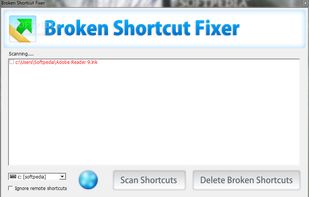
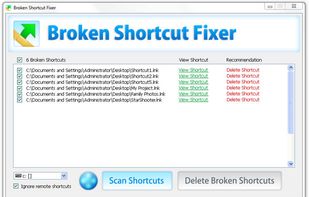
Broken Shortcut Fixer will scan all shortcuts and automatically repair and resolve any broken links. Just select the drive you wish to scan and click "Scan Shortcuts." Any shortcuts that cannot be repaired will appear as broken.


Toolbox Pro gives you 110+ powerful new actions to use within Apple’s Shortcuts app.
 United Kingdom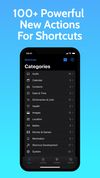


 IFTTTand
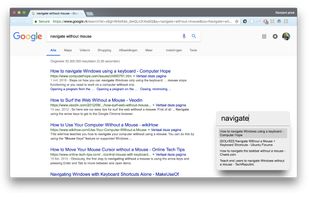
Mouse less browsing (without shortcuts) https://chrome.google.com/webstore/detail/spotlink/ccpeekpolhnigeclfncaglcennmfcfjg?hl=nl.


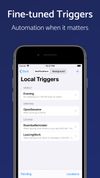
Pushcut helps you kick off your automation when it matters. Create fine-tuned interactions for HomeKit, Shortcuts, and custom workflows through smart notifications combined with powerful automation actions.
 AustriaEU


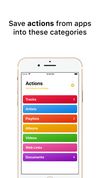
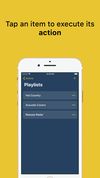
Shortify Actions lets you save actions from almost any app. An action is composed by a name and a URL, so you can save everything that has a URL. For example you could save playlists from you favorite music app or videos from the web.

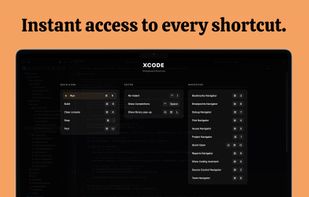
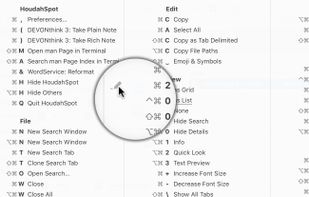
Kommand shows you all keyboard shortcuts for your current app in a beautiful overlay, organized by category and ready to use. No more googling shortcuts or digging through menus. Just instant access to the commands you need.
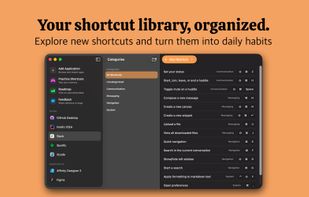


Keyboard shortcuts help you work efficiently. Add keyboard shortcuts to common tasks. Use shortcuts that are easy to reach and easy to remember. Get your work done faster.
 LuxembourgEU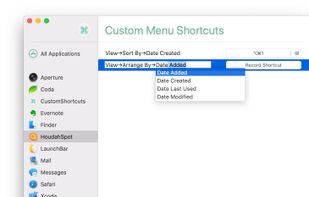
 AutoHotkey
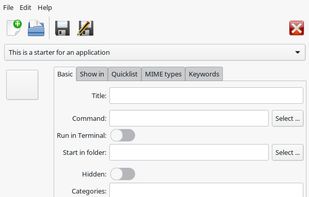
Arronax is a program to create and modify starters (technically: .desktop files) for applications and locations (URLs). Arronax can be used as a standalone application or as a plugin for Nautilus, the default file manager of the Gnome and Unity desktop environments.


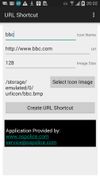
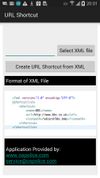
URL Shortcut Creator creates web links on the home screen. Shortcuts can be created by filling in the input fields and selecting an icon or by loading an XML file.


Keysmith lets you create keyboard shortcuts for any string of actions you can do with your mouse and keyboard. And Keysmith is smart. It isn't just clicking on coordinates, it's aware of apps, windows, buttons, lists, and more.
AutoHotkey
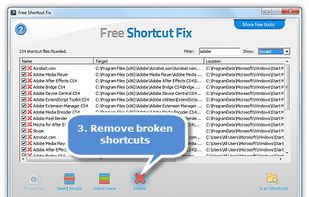
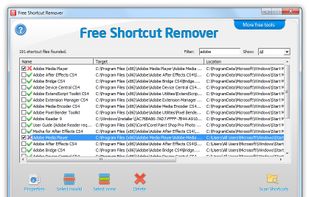
Free Shortcut Fix is a great and easy tool that helps you scan your computer for shortcuts that you have on your desktop and in the Start Menu.

A text expander and note taking tool for Windows. Replace abbreviations with full sentences and take notes just by tapping caps lock ...
GermanyEU






 United States


