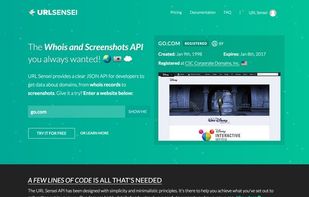
Screenshots as a Service, capture snapshots of any website, right in your app, quickly and reliably.
Cost / License
- Paid
- Proprietary
Application type
Platforms
- Online
 United States
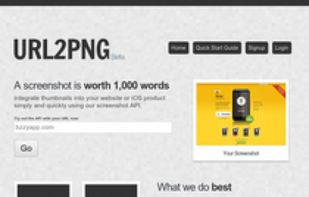


Screenshots as a Service, capture snapshots of any website, right in your app, quickly and reliably.
United States
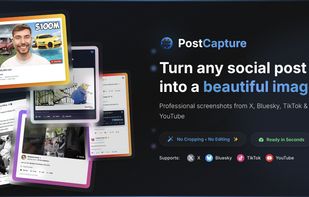

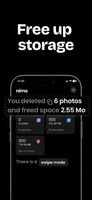
Free up space instantly with Nimo Cleaner. The ultimate app to clean up blurry photos, duplicates, and screenshots on your iPhone.
Gallery full? Nimo Cleaner takes care of it.
Delete useless photos with a single swipe. Nimo Cleaner automatically detects:
 France
 EU
EU



 South Korea

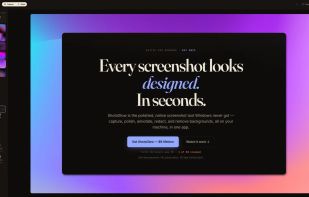
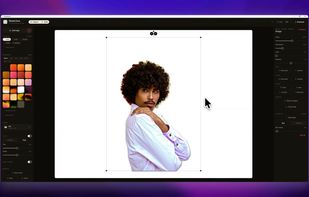
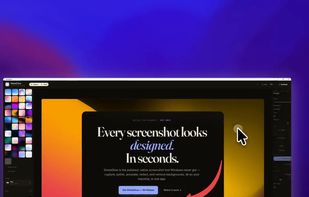
The polished, native Windows screenshot tool — capture, design, annotate, redact and remove backgrounds on-device, then export to 30 social & App Store sizes.
 GermanyEU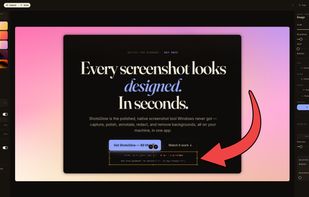

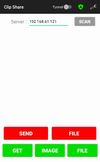
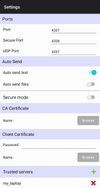
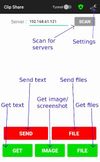
Share the clipboard between your phone and desktop. Share files and screenshots securely. This is a lightweight, cross-platform app to share copied text, files, and screenshots between an Android phone and a desktop.
 KDE Connectand

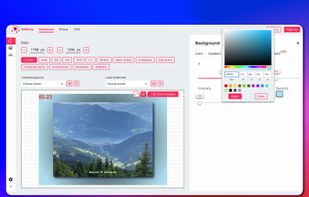
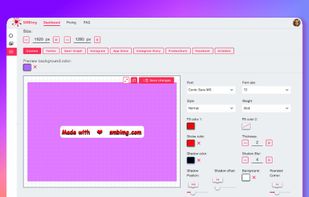
This app is designed to quickly convert images and create a screenshot with watermarks and gorgeous backgrounds. It supports all major image formats such as JPG, PNG, GIF and WEBP. The conversion process is very fast and easy to use.
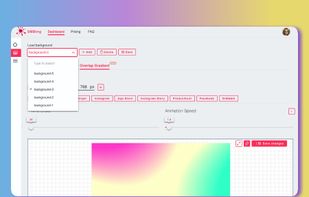

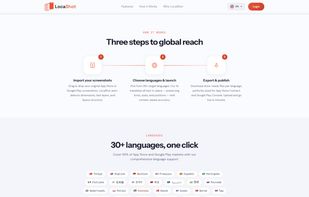
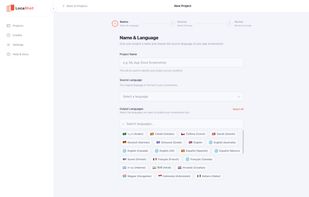
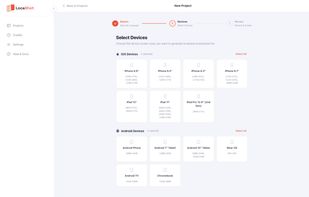
LocaShot is an AI-powered tool that localizes your App Store and Google Play screenshots without forcing you to rebuild them in a design tool. You upload your existing screenshots, choose your target languages, and LocaShot automatically detects every text element in the image...
 Türkiye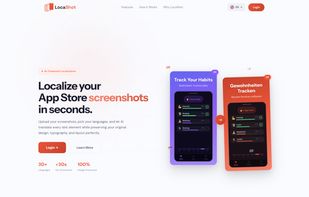

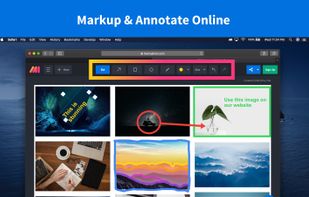
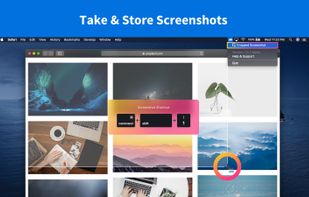
Lightning fast and ultra elegant screenshot and annotation tool that does all you need without the bloat. Made for Mac and Windows.
United States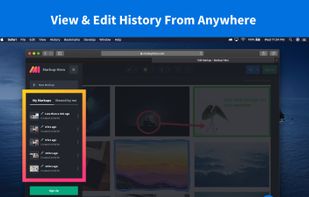
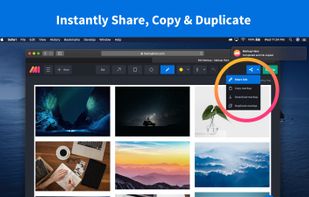

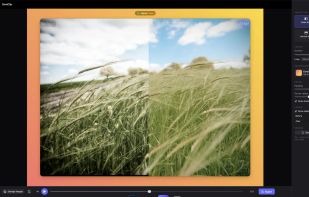
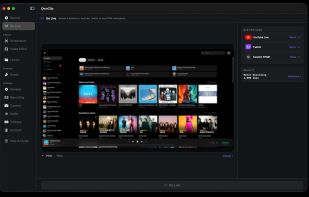
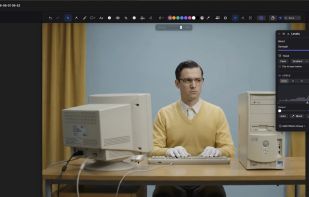
Native macOS screen recorder, screenshot tool, and video editor with on-device AI a one-time purchase, no subscription, nothing uploaded.
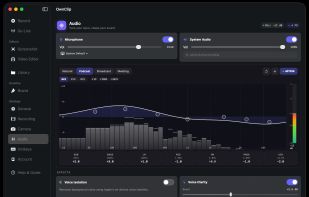
 ShareXand

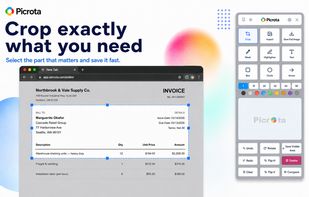
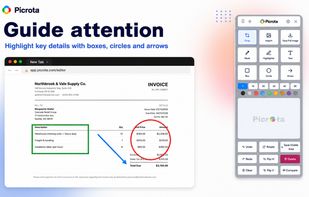
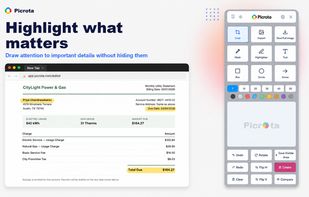
Picrota is a fast image editor for real desktop workflows inside Chrome. Open or capture an image, then crop, mask sensitive information, highlight important details, add shapes, arrows or text, rotate, flip and save—all in one focused workspace.
 MaltaEU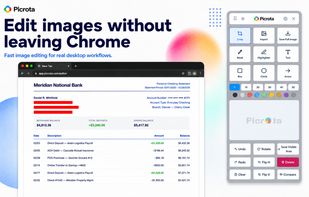
 IrfanViewand

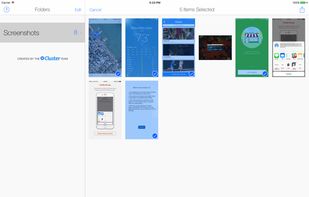
Screenshotter makes it incredibly simple to organize and manage the screenshots you take with your iPhone. It automatically identifies screenshots and makes it easy to organize them into folders.
United States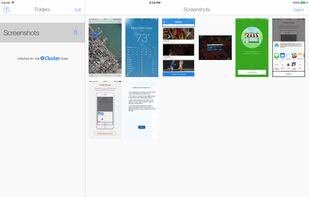



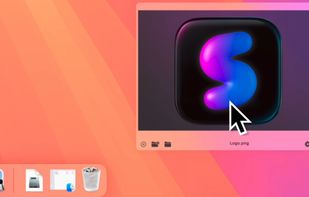
macOS screenshot tool with floating thumbnails, instant actions like rename, copy, extract text, scrolling capture, local background removal, customization and privacy.

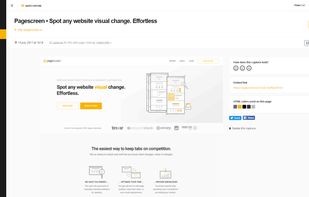
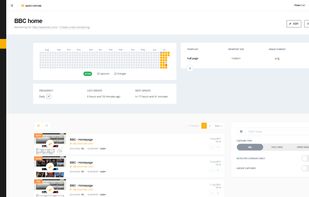
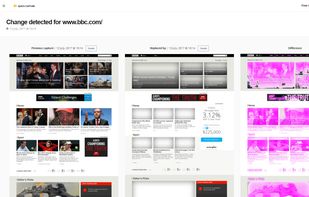
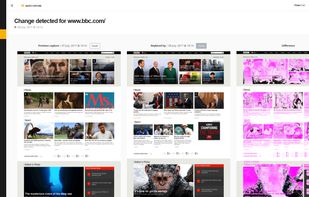
Take screenshots of web pages, automate daily captures and receive alerts upon visual change detection. Pagescreen is an online & API complete solution for screenshot automation and web page monitoring.

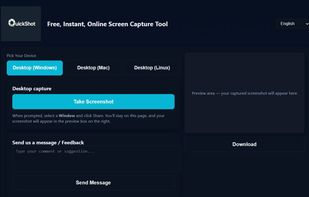
QuickShot is a free, browser-based screen capture tool designed for simplicity and speed. Unlike traditional screenshot methods that require multiple steps or installing heavy software, QuickShot allows you to capture your screen instantly with just one click.

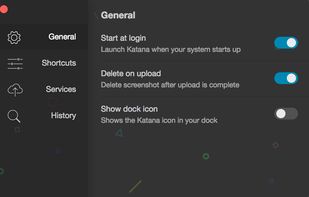
Katana is a simple, open-source screenshot utility for macOS that lives in your menubar.


Put website thumbnails and favicons on your site. Free branded (up to 480x360), free unbranded, paid versions. Fast servers and lots of impressions.


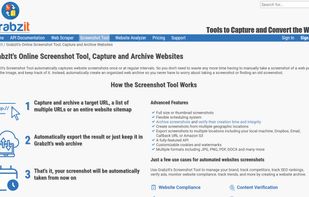
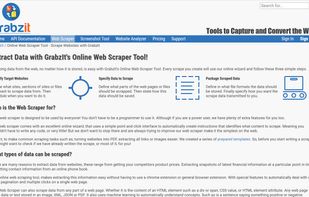
A reliable free service that includes an API and online tool to screenshot websites, as well as a Web Scraper to scrape data directly from the web.
 United Kingdom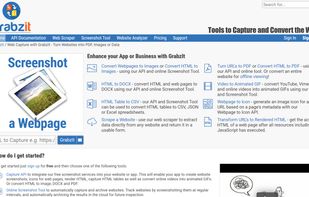

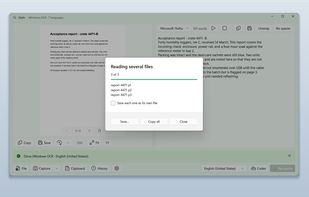
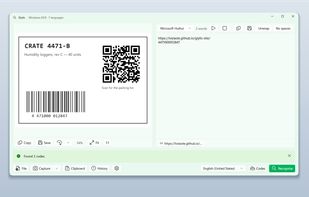
Glyfo turns pictures of words back into words. Drag a box around part of the screen with Alt+Z, open an image or a PDF with Ctrl+O, paste from the clipboard, or send a file over from Explorer, Photos or Snipping Tool.
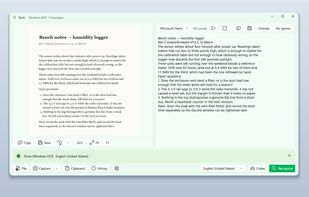
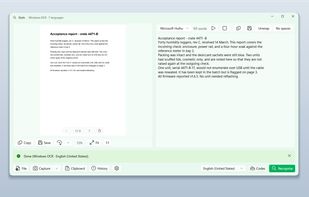
 Greenshot
TimeLens is an intelligent time management tool combining AI-powered analysis with a Pomodoro timer and screen activity tracking. It helps users optimize work patterns, boost productivity, and protect privacy. Available for macOS, completely free.
United States


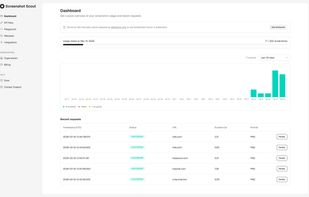
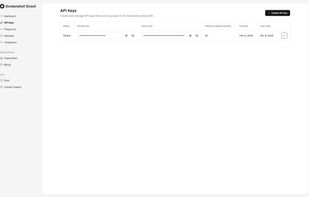
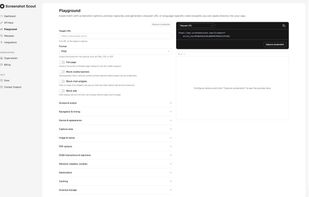
Screenshot Scout is a screenshot API for developers that delivers clean, production-ready screenshots of any URL with a single HTTP request.




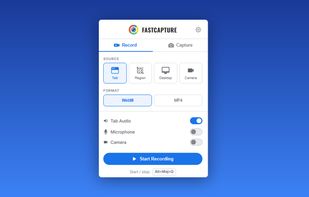
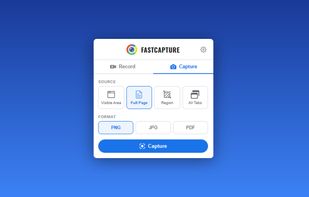
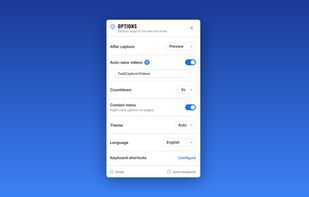
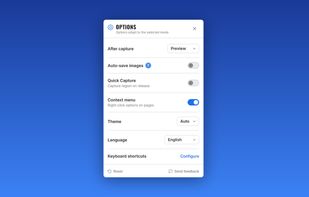
Record your screen, capture screenshots, annotate, and share them instantly. FastCapture is a lightweight, all-in-one Chrome extension for video recording, image capture, and annotation - no upload to external servers. Everything is processed locally in your browser.
United States