Free image hosting platform with editing tools, no signup required, supports JPEG, GIF, PNG, BMP, PDF, and animated uploads up to 200MB, 60-second video limit, GIFV conversion, and social sharing for memes and viral content.
 United States
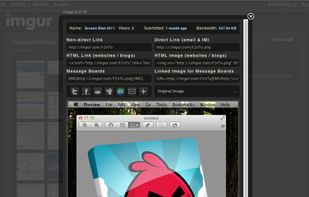

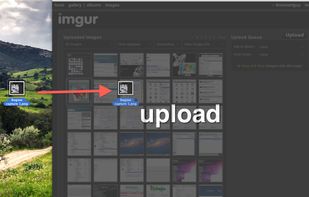

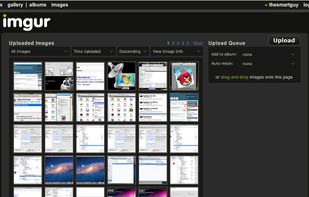


Apps similar to SMBImg include Imgur, which has a free version. Other options are Gradia, Lightshot, MakeShot Pro and Screenshot.rocks. You can choose from more than 10 Screenshot Capture Tools like SMBImg for the web, Mac, Windows, Linux and iPhone.
Free image hosting platform with editing tools, no signup required, supports JPEG, GIF, PNG, BMP, PDF, and animated uploads up to 200MB, 60-second video limit, GIFV conversion, and social sharing for memes and viral content.
United States
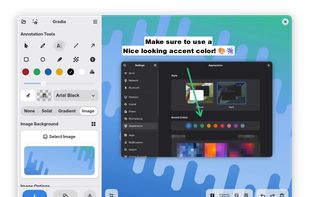
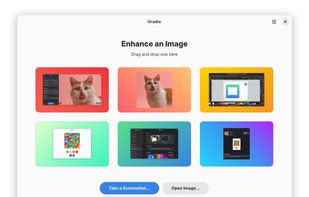
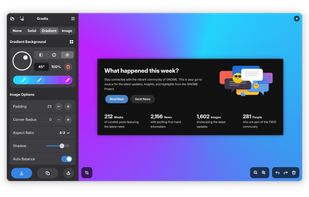
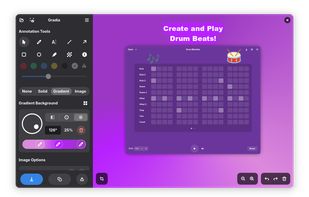
Make your screenshots ready for the world. Gradia allows you to quickly modify screenshots of application windows to put them better in context.
 Belgium
 EU

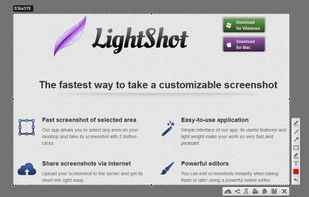
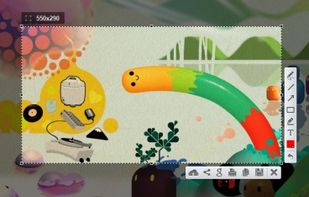
Captures selectable screen regions for Windows and Mac, offers instant uploading, quick editing, and sharing through short URLs, supports saving locally, annotating, clipboard copying, browser add-ons, upload history access, and operates without heavy system use.
 Russia
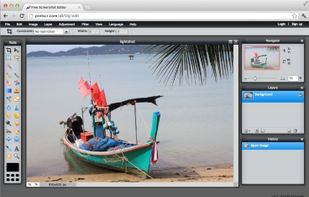
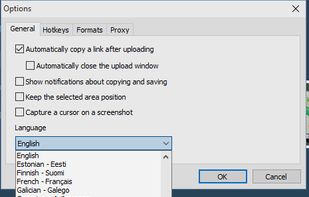


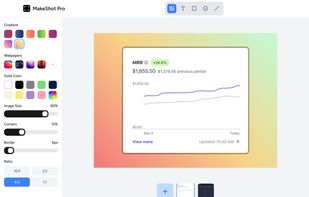
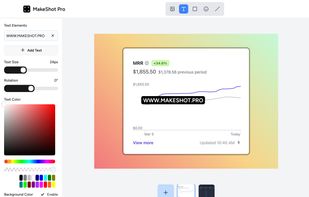
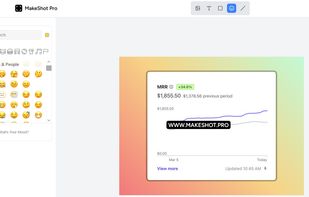
Instantly edit screenshots online with MakeShot Pro. Upload your screenshot. Add a background, text, rounded corners, or emojis. Download or share on social media. Simple, fast, and free!.


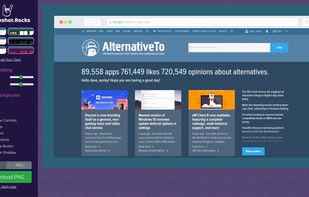
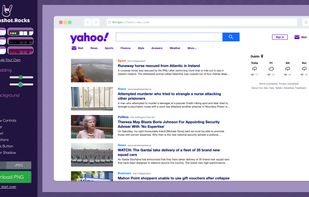
Web-based tool for turning any web page capture into a customizable screenshot mockup with browser or mobile frames, diverse styles, colors, and backgrounds, exportable as PNG, JPG, or SVG, minimal permissions, open source, ad-free, and suited for branding needs.
 IrelandEU


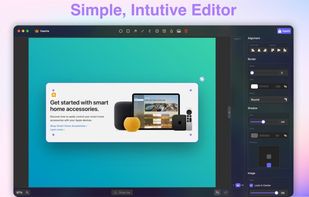
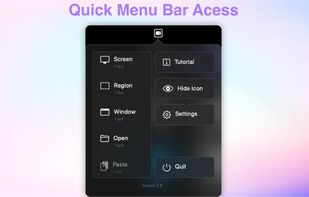
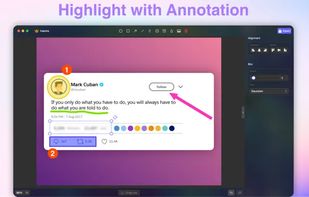
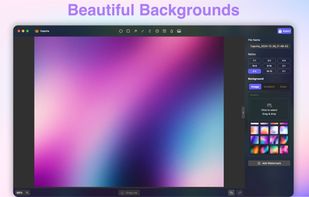


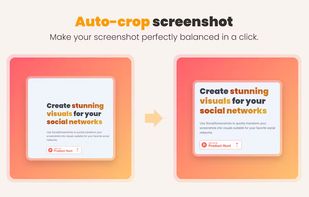
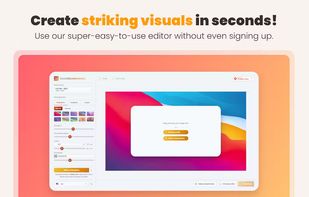
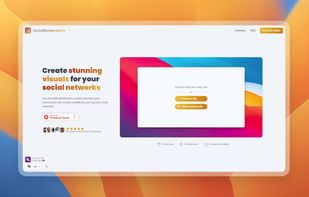
Use SocialScreenshots to quickly transform your screenshots into visuals suitable for your favorite social networks.
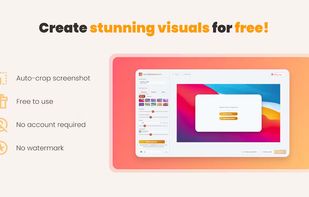


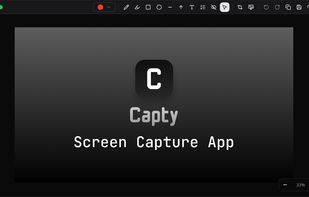
Capture your screen, windows, or regions on macOS, record with audio, edit screenshots and videos using built-in tools like shapes, blur, and redaction, export in various formats with multiple quality presets, enjoy ad-free usage, offline access, and no registration.
 GermanyEU
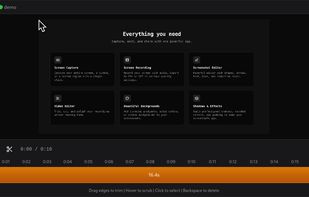


Screencut is useful app for iPhone for creating amazing image for a viral posts. Easily create screenshots in a powerful editor that supports photos and videos, adding notes, overlaying text and GIF animations, and flexible settings for shadows and fillets.
 Peru
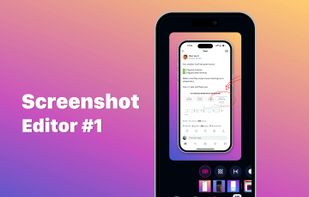
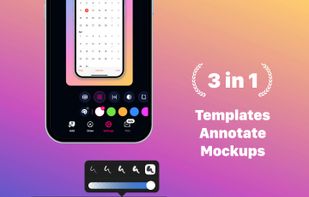
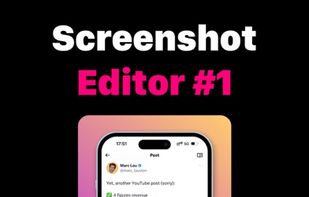


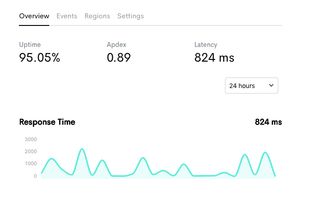
Want to share what you've worked on with friends or co-workers but think a plain screenshot is a bit bland? Screely instantly turns your screenshot into a beautiful image you can share.
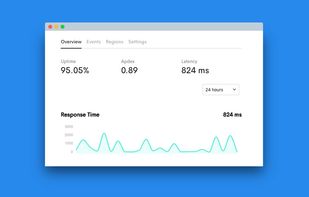


Create images and designs for web or social platforms by capturing and customizing screenshots, coding snippets, or device mockups with templates, Chrome and VSCode extensions, branding tools, and export options for high-quality graphic output.
United States