
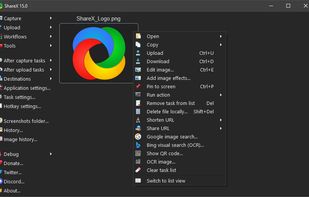
Open-source screen capture and file sharing tool with recording, editing, and annotation features. Supports 4K, dark mode, theming, offline use, and offers a lightweight, ad-free experience without tracking user data.
 United States



+9




Apps similar to Katana - screenshot utility for macOS include ShareX, which is free and open source. Other options are Greenshot, Flameshot, Snipping Tool and Snagit. You can choose from more than 10 Screenshot Capture Tools like Katana - screenshot utility for macOS for Windows, Mac, Linux and the web.
Open-source screen capture and file sharing tool with recording, editing, and annotation features. Supports 4K, dark mode, theming, offline use, and offers a lightweight, ad-free experience without tracking user data.
United States
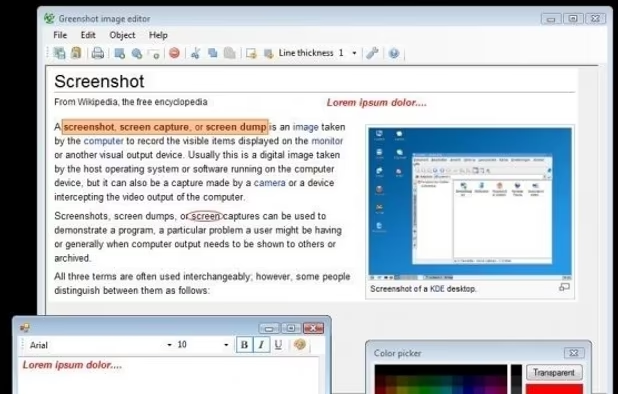
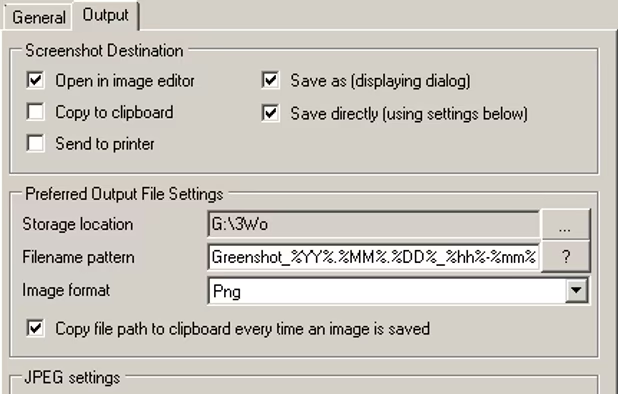
Lightweight screenshot tool offering OCR, exports to Office apps and online storage, integration with external commands, supporting 32 languages and minimal space requirement.
 Germany
 EU

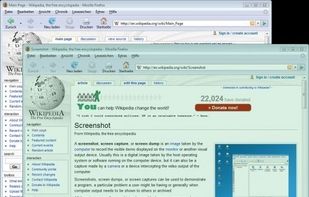
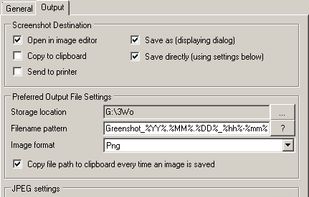
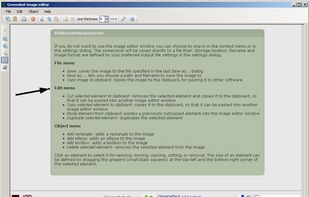


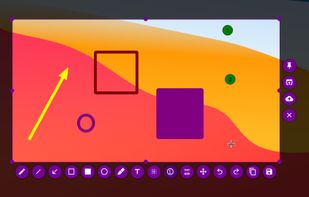
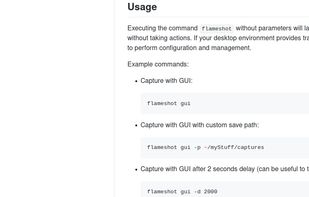
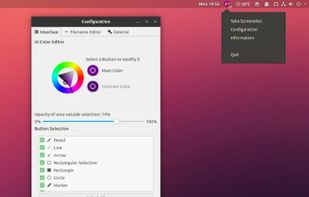
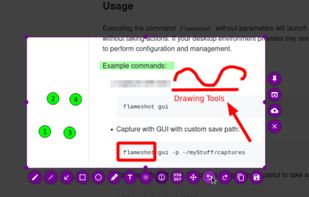
Flameshot is a free, open-source screenshot tool that is cross-platform compatible, offering customization, editing features, CLI scripting, and direct Imgur uploads for seamless sharing. It provides an intuitive user experience through features like area selection, annotations, and saving options.


Snipping Tool is a screen capture utility that allows users to take screenshots of specific objects or full screens, annotate them, and save or share the captured images or videos.
United States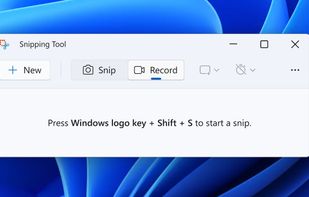
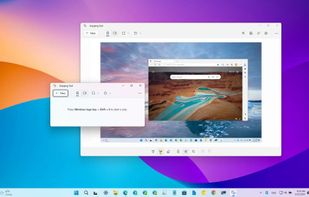
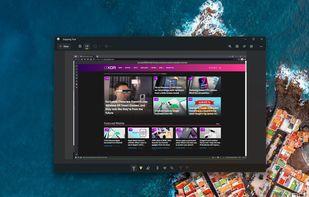
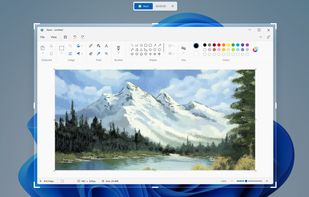


Advanced screen capture and recording tool enabling image or video captures directly from your screen. Includes editing features like callouts, transparency, and effects to enhance visuals. Organize and easily share creations through documents, presentations, or favorite applications.
United States
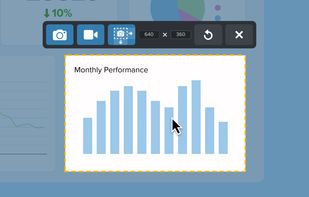
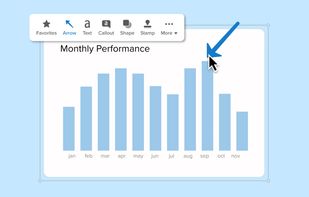


Spectacle is a simple application for capturing desktop screenshots. It can capture images of the entire desktop, a single monitor, the currently active window, the window currently under the mouse, or a rectangular region of the screen.
GermanyEU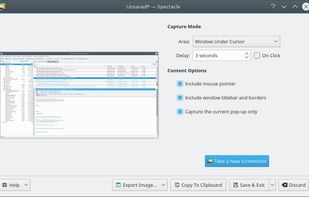


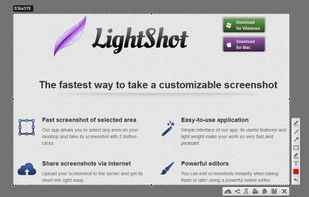
Captures selectable screen regions for Windows and Mac, offers instant uploading, quick editing, and sharing through short URLs, supports saving locally, annotating, clipboard copying, browser add-ons, upload history access, and operates without heavy system use.
 Russia
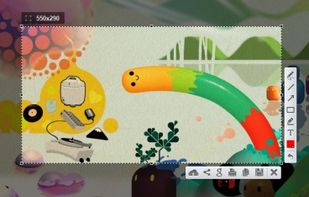
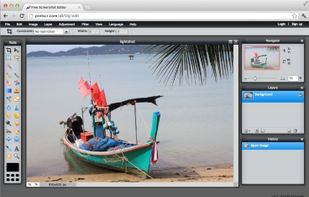
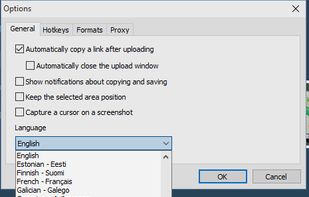


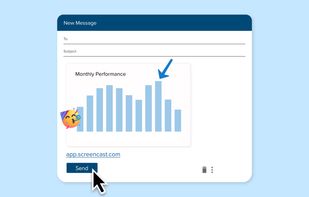
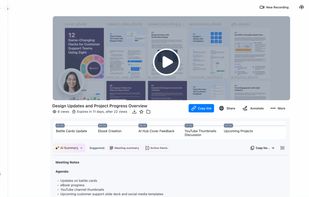
Enables screen and webcam capture, detailed video and screenshot editing, organized meeting notes, AI-powered transcription, and cloud-based instant sharing of annotated visual content via direct links or drag-and-drop integration with communication apps on Windows and Mac.
United States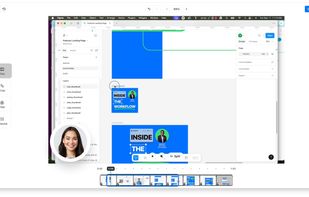
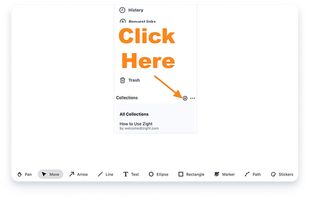


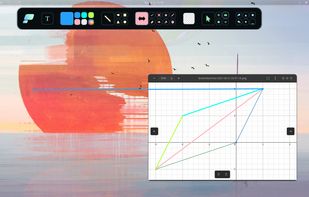
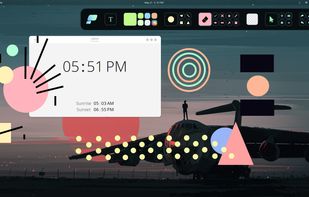
Pensela is an screen annotation tool that can also take screenshots available cross-platform.


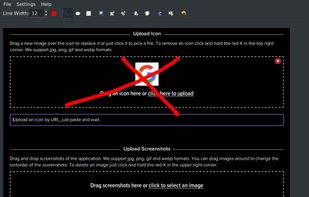
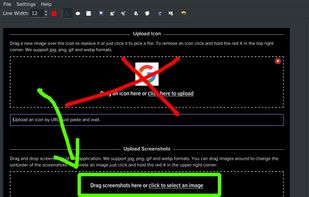


A macOS app for capturing, annotating and sharing screenshots. Quickly add comments, highlight what matters or blur any sensitive content. Upload screenshots to Google Drive or Dropbox. Copy screenshots to the clipboard and paste them directly into Slack, Skype, Jira, Trello and...


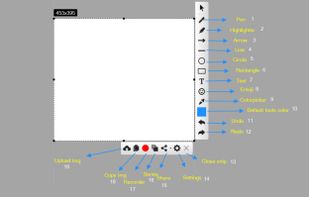
With Free Snipping Tool, not just you create snips, you can save your snips on major backup services like Imgur, Google Drive and Dropbox. Not just this you can also upload them via FTP or simple WebRequest.