Apps tagged with 'Text Expansion' Page 4 of 5

All apps in Apps tagged with 'Text Expansion' category. Use the filters below to narrow down your search. 
Copy a direct link to this comment to your clipboard
  1. At OneTap, our mission is to reinvent how we share content and utilize the keyboard on our iOS devices. OneTap Keyboard elevates your iOS experience with innovative OneTap Keyboard Shortcuts, transforming how you interact with your device.

    Cost / License

    • Freemium (Subscription)
    • Proprietary

    Application type

    Since

    • Since 2024 (updated Jan 2026)

    Platforms

    • Mac
    • iPhone
    • iPad
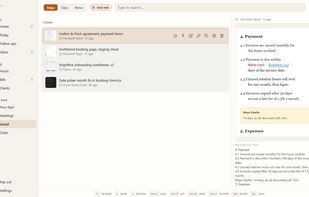
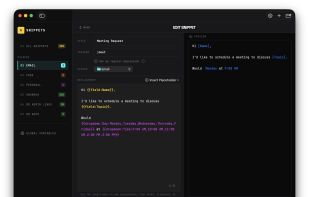
    Copy & Paste Clipboard: OneTap screenshot 1
    Copy & Paste Clipboard: OneTap screenshot 2
    +15
    Copy & Paste Clipboard: OneTap screenshot 3
    17 alternatives
  2. Text Zen icon
     Like

    Text Zen - Text Expander will increase your productivity. Frustrated by repetitive replies and endless form-filling? Start saving your time and streamline repetitive responses with text expander snippets and shortcuts!

    Cost / License

    • Freemium (Pay once or Subscription)
    • Proprietary

    Application type

    Since

    • Since 2025

    Platforms

    • Google Chrome
    • GB flagUnited Kingdom
    Text Zen - Text Expander Thumbnail
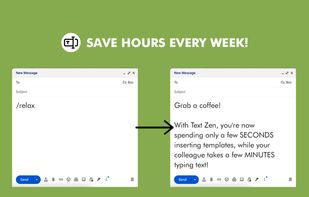
    Text Zen - Text Expander Demo
    4 alternatives
  3. Free text expander for Firefox that lets you create custom shortcuts that expand into full text snippets instantly on any website.

    Cost / License

    • Free
    • Proprietary

    Application type

    Since

    • Since 2025

    Platforms

    • Mozilla Firefox
    3 alternatives
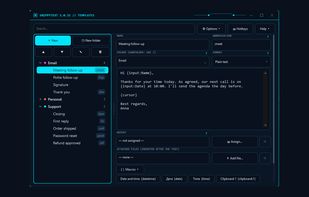
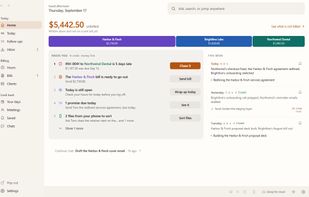
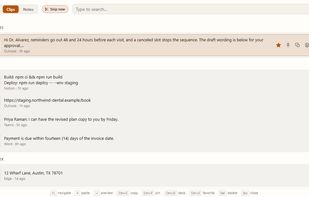
  4. KeptInFlow is a Windows 10 and 11 app that stops you retyping what is already on your screen. It works where your cursor already is, in every app: Outlook, Word, Slack, your browser, your code editor.
    Cost / License

    • Freemium (Pay once)
    • Proprietary

    Application type

    Since

    • New

    Platforms

    • Windows
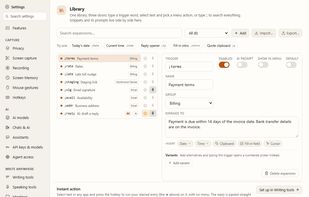
    KeptInFlow screenshot 1
    KeptInFlow screenshot 2
    KeptInFlow screenshot 3
    +1
    KeptInFlow screenshot 4
    14 alternatives
  5. SnippyText is a text expander and quick text paste tool for Windows. It saves the phrases you type every day, such as email replies, signatures, addresses and support answers, and inserts them anywhere in a second.

    Cost / License

    • Pay once
    • Proprietary

    Application type

    Since

    • New

    Platforms

    • Windows
    • UA flagUkraine
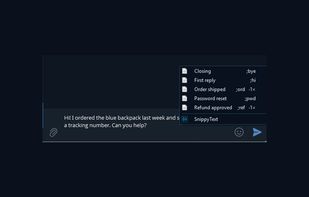
    SnippyText screenshot 1
    SnippyText screenshot 2
    SnippyText screenshot 3
    SnippyText screenshot 4
    7 alternatives
  6. Klackey icon
     Like

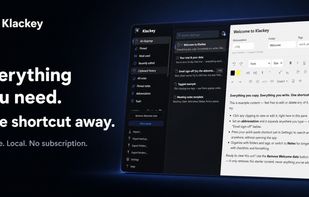
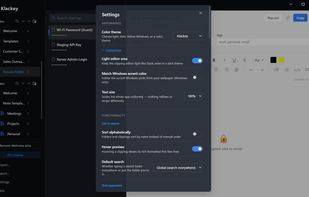
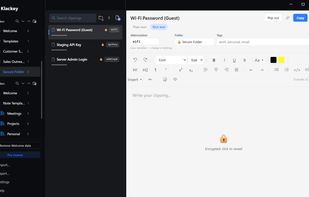
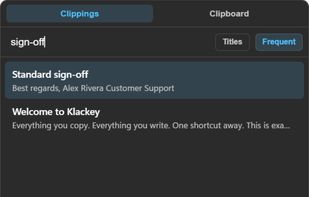
    Local-first clipboard manager with dynamic snippets, text expansion, templates, secure folders, and searchable notes for Windows and macOS.

    Cost / License

    • Pay once
    • Proprietary

    Application type

    Since

    • Since 2026

    Platforms

    • Windows
    • Mac
    • US flagUnited States
    Klackey screenshot 1
    Customize Klackey to workaround your workflow
    Secure folder, copy and expand text with never exposing it
    +3
    Global search - accessed using Keyboard strokes to find Clipping or Clipboard history to to paste into almost any app
    41 alternatives
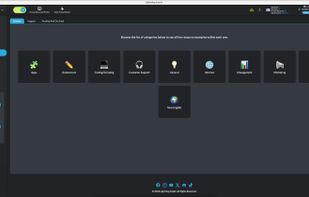
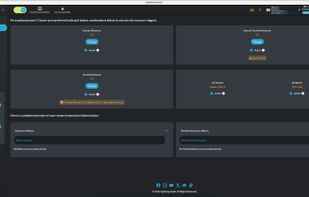
  7. Lightning Assist is a native text expander for Windows, macOS and Linux, with push-to-talk voice typing and AI commands built in. Type a short abbreviation and it expands into the full text in the apps you use: email, chat, browsers, IDEs and terminals.

    Cost / License

    • Freemium (Subscription)
    • Proprietary

    Application type

    Since

    • Since 2026

    Platforms

    • Windows
    • Mac
    • Linux
    • RO flagRomania
    • European Union flagEU
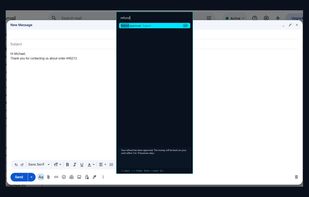
    Lightning Assist screenshot 1
    Lightning Assist screenshot 2
    13 alternatives
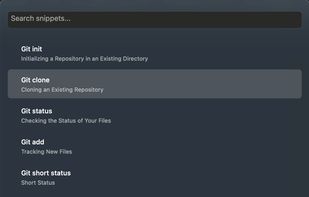
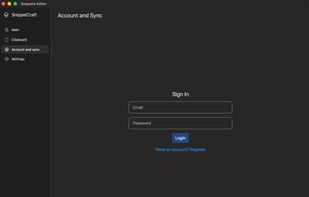
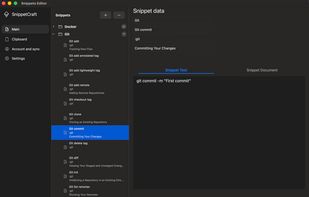
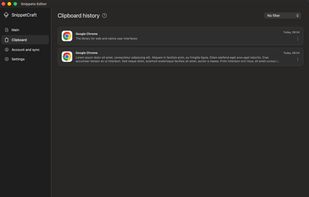
  8. SnippetCraft is a macOS app that combines clipboard history and text expansion in one lightweight tool. Stop retyping the same emails, replies, and code snippets — save them once and expand them instantly anywhere on your Mac.
    Cost / License

    • Free
    • Proprietary

    Application type

    Since

    • Since 2026

    Platforms

    • Mac
    SnippetCraft screenshot 1
    SnippetCraft screenshot 2
    SnippetCraft screenshot 3
    SnippetCraft screenshot 4
    9 alternatives
  9. Wordboard icon
     Like

    Hate typing the same thing over and over, one key at a time? Personalize and pre-program your keyboard with WordBoard – your personal custom keyboard for phrases and responses.


    Cost / License

    • Freemium (Pay once)
    • Proprietary

    Application type

    Since

    • Since 2023 (updated Mar 2026)

    Platforms

    • iPhone
    • iPad
    Wordboard screenshot 1
    Wordboard screenshot 2
    +3
    Wordboard screenshot 3
    50 alternatives
  10. AHK_X11 icon
     1 like

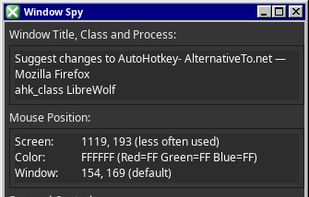
    AHK_X11 is a Linux reimplementation of Windows AutoHotkey (AHK) CLASSIC (version 1.0.24 from 2004), with many of Windows AutoHotkey's features but more limited to legacy syntax and a subset of commands.

    Cost / License

    Application type

    Since

    • Since 2022 (updated Jan 2026)

    GitHub

    • GitHub stars: 1k

    Platforms

    • Linux
    Installer
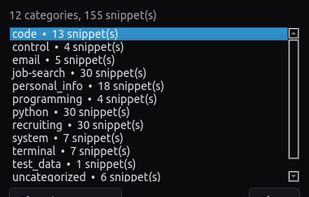
    Window Spy
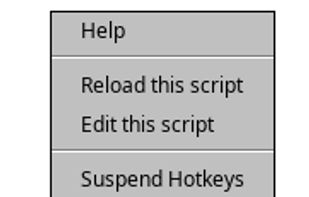
    Tray menu
    10 alternatives
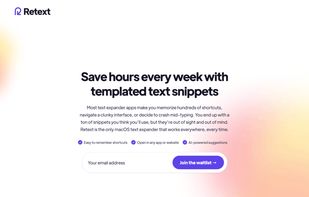
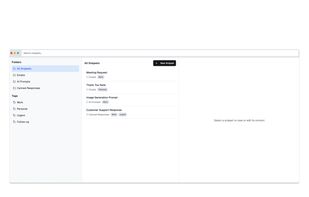
  11. Retext is a macOS app to use text snippets across any app or browser. Most text expander apps make you memorize hundreds of shortcuts, navigate a clunky interface, or decide to crash mid-typing. You end up with a ton of snippets you think you’ll use, but they’re out of sight and...
    Cost / License

    • Subscription
    • Proprietary

    Application type

    Since

    • Since 2024

    Platforms

    • Mac
    Retext  Thumbnail
    Retext  Demo
    5 alternatives
  12. Promptbar icon
     Like

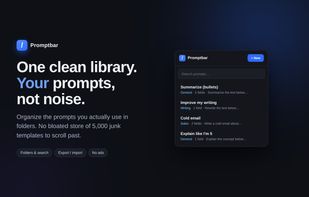
    Promptbar is a browser extension that stores your own prompts and drops them into any text box with a keystroke. Type a short trigger, pick a saved prompt, and it lands in ChatGPT, Claude, Gemini, or any other site with a text field.

    Cost / License

    • Free
    • Proprietary

    Since

    • Since 2026

    Platforms

    • Google Chrome
    • Microsoft Edge
    • Opera
    • Brave
    • Vivaldi
    • SG flagSingapore
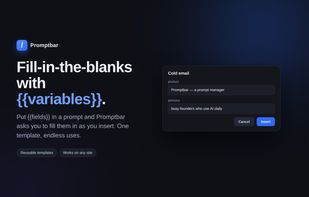
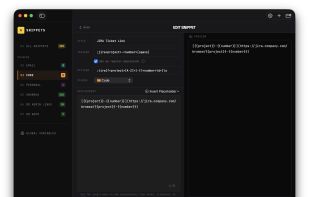
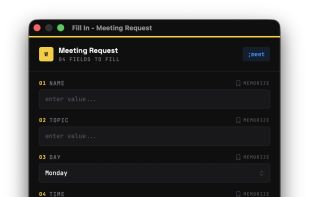
    Prompts can hold {{variables}} you fill in at the moment you insert them, so one saved prompt covers many uses.
    Your saved prompts, available in any text box on any site — not just the AI ones.
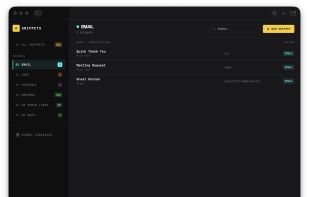
    Your own library, organised in folders — not a store of thousands of templates written by strangers.
    12 alternatives
  13. Wordy icon
     1 like

    Text expander for macOS — type short abbreviations that instantly expand into full text snippets, templates, and dynamic content. Native menu bar app with AI snippet generation, regex triggers, fill-in forms, and iCloud sync.

    Cost / License

    • Pay once
    • Proprietary

    Application type

    Since

    • Since 2026

    Platforms

    • Mac
    • GB flagUnited Kingdom
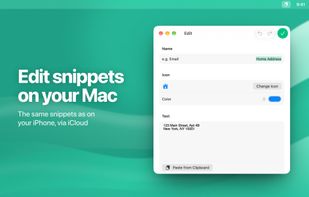
    Snippets Manager
    Regex snippet
    Fill In Form
    +1
    Snippet editor
    7 alternatives
  14. Cutling icon
     Like

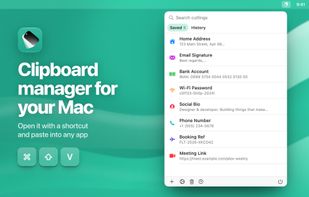
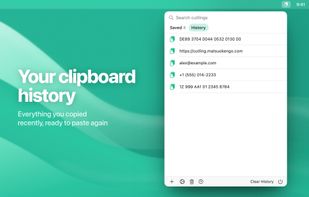
    Cutling keeps the text you type again and again in one place, so you can paste it into any app without hunting through your notes. Save your address, account numbers, email signature and canned replies, then tap them from the keyboard on iPhone and iPad or pick them from the...
    Cost / License

    Application type

    Since

    • New

    GitHub

    • GitHub stars: 3

    Platforms

    • Mac
    • iPhone
    • iPad
    Cutling screenshot 1
    Cutling screenshot 2
    Cutling screenshot 3
    +1
    Cutling screenshot 4
    84 alternatives
  15. FillKit icon
     Like

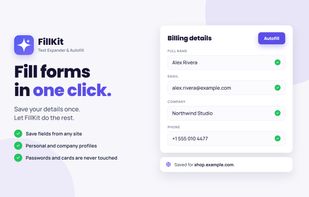
    FillKit is a Chrome extension that combines a text expander and a form autofill, both managed from Chrome's side panel next to the page.

    Cost / License

    • Freemium (Subscription)
    • Proprietary

    Application type

    Since

    • New

    Platforms

    • Google Chrome
    • IT flagItaly
    • European Union flagEU
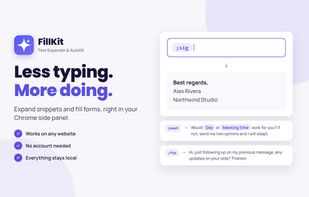
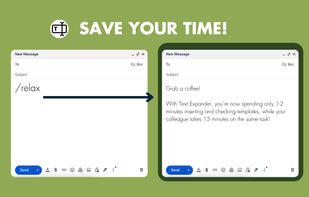
    Typing the shortcut ;sig expands into a full email signature in any text field.
    Autofill fills a saved set of form fields for a site in one click; password and card fields are skipped.
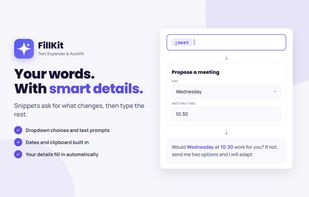
    A snippet with interactive fields: pick a day, type a time, and the rest of the message is written.
    +1
    The snippet library in Chrome's side panel, with folders, search and drag and drop.
    7 alternatives
  16. ClipFlow icon
     Like

    ClipFlow is a Windows clipboard text manager that stores snippets as plain text files. Save the clipboard with Ctrl+Alt+S, load a file into the clipboard with Ctrl+Alt+L — template fields like $$Customer$$ are expanded on load.

    Cost / License

    • Freemium (Pay once)
    • Open Source (GPL-3.0)

    Application type

    Since

    • New

    GitHub

    • GitHub stars: 1

    Platforms

    • Windows
    4 alternatives
  17.  Like

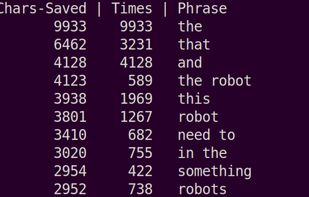
    This is a tool for automatically creating typing shortcuts from a corpus of your own writing!
    Cost / License

    • Free
    • Open Source

    Application type

    Since

    • Since 2023 (updated Sep 2023)

    GitHub

    • GitHub stars: 1.4k

    Platforms

    • Linux
    • AutoHotkey
    Compress screenshot 1
    41 alternatives
  18. TextExp icon
     Like

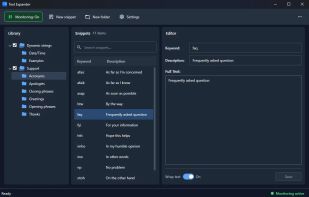
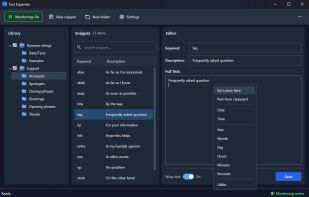
    Text expander for Windows. Automatically replaces specified abbreviations with full phrases with the possibility to insert dates and time in the necessary format, move the cursor and perform other functions allowing you to increase your performance.
    Cost / License

    • Pay once
    • Proprietary

    Application type

    Since

    • Since 2022

    Platforms

    • Windows
    TextExp - Main window
    TextExp - Variables
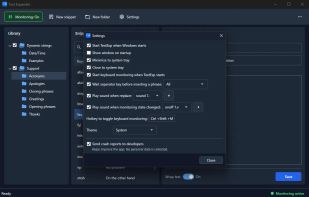
    TextExp - Settings
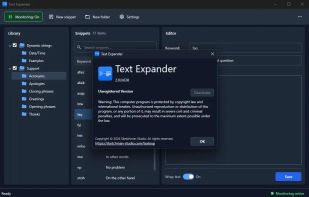
    TextExp - About
    15 alternatives
  19. Typefill icon
     Like

    Typefill is a text expander for the browser. You save a piece of text as a snippet, give it a short code such as /thanks, and typing that code in any text box replaces it with the full text.

    Cost / License

    • Freemium (Pay once)
    • Open Source (GPL-3.0)

    Application type

    Since

    • New

    Platforms

    • Google Chrome
    • Mozilla Firefox
    • GB flagUnited Kingdom
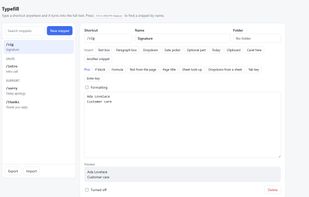
    Typefill screenshot 1
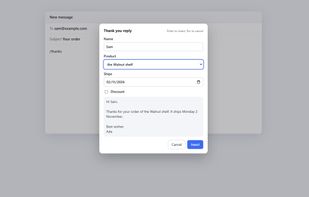
    Typefill screenshot 2
    Typefill screenshot 3
    4 alternatives
  20. Type4 icon
     Like

    Type4 is a free text expander and snippet extension designed to streamline your workflow and reduce repetitive typing—perfect for modern professionals looking to boost productivity.

    Cost / License

    • Freemium (Subscription)
    • Proprietary

    Application type

    Since

    • Since 2025

    Platforms

    • Google Chrome
    • US flagUnited States
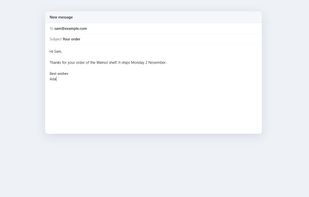
    Work Smart
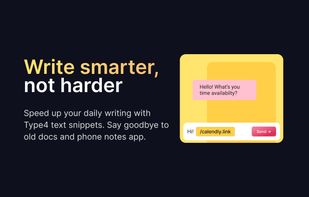
    What it does?
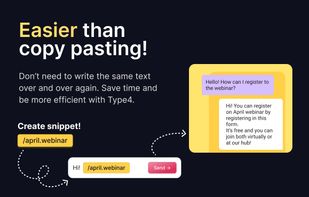
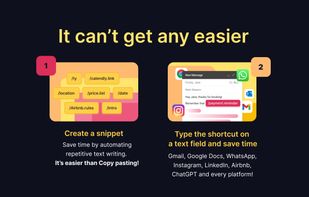
    How to use it?
    19 alternatives