

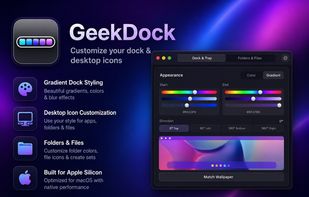
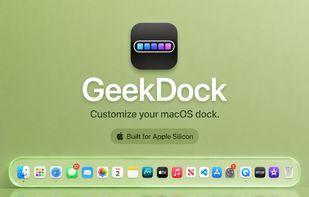
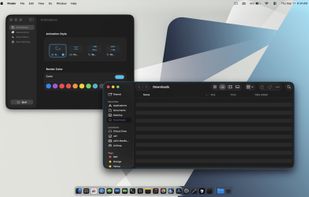
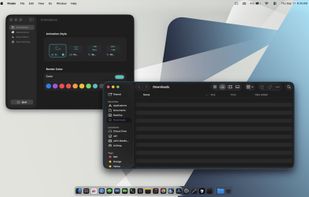
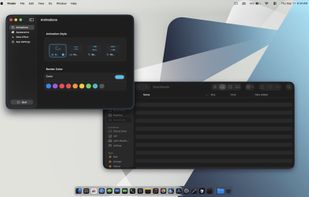
GeekDock is a simple macOS app for styling your Dock, menu bar, folders, files, and desktop icons with colors, gradients, and clean icon themes.
 United States




Best alternatives are 

10 alternatives


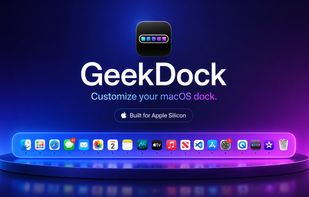
GeekDock is a simple macOS app for styling your Dock, menu bar, folders, files, and desktop icons with colors, gradients, and clean icon themes.
United States
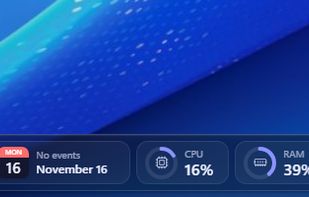
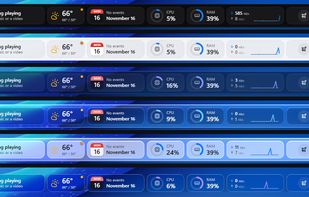
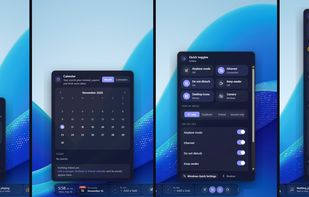
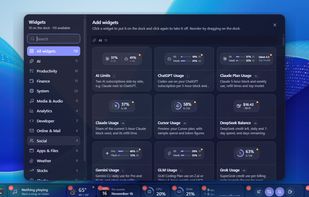
GlintBar replaces the Windows taskbar with a dock. It holds pinned and running apps with window previews, a Start button and tray icons, together with 110 widgets for media playback, weather, calendar, CPU, memory, network speed, clocks, timers, to-dos and online accounts.
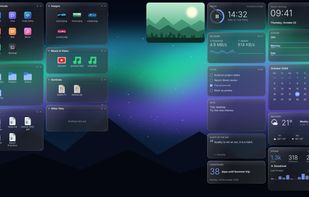
A lightweight, glass-style desktop organizer for Windows 10 and 11 and linux (beta). Auto-sorting fences, drag & drop, and simple widgets in one small, native app.
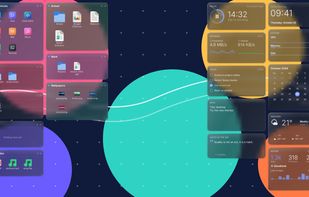
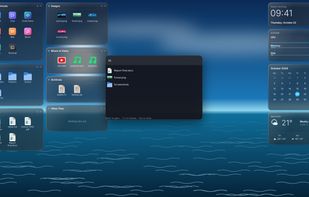
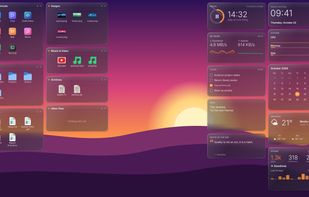


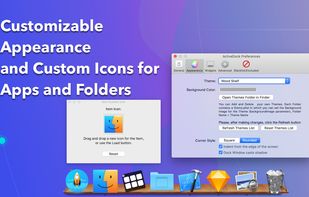
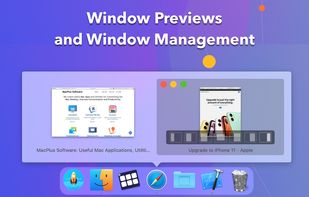
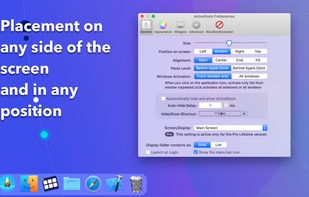
ActiveDock 2 is a customizable alternative to the standard macOS Dock, offering advanced features for app launching, window management, appearance customization, and more. It fully replaces the classic Apple Dock and Launchpad while preserving their familiar look and behavior...
 Ukraine


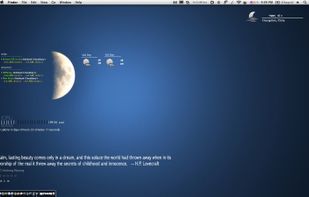
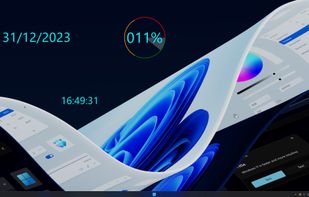
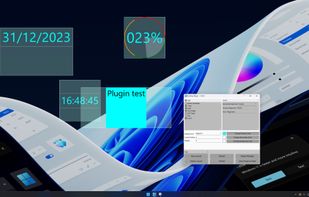
GeekTool is an application for Mac OS 10.6+. It lets you display various kinds of information on your desktop via 3 default plug-ins:
 France
 EU
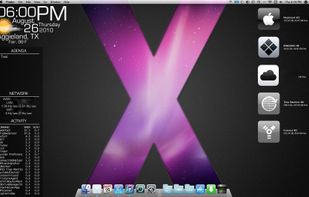
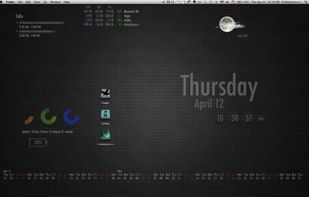
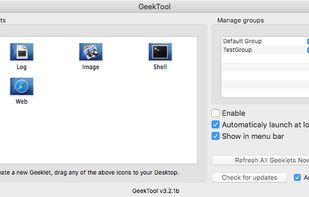

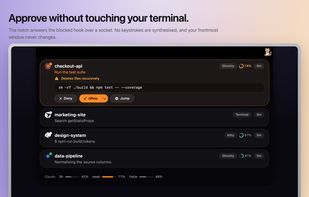
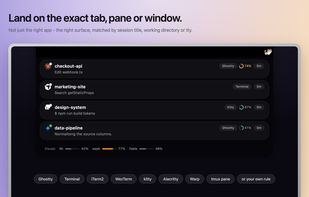
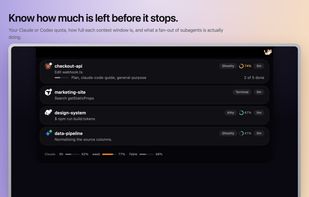
A macOS app that turns the MacBook notch into a live control panel for AI coding agents, so you can approve, deny or answer them without leaving the app you are working in.
 Canada
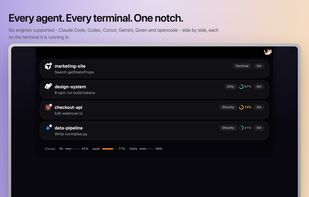

Free, open-source desktop organizer for Windows 11 and 10 with glass fences, automatic sorting rules, live folders, tabs and quick search.
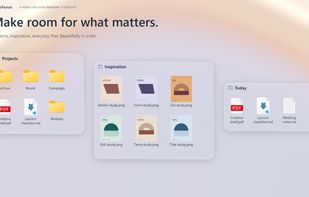


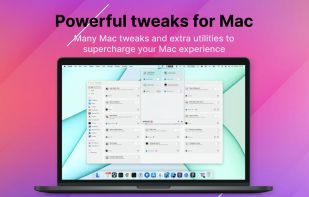
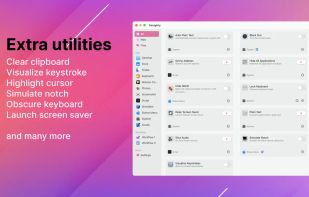
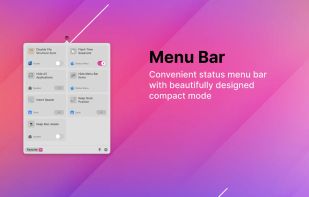
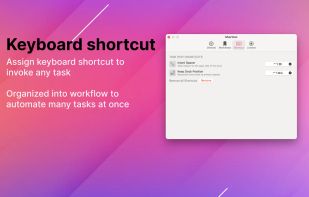
Almighty is a convenient and easy to use macOS menu bar application that exposes powerful configurations for your Mac.
 Vietnam


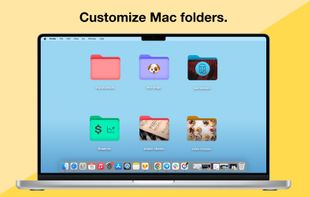
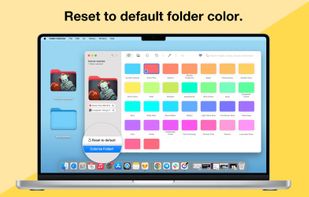
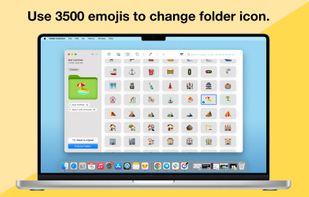
Introducing Folder Colorizer PRO, your ultimate solution to customize your Mac folders like never before!
United States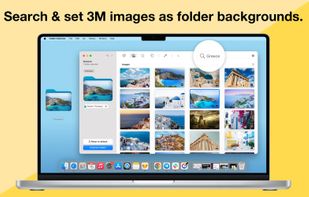


Focus Window Highlighter helps you stay productive by visually highlighting your currently active window. In today's multi-window, multi-monitor work environments, it's easy to lose track of which window is in focus.
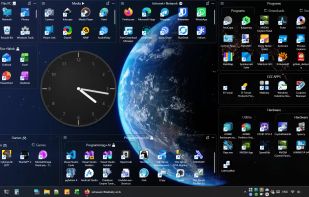
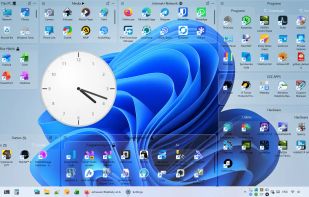
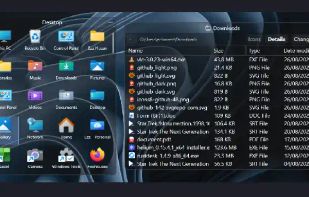
Maktaby groups your shortcuts, folders and files into resizable, snap-able boxes that float above the Windows desktop instead of being buried in it — then adds the two things a plain desktop organizer never has: widgets you write yourself and live wallpapers.
 Egypt

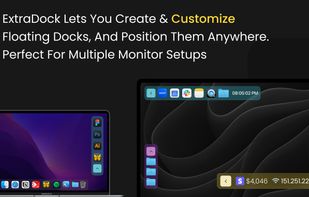
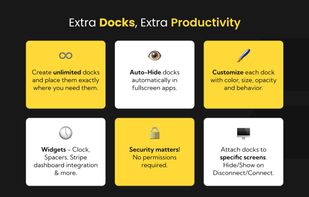
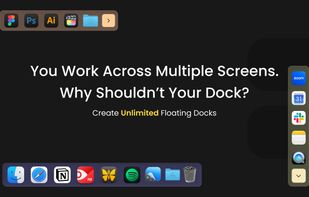
ExtraDock is a powerful macOS productivity app that lets you create unlimited custom floating docks and place them anywhere on your screen, transforming how you organize your workspace — especially on multi-monitor setups.


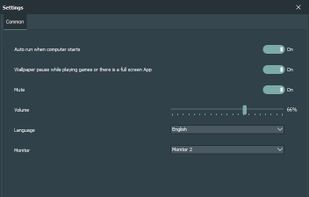
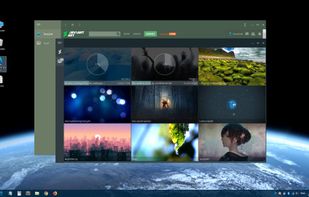
RainWallpaper is a powerful live wallpaper engine that allows you to use various types of customizable animated wallpapers on your Windows desktop.
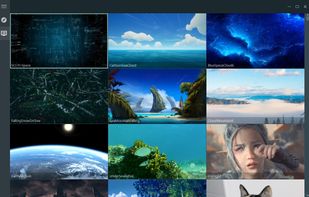

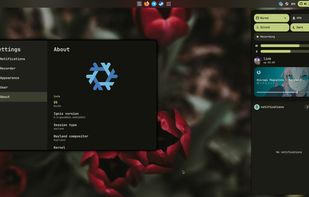
A widget framework for building desktop shells, written and configurable in Python

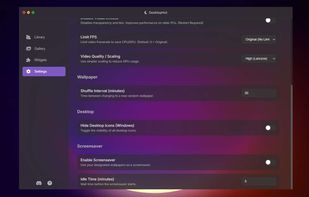
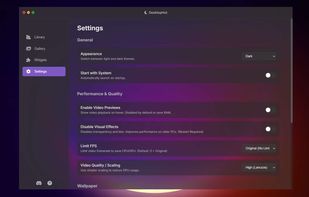
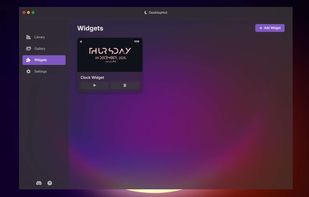
DesktopHut v10.0.1 is a Windows live wallpaper application packed with features for smooth, customizable desktop backgrounds:



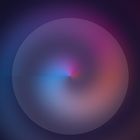
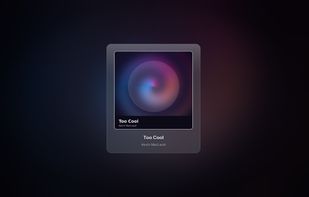
Turns your actual desktop wallpaper into a frosted-glass Now Playing tile for Spotify, redrawn in real time behind your icons (even on the screensaver). Not a window. No tracking or data collection.

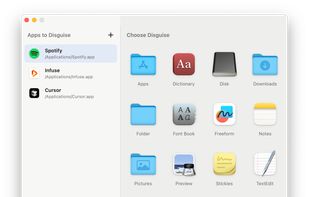
Professional macOS app icon changer. Instantly disguise personal apps like Spotify, games, and social media behind professional icons. Perfect for remote work, meetings, and screen sharing privacy.



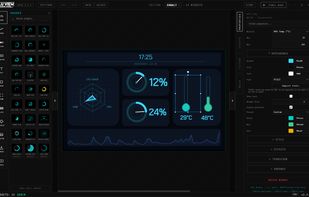
Free Windows and Linux dashboard editor for live CPU, GPU, RAM, storage, network and FPS data, with customizable widgets, profiles and fullscreen panels.
 Australia
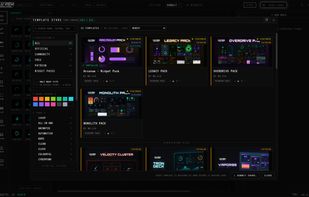
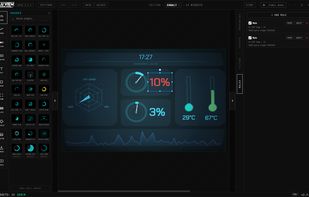
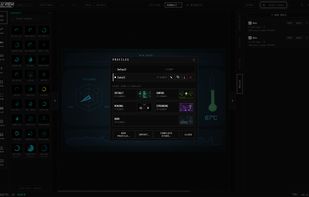


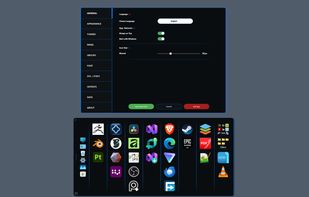
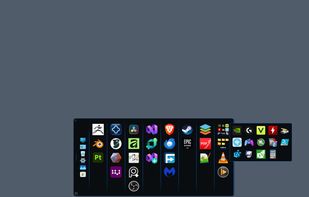
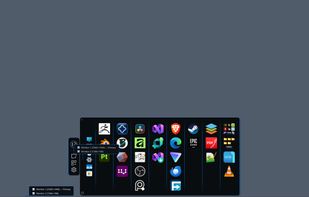
Clean up your desktop. Launch apps, games, and folders instantly from a hidden panel that appears when you need it.
 Lebanon
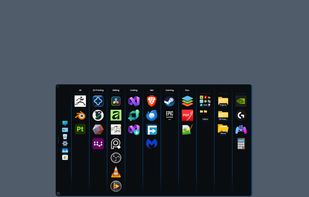
 Flow Launcherand

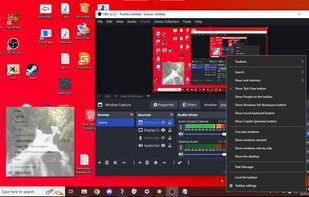
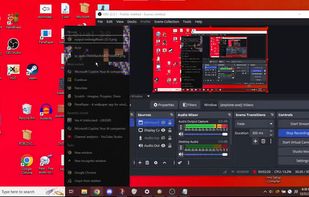
set an app's window (or any mp4 video) as the wallpaper of nearly all the windows 10 ui surfaces, including lockscreen.
United States

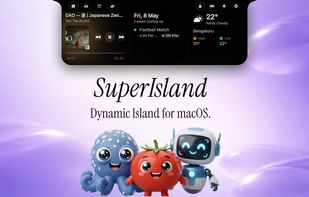
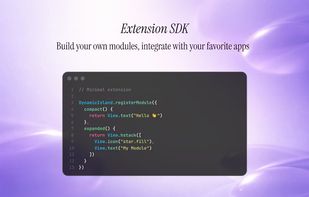
Transforms the MacBook notch with live music, battery, calendar, notification, weather, and file drop activities, customizable modules, and developer SDK support.
 India


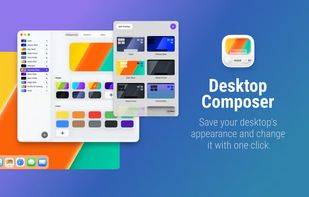
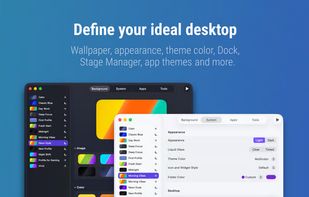
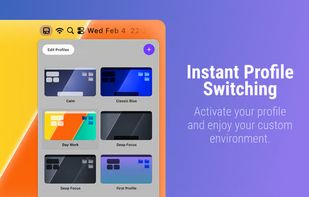
Do you want a minimalist setup for deep work and a vibrant vibe for creative sessions? Why manually toggle system settings and app themes every time? Desktop Composer combines your entire macOS aesthetic into one-click profiles, finally allowing your environment to keep up with...
 PolandEU


It lets you customize almost any part of Windows according to your taste. Like if you want the start button to look different, you can use CustomizerGod to change it from the Windows logo to something fun like a candy or a minion's face.