Cost / License
- Free
- Proprietary
Application type
Platforms
- Mac

Best alternatives are 

30 alternatives


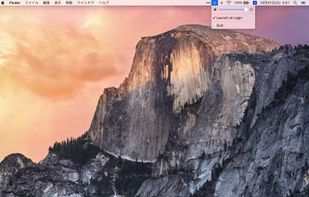
Shady puts a shade over your screen to help soothe your tired or dazzled eyes. You can use it to reduce your Mac's brightness far below the usual minimum, without any risk of damage to your screen.
 United Kingdom

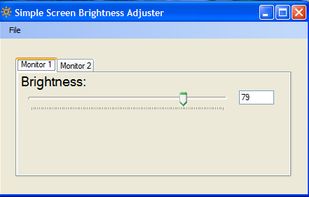
Simple Screen Brightness is a small portable application written in C# that allows you to adjust the brightness for all of your connected monitors using a slider without having to use their difficult-to-use built-in menu systems.


This app maximizes brightness and keeps the screen on while in use (on top of the lock screen).
This application allows for color calibration, screen rotating, screen partitioning, etc. with HP and non-HP displays.
 United States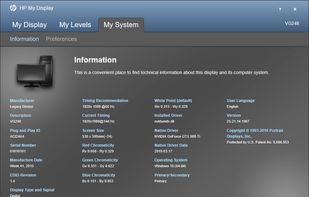
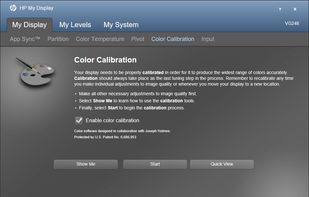


This program will help you to calibrate your display without a hardware calibrator device. High accuracy calibration is achieved by the high sensitivity of the human eye to neutral-color shades. As compared to other programs in this class, Lutcurve has high accuracy and...
United States


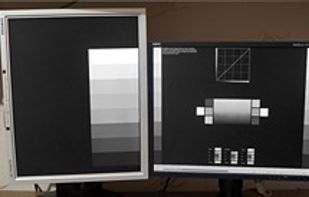


For those Android smart-phones where there is no default app and option to keep the screen always turn on, this app is to fill that need. Use case for such needs include retailer who like to show-cast the latest Android smart-phone, they need to keep the display set screen...
 Singapore


Lumen - magic auto brightness based on screen contents. You control Lumen simply by using your brightness keys - it'll automatically learn your preferences.
United States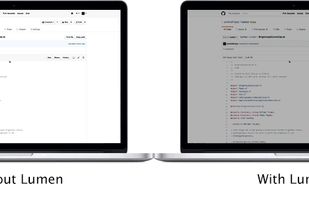
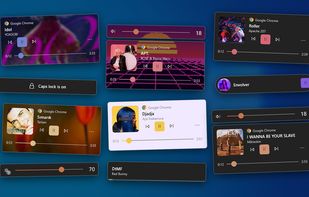
Modern, Fluent-style replacements for the Windows volume, brightness, media and lock-key pop-ups. A maintained continuation of ModernFlyouts.
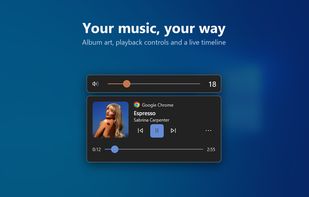
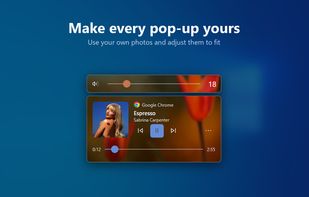
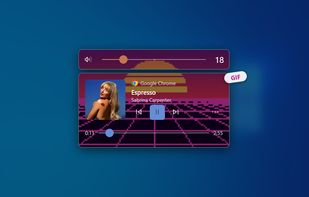

 FluentFlyout
Monitor Bright reduces with a simple trick the monitor brightness. Useful to use the PC at night without getting blind if the minimum brightness that can be obtained adjusting monitor settings is still too high if compared to ambience brightness. Supports multi monitor systems.
 Italy
Italy EU
EU

Are you suffering from eye strains for staring at the screen for a long time?
Dimmer than Dim helps you to reduce eye strains and radiation by breaking the brightness limit of your screen settings.
More often than not, you'll find that even using the minimum brightness le.
United States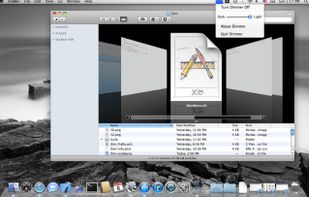


Protect your eyes from macular decay and harmful blue light.Easy to change colors and brightness. Prevents computer fatigue, eye strain and headaches and gives your desktop a beautiful new look.
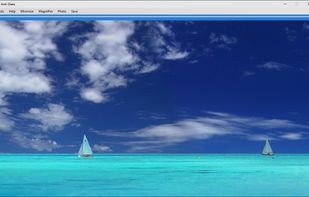
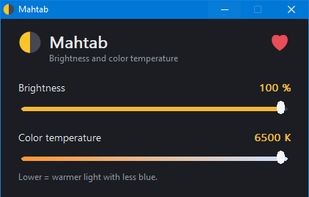
Small, dependency-free screen brightness and color temperature control for Windows (tray app).

With cursor-based activation, keep your monitors off until you need them and protect your screens from burn-in and image retention.
United States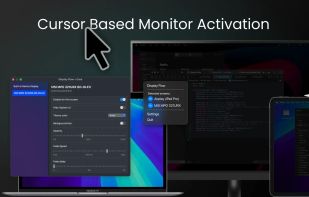
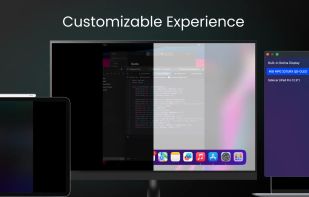
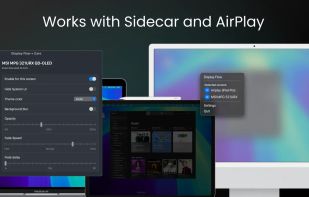
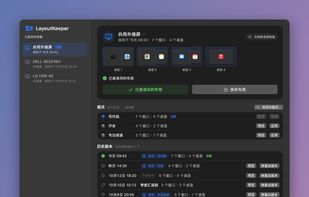
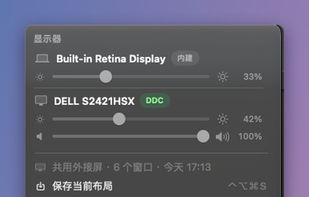
LayoutKeeper is a free, open source menu bar app for macOS. It remembers where each window sits on your external monitor (position, size and Mission Control Space) and puts everything back when that monitor is plugged in again, either after asking you or automatically.


PG Flashlight Torch LED Light is best android flashlight, Easy-to-use, quick and reliable color flashlight app free, and this LED flashlight torch can instantly turn your phone into a super bright LED flash light source in one click.

 RomaniaEU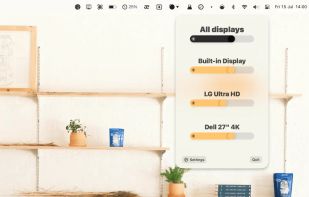
Smartly adjusts your Mac's brightness according to white or dark content on your screen. So that you never get distracted with too much brightness when using dark mode. Once you set brightness for dark screen and bright screen individually the app interpolates the brightness...
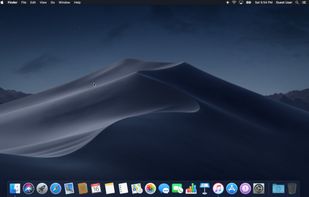
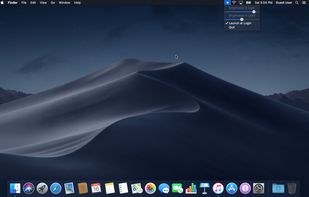
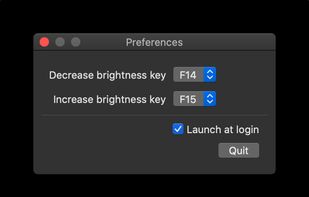
ExternalDisplayBrightness is a small utility which allows you to change the brightness of external displays connected to your Mac using keyboard shortcuts, just as you would change the brightness of the built-in display on a Macbook.

Focus view, extra brightness, ambient glow, and keep awake — all from your menu bar. JoyScreen transforms how you use your Mac.
 PolandEU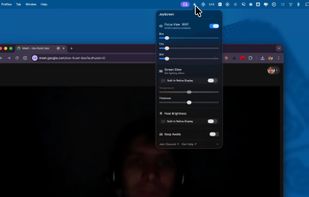
Free, open-source menu bar app for external monitor brightness, resolution, HiDPI and display arrangement on macOS.
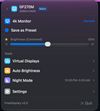
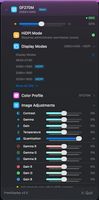
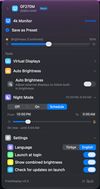


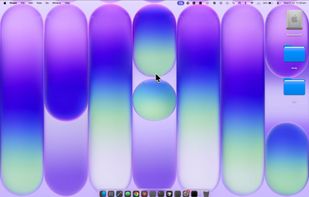
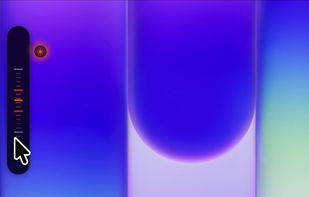
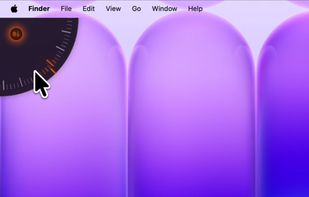
A tactile control layer for your Mac. Sliders, dials, and your Dock overflow - hidden at the edges of your screen, revealed only when you reach for them.


 Germany