Cost / License
- Free
- Open Source (MIT)
Platforms
- Mac
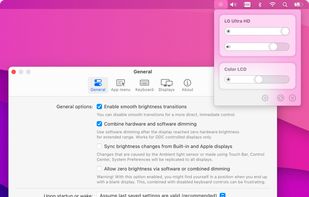

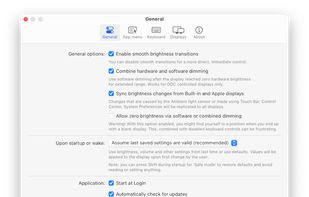

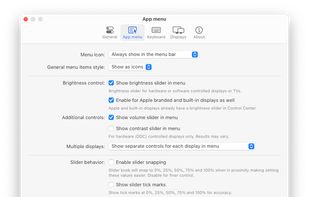

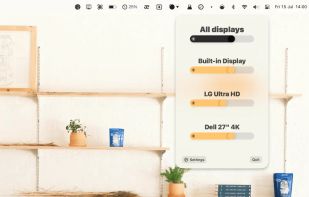
+2
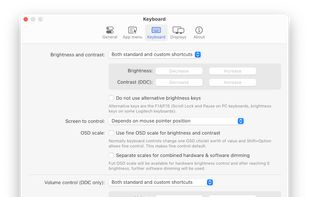


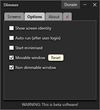
Apps similar to Simple Screen Brightness Adjuster include MonitorControl, which is free and open source. Other options are monitorcontrol (Python), Dimmer, ddcutil and Brightintosh. You can choose from more than 10 Screen Dimmers like Simple Screen Brightness Adjuster for Mac, Windows and Linux.
Python monitor control using the VESA Monitor Control Command Set (MCCS) over the Display Data Channel Command Interface Standard (DDC-CI).

 Portugal
 EU
EU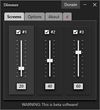

Most monitors, other than laptop displays, have a Virtual Control Panel (VCP), which implements features defined in the Montor Control Command Set (MCCS). Typically, ddcutil communicates with the monitor's VCP over an I2C bus, as per the Display Data Channel/Command...

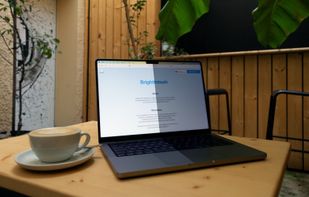
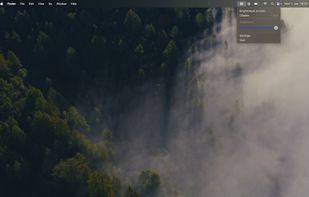
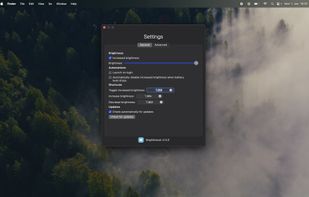
BrightIntosh is lightweight, works system-wide, has optional launch-at-login functionality and includes a global hotkey to toggle the extra brightness.


 RomaniaEU


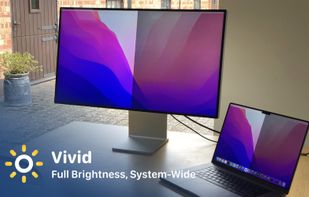
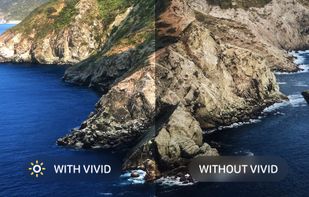
Vivid is a software that enables users to amplify the brightness of their MacBook Pro and Pro Display XDR, system-wide, utilizing standard Apple APIs.


DDCcontrol is software for controlling monitor parameters such as brightness, contrast, and RGB color levels. It includes a command-line tool and a GUI tool.


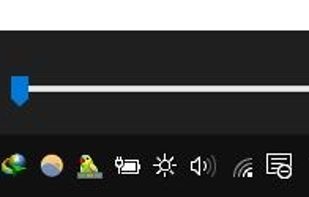
this app puts a Monitor Brightness icon to on Taskbar Tray. So you can access it with 1 click.


ControlMyMonitor allows you view and modify the settings of your monitor (Also known as 'VCP Features'), like brightness, contrast, sharpness, red/green/blue color balance, OSD Language, Input Port (VGA , DVI , HDMI ) and more...
 Israel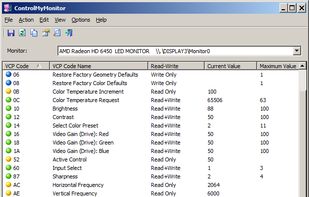


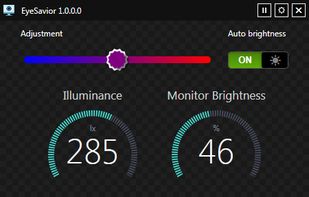
EyeSavior is Windows utility that allows changing monitor brightness from desktop. You can change monitor brightness manually or if you have hardware light sensor monitor brightness will be changed automatically according to your settings.

 RomaniaEU