


Software that makes the color of your computer's display adapt to the time of day, warm at night and like sunlight during the day.
Cost / License
- Free
- Proprietary
Application typeApplication types
Platforms
- Mac
- Windows
 United States



+6
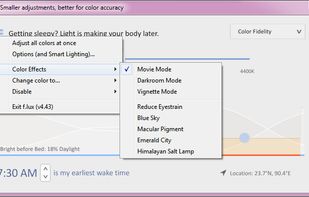


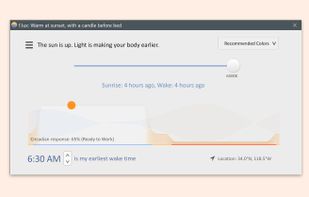
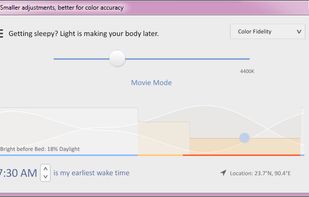
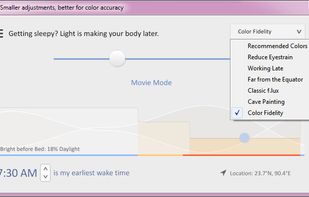
Apps similar to Gamma Dimmer include f.lux, which is free. Other options are Redshift, Twinkle Tray, Solace and LightBulb. Screen Dimmers like Gamma Dimmer are a crowded field, with more than 50 alternatives for Windows, Mac, Linux, Android and iPhone.
Software that makes the color of your computer's display adapt to the time of day, warm at night and like sunlight during the day.
United States
Redshift adjusts the color temperature according to the position of the sun. A different color temperature is set during night and daytime.
 Denmark
 EU
EU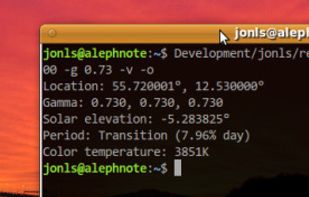


Twinkle Tray enables brightness control on external displays in Windows 10 & 11. Even th Windows is capable of adjusting the backlight on most monitors, it doesn't support external monitors natively.
United States

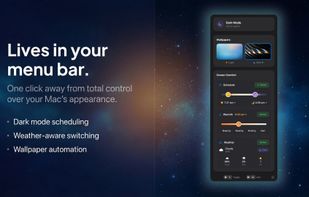
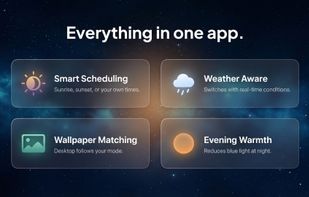
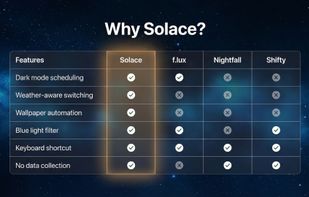
Automatically changes Mac appearance using real-time weather, sunlight, and time data for light and dark modes, dynamic wallpapers, and color temperature, with on-device privacy, menu bar access, no subscriptions, and no analytics for seamless daily comfort.
 United Kingdom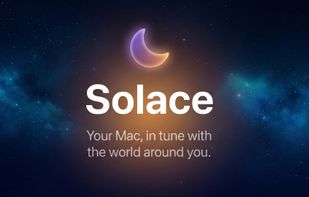


Background application that adjusts screen gamma, making the colors appear warmer at night, reducing strain on your eyes.
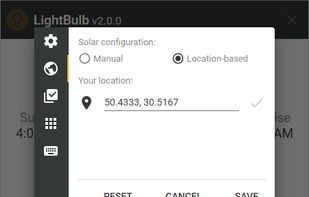
 Ukraine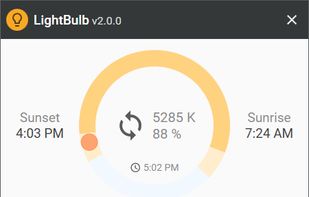

Open-source macOS menu utility for unified brightness, blackout, and sleep control of external monitors, using hybrid DDC/CI and software overlays, per-display settings, custom profiles, hotkeys, panic shortcut, privacy by design, and secure signed builds.
 IrelandEU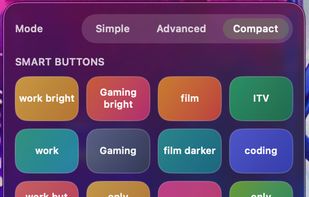
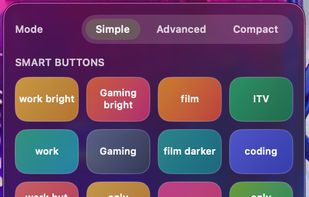
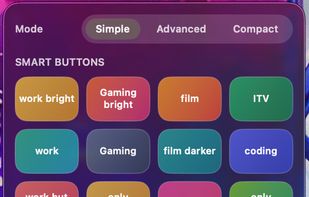


Monitorian is a Windows desktop tool to adjust the brightness of multiple monitors with ease.
 Japan
Japan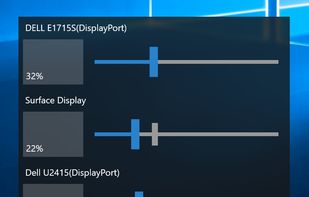


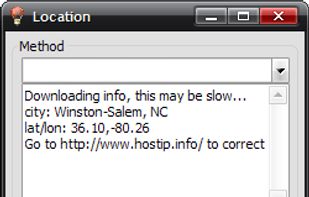
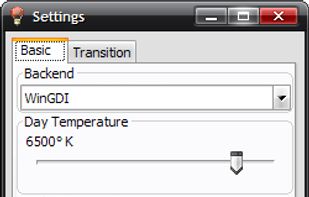
RedshiftGUI changes the color temperature of your monitor to better match that of your surrounding. This means that it sets a cooler color temperature during the daytime (due to natural lighting) and sets a warmer temperature at night (due to indoor lighting). Similar to f.
 China
China


 PortugalEU
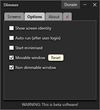


Screen dimming software that allows you to control the brightness of your screens as well as external monitors.
United States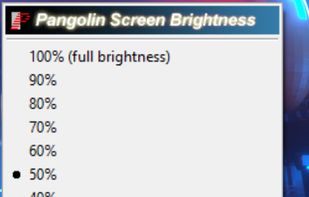


Enjoy free cross-platform blue light reduction and PWM flicker-free brightness control with Iris mini. Minimalistic design, portable, and automatic for no-hassle, eyestrain-relief across all devices. Simply double-click to activate, perfect for every lighting condition.
 BulgariaEU

Windows implementation of the ddcutil Linux program for querying and changing monitor settings, such as brightness and color levels.


