



A modern disk space analyzer for Windows that visually maps your storage and uses AI to help you quickly find and clean up unnecessary files.
Cost / License
- Freemium
- Proprietary
Application type
Platforms
- Windows
 United States
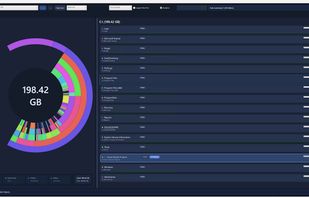


One of the most popular alternatives to WizTree is WinDirStat, which is free and open source. Other popular alternatives are Baobab Disk Usage Analyzer, Filelight, TreeSize and SD Maid SE. Disk Usage Analyzers like WizTree are a crowded field, with more than 100 alternatives for Windows, Mac, Linux, Android and the web.
A modern disk space analyzer for Windows that visually maps your storage and uses AI to help you quickly find and clean up unnecessary files.
United States
A native Windows application for quickly analyzing disk usage and finding the files and folders that consume the most space.
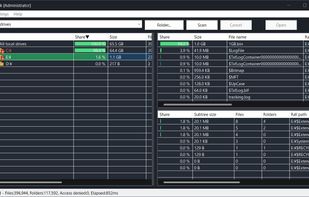
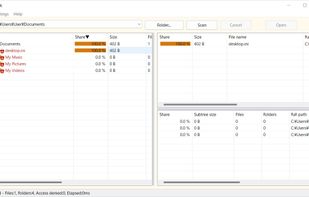
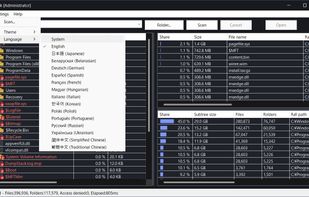

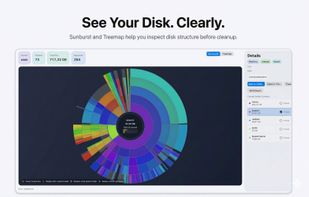
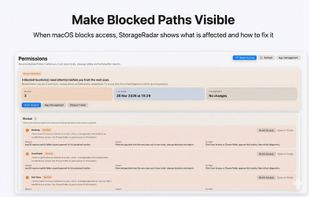
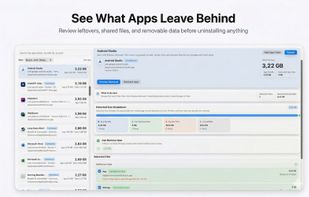
StorageRadar maps your disk, shows blocked paths instead of hiding them, lets you dry-run cleanup, and compares what changed over time. Scan data stays local, while analytics and diagnostics remain separately controllable in settings.
 Thailand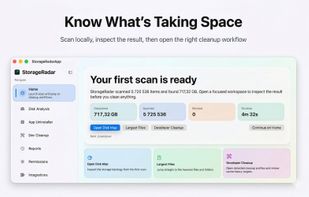


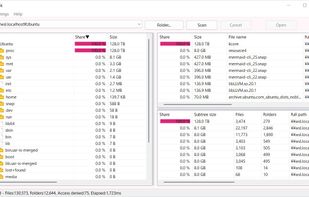
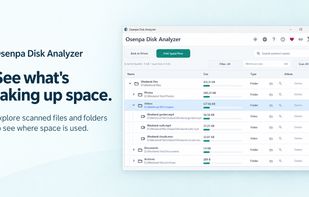
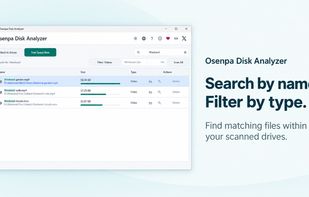
Free disk analyzer for Windows scans drives to reveal largest files and folders, displays visual tree with size bars, supports file type labels and minimum-size filtering, offers search and browser-based lookup, and includes safe cleanup features to remove temporary files.

Native macOS disk analyzer that scans folders and space, presenting file-type treemaps or ring charts beside a Finder-style outline. It can reveal items, send them to Trash after confirmation, flag caches and build output, and offer an optional read-only JSON CLI.
 Canada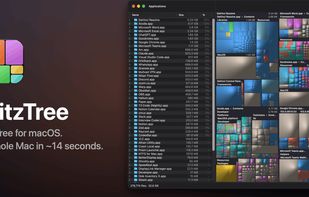
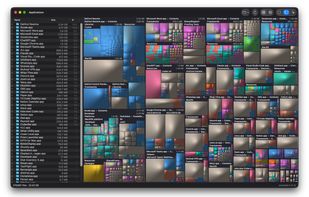
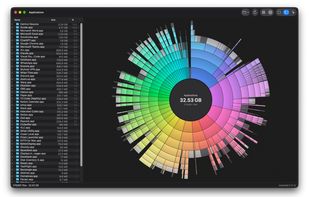


FreeUpDisk is a free disk space analyzer and cleanup tool for Windows and Mac. Its core feature is a treemap visualization: a visual map where every file and folder on your drive is represented as a colored rectangle, with size proportional to how much space it occupies.


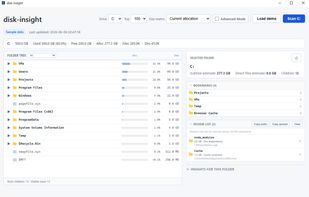
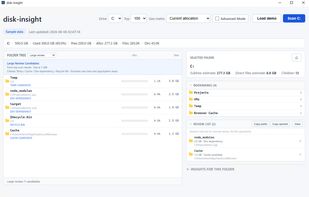
disk-insight is a local-only disk usage viewer for Windows. It reads NTFS Master File Table (MFT) data directly for fast scanning and presents the result as a tree-first view, so you can expand folders and see where storage is used before deciding what to review.


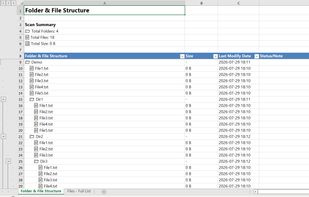
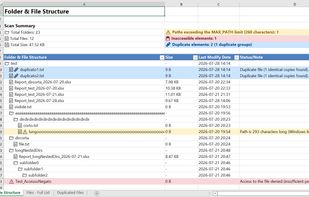
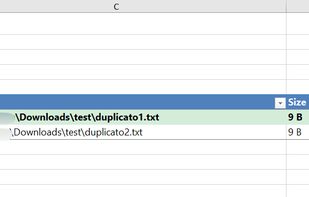
Scans Windows folders from File Explorer, exports hierarchical and flat Excel reports with duplicate detection, reclaimable space analysis, long path and permission audits. Color-coded, multi-sheet output stays local, requires no internet, never transmits data.
 Italy
Italy EU
EU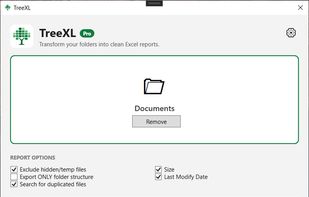


SpaceBrowser scans a folder or volume and displays its contents as a size-proportional treemap, making large files and directories easy to identify.
 FranceEU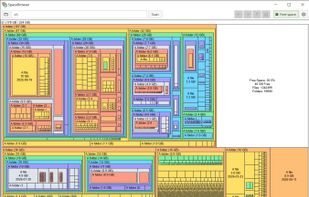


MacDirStat is a free, open-source disk space analyzer for macOS, inspired by WinDirStat. It scans a drive or folder and draws every file as a color-coded rectangle sized by its disk usage, so the biggest files and folders stand out at a glance.
United States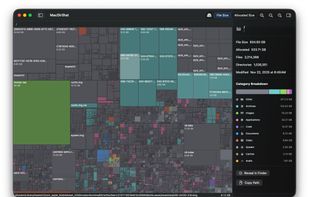


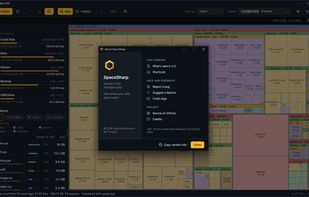
SpaceSharp shows a Windows drive as a zoomable map where every file and folder is a box sized by the space it uses, so you can see where your disk space went, filter in plain words, and clean up directly from the map.
 Norway
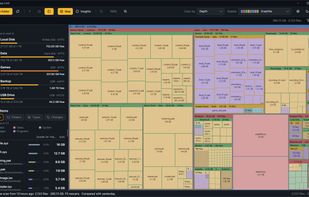
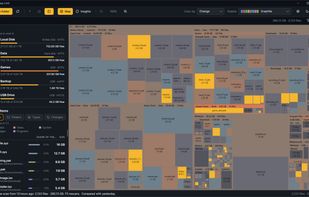


Find what is filling a disk, mark what should go, and remove it — with the volume's free space in view the whole time.
Canada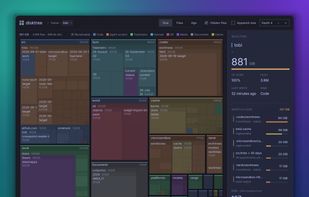


 Brazil


