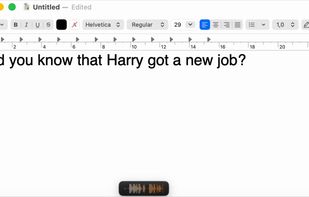


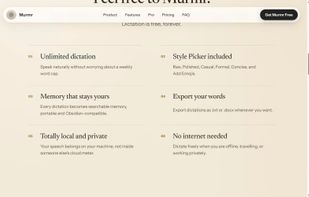
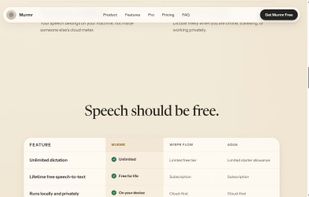
Murmr is AI dictation that runs entirely on your own computer. Press a key, talk, and clean text appears wherever your cursor is: email, documents, chat, code comments.
Cost / License
- Freemium (Pay once)
- Proprietary
Since
- New




Apps similar to Wispr Flow include Vibe Transcribe, which is free and open source. Other options are OpenWhispr, FUTO Voice Input, Spokenly and SpeakoFlow. You're spoiled for choice with Audio Transcription Tools like Wispr Flow: we list more than 100 alternatives for Mac, Windows, iPhone, the web and Android.
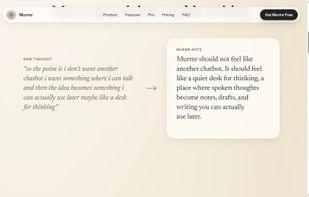
Murmr is AI dictation that runs entirely on your own computer. Press a key, talk, and clean text appears wherever your cursor is: email, documents, chat, code comments.

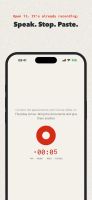
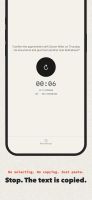
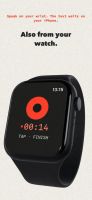
Speak and Hallig will write it down. The text is automatically saved to your clipboard. Open the app, it's recording. Tap Done and paste the text wherever required. Hallig doesn't alter your words, it retains the original text. It offers transcription, not interpretation.
 Germany
 EU


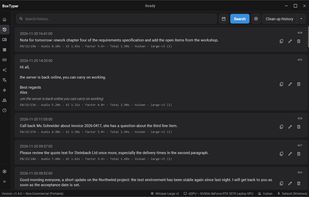
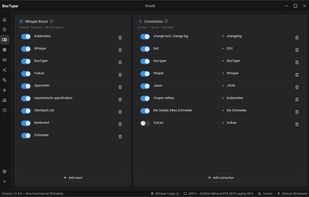
Offline dictation and meeting transcription for Windows. Speech recognition runs on your own PC, with no cloud and no account.
GermanyEU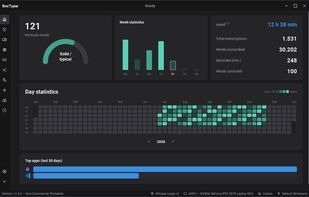


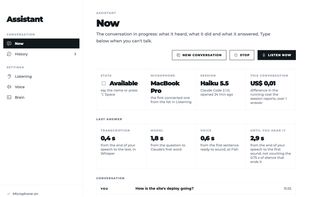
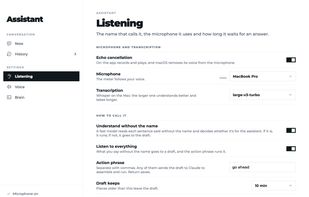
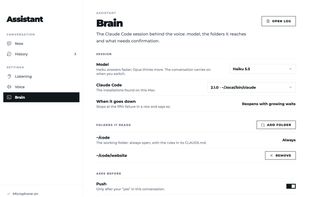
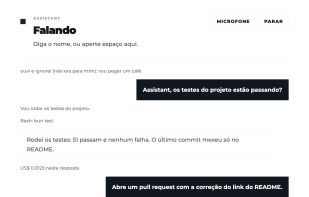
Assistant is a free, open-source (MIT) voice assistant for Claude Code on the Mac. Say its name and ask out loud: it transcribes your speech with a local Whisper (the audio never leaves your Mac), passes the request to a Claude Code session that stays open all day, and speaks...
 Brazil

Fast, fully local dictation and live translation for Apple Silicon Macs — Whisper and NVIDIA Parakeet run on-device, no cloud. A global hotkey types into any app, subtitles stream to OBS and vMix, and the free iOS companion app turns an iPhone into a wireless mic. $29 one-time.
GermanyEU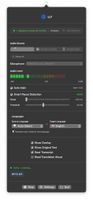
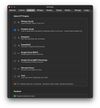


Voice dictation for Mac and Windows. Press a hotkey, speak, paste into any text field. Audio stays on your device — no cloud, no account, unlimited free tier.
 SpainEU
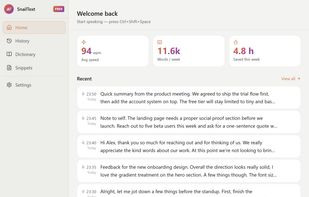
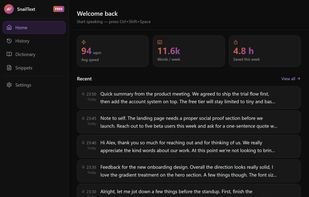
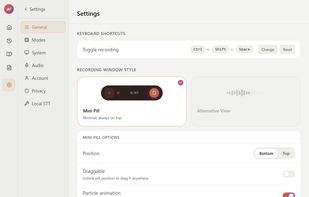

Ultra-low-latency desktop voice dictation for Windows and macOS. A fast, one-time purchase alternative to subscription tools.
 Taiwan
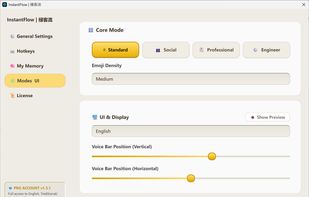
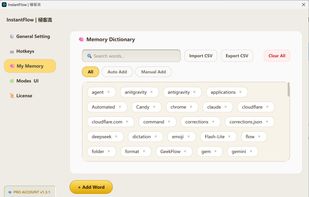
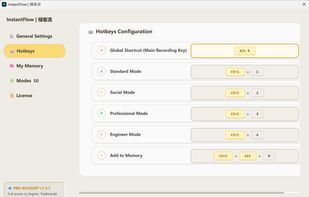
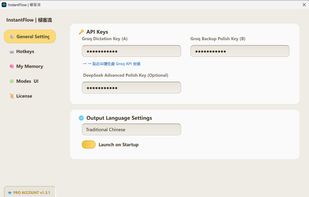


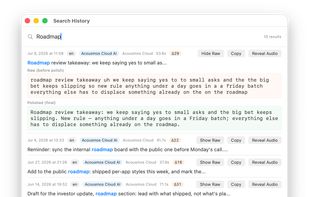
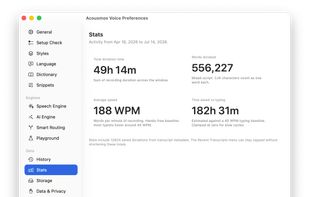
AI dictation for Mac: press a hotkey, speak in any app, and clean text appears at your cursor — while every word is saved to a private, searchable archive on your Mac.
 United Kingdom
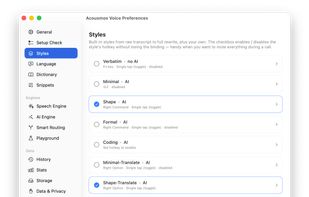
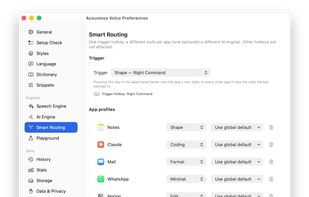

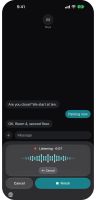
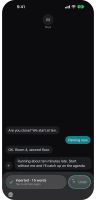
Keyspoken turns speech into text in any iPhone app. iOS treats it as a keyboard, but it has no letter keys. It is a short strip with one large button. Switch to it with the globe key, tap Dictate and talk. When you pause, your words are typed at the cursor.
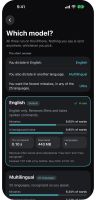

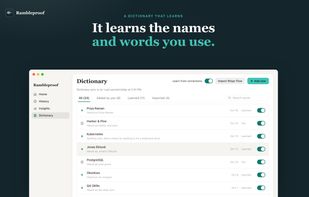
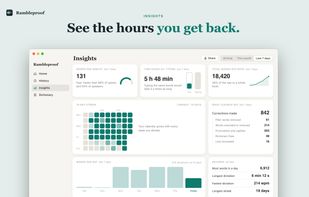
Local dictation for Mac. Press one key, speak and get clean text at your cursor. Works offline after setup, learns your words and has an ongoing Free plan.
 United States
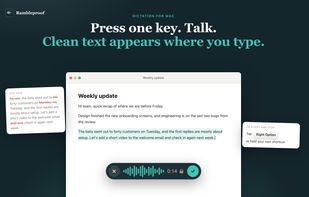
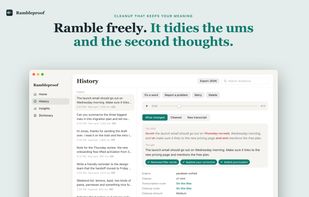
Hold-to-talk dictation for Mac that recognises speech on-device, only in the languages you pick.