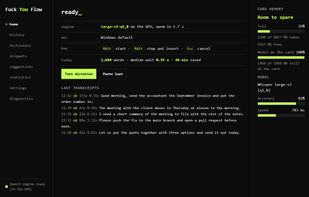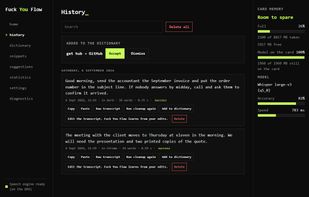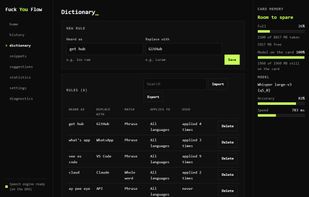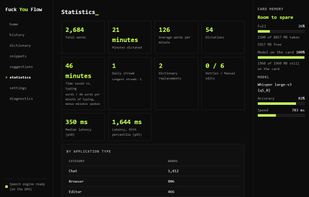
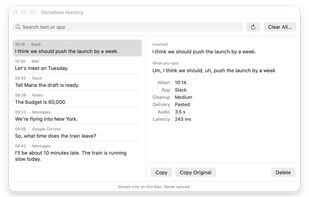
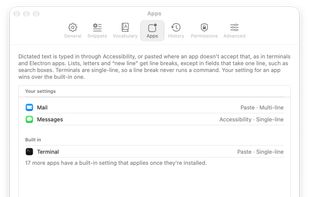
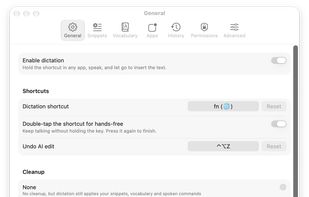
Private dictation for Mac: hold a key, speak, and clean, punctuated text is typed at your cursor in almost any app. Runs entirely on-device.



+1
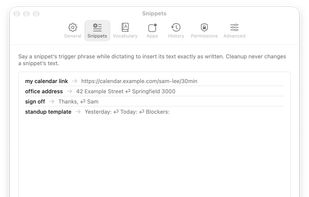



Apps similar to Wispr Flow include Vibe Transcribe, which is free and open source. Other options are OpenWhispr, FUTO Voice Input, Spokenly and SpeakoFlow. You're spoiled for choice with Audio Transcription Tools like Wispr Flow: we list more than 100 alternatives for Mac, Windows, iPhone, the web and Android.
Private dictation for Mac: hold a key, speak, and clean, punctuated text is typed at your cursor in almost any app. Runs entirely on-device.

Hold one key, speak, and your words are typed into any app. Fully local, private, push-to-talk dictation for macOS powered by whisper.cpp.


voiceio is a free, MIT-licensed dictation application for Linux. A configurable hotkey starts speech recognition, and the resulting text appears in the focused application. Its desktop application supports Wayland and X11 and can use local Whisper or Parakeet models.


Fully local, open-source voice dictation for Windows. Hold Ctrl+Win, speak, and the text is pasted into any app. Speech recognition runs on your own machine, no account, no subscription, your voice never leaves your PC. A free, offline alternative to Wispr Flow.


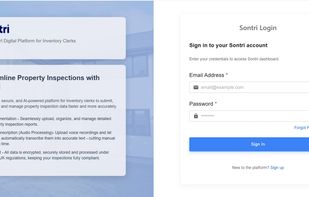
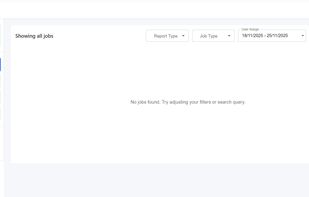
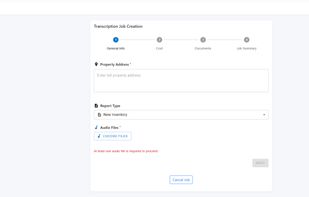
Sontri is an AI-powered transcription tool built for property inspection and inventory reporting. It converts audio recordings into clean, structured, ready-to-use reports.
 United Kingdom


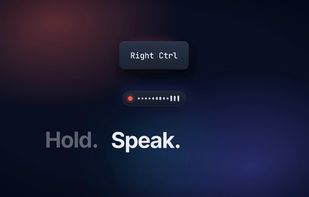
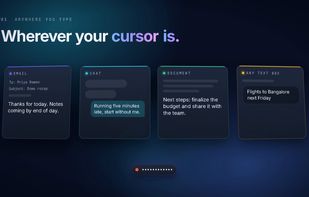
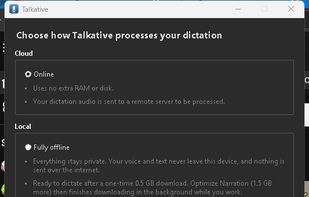
Talkative is a free dictation app for Windows that lives in the system tray. Hold a hotkey (Right Ctrl by default), or tap it to start and stop, and speak. When you let go, your words are transcribed, cleaned up and pasted wherever your cursor is: email, chat apps, documents...

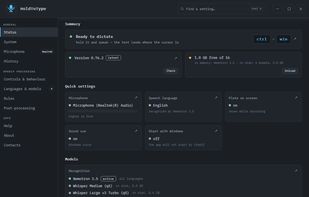
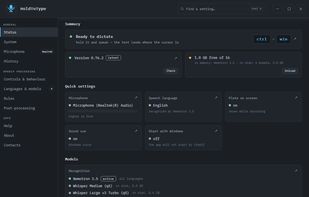
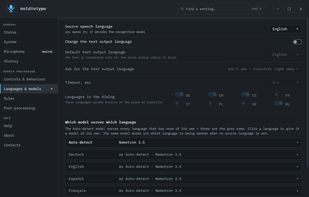
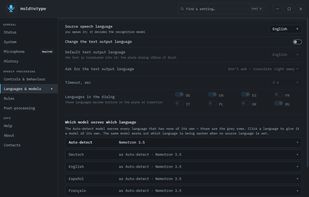
HoldToType turns speech into text at the cursor in any Windows program: hold two keys, speak, let go, and the words land where you were typing. Recognition runs on your own computer with open models, and you are not tied to Whisper: Nemotron 3.
 Ukraine

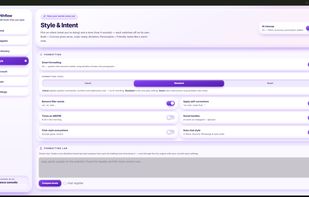
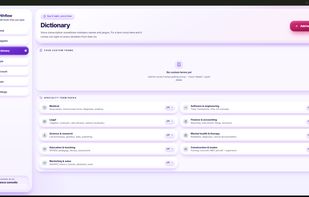
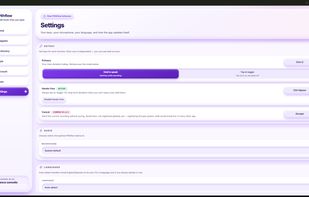
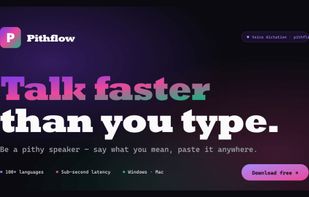
Pithflow is AI voice dictation built Windows-first, now on Windows, Mac, iPhone and iPad. Hold a global hotkey (Ctrl+Space), speak, and release — clean, punctuated text lands in whatever app you have focused: Slack, Gmail, VS Code, Word, your browser, or any other app.
 United States

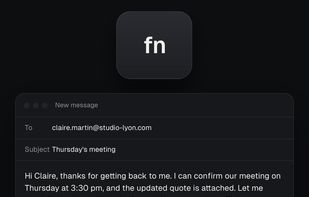
Hold the fn key, speak, and your words appear at the cursor in any Mac app. Transcription runs on your Mac. No account, no subscription.
 Spain
 EU
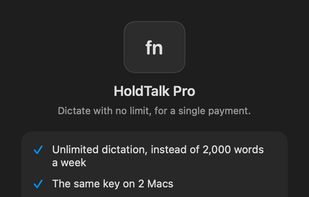


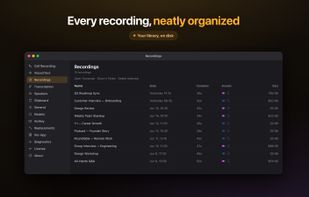
Lesskeys records, transcribes and dictates on your Mac without sending a single second of audio to a server.
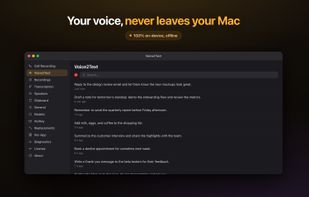
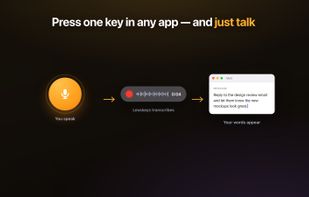
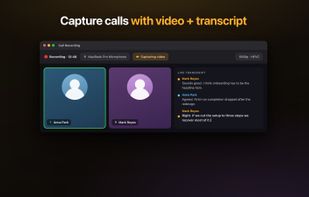

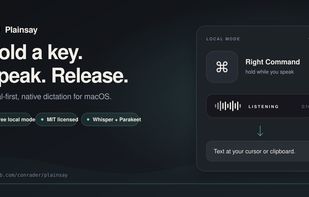
Open-source Mac dictation: hold a key, speak, release, and Whisper or Parakeet transcribes on your Mac and pastes the text at your cursor.


Free offline dictation for Windows and Ubuntu Linux that types what you say into any application, using a Whisper speech model that runs on your own machine.
 GreeceEU