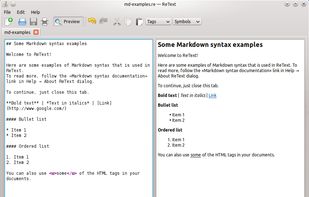
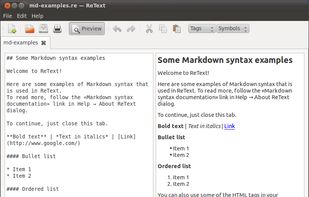
ReText is a simple text editor for Markdown and reStructuredText documents with syntax highlighting and optional live preview.
Cost / License
- Free
- Open Source
Application type
Platforms
- Mac
- Windows
- Linux
- BSD



Apps similar to Typora include Joplin, which is open source with a free version. Other options are Zettlr, HelixNotes, Beaver Notes and SiYuan. There's no shortage of Note-taking Tools like Typora, with more than 100 alternatives for Mac, Windows, Linux, the web and iPhone.
ReText is a simple text editor for Markdown and reStructuredText documents with syntax highlighting and optional live preview.

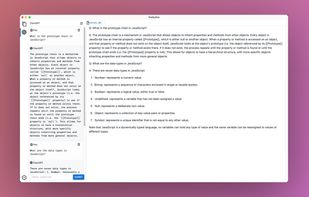
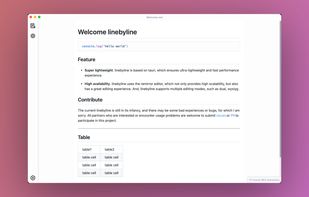


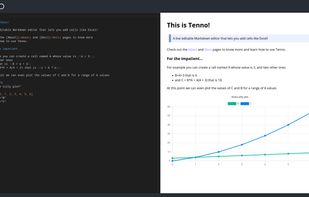
A live editable Markdown editor that lets you add cells like Excel. You can think of Tenno as a mix of Word and Excel with a touch of Obsidian, Markdown and JavaScript.


Dillinger is a cloud-enabled, mobile-ready, offline-storage, AngularJS powered HTML5 Markdown editor.
 United States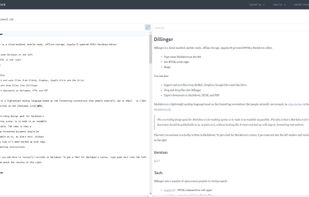


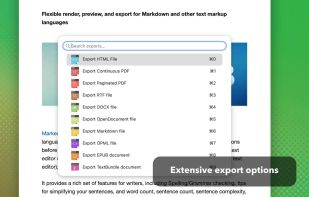
Native macOS tool for previewing Markdown and markup files, supporting local and iCloud documents, real-time updates, writing statistics, grammar and spelling checks, sentence complexity analysis, grade level, readability, export options, and easy workflow integration.
United States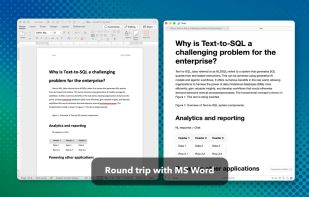
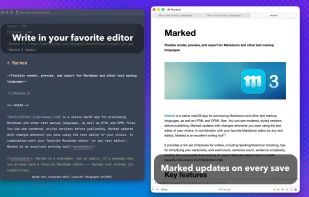
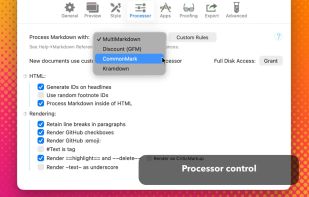


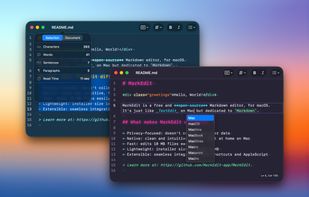
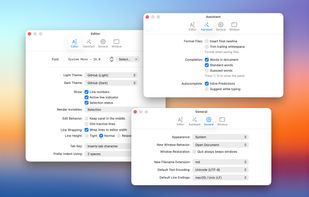
Free open-source Markdown editor for macOS with syntax highlighting, privacy-focused operation, lightweight 4 MB installer, native look and feel, AppleScript and Shortcuts support, QuickLook preview, theme customization, script extensibility, and rapid large file handling.
 China
China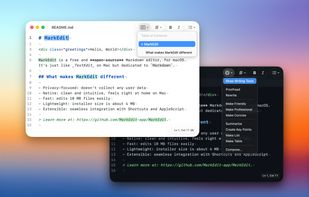


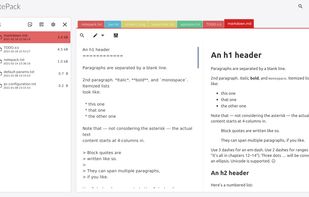
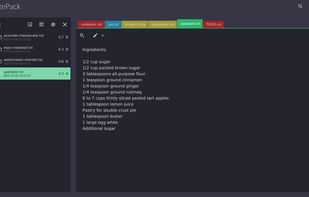
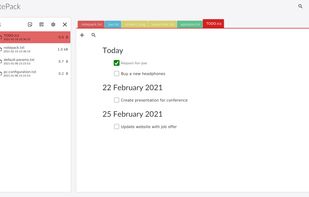
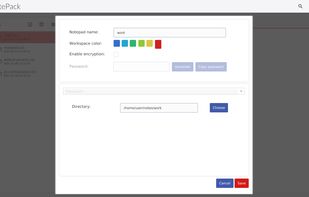
Privacy oriented, without vendor lock in note organizer, todo list desktop application. Work offline with text, markdown and pdf files.


Offers fast, distraction-free note-taking via a high-performance editor with real-time Markdown, local-first storage, image support, Kanban task boards, intuitive drag-and-drop, keyboard shortcuts, configurable themes, fast search, and cross-platform access.
 Israel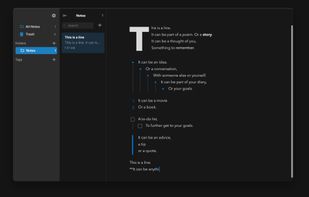
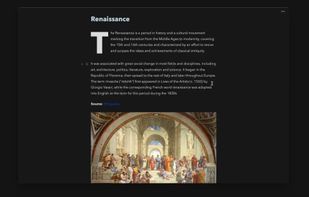
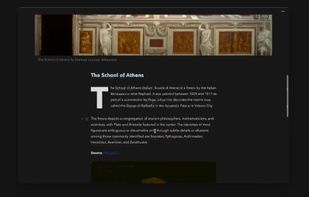
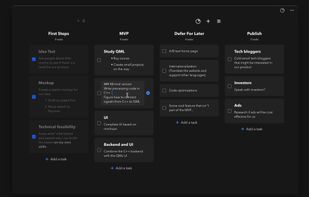


Knowledge-management tool enabling interconnection and note expansion, semantic network creation, collaboration with task features, and mobile readiness with offline support across devices.
 Germany
 EU
EU





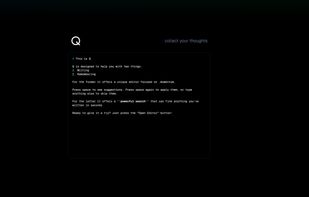
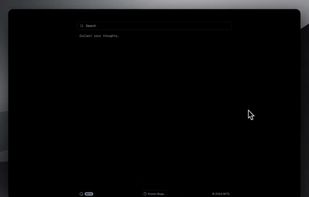
Q is a writing and memory tool that uses semantic search instead of folders. It allows markdown formatting on any device, provides math evaluations, and adds punctuation.




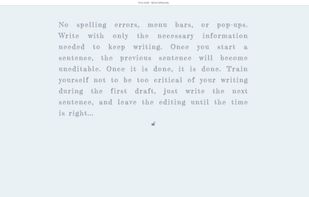
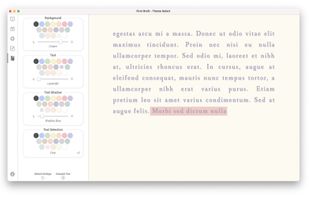
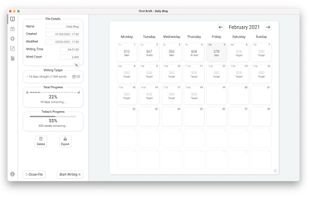
Prime Draft helps writers maintain focus by using a distraction-free fullscreen interface, automatic goal tracking, customizable writing environment, and limited text view, preventing edits once a sentence is finished. Supports backup creation and secured progress tracking.


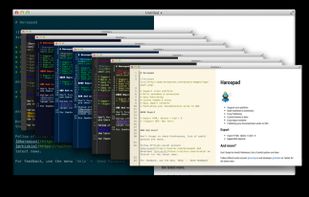
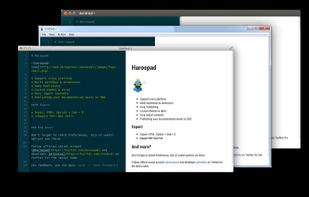
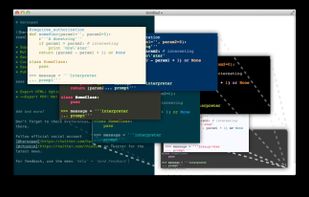
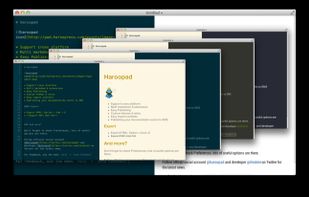
Haroopad is a markdown enabled document processor for creating web-friendly documents. You can author various formats of documents such as blog article, slide, presentation, report, and e-mail as if experts did.
 South Korea