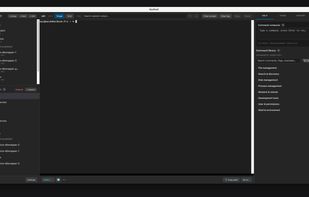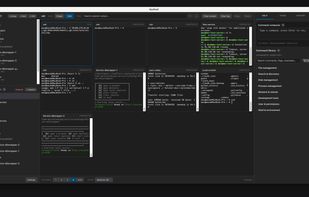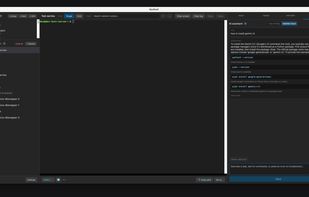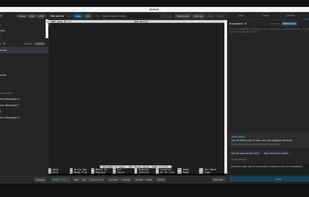


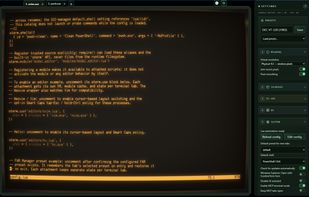
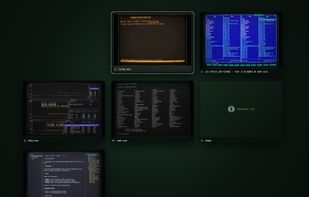
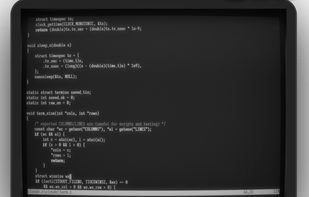
Modern terminal for Windows with (optional) CRT simulation, AI assistant, MCP, Lua automation and built-in minimalistic web browser.



+4
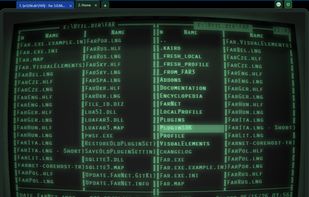


Apps similar to Terminator include Ghostty, which is free and open source. Other options are Tabby, Termux, Windows Terminal and Kitty terminal. You're spoiled for choice with Terminal Emulators like Terminator: we list more than 100 alternatives for Linux, Mac, Windows, Android and iPhone.
Modern terminal for Windows with (optional) CRT simulation, AI assistant, MCP, Lua automation and built-in minimalistic web browser.

A macOS and Linux terminal workspace organizes projects with root folders, explorers, tabs, splits and dockable windows. It adds command search, reusable macros, scheduled automations, searchable asciicast recordings, file previews, Git diffs, browser access, MCP agent control and a Linux server.
 United Kingdom
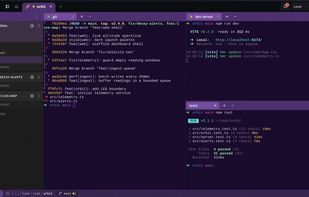
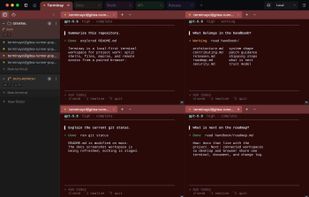
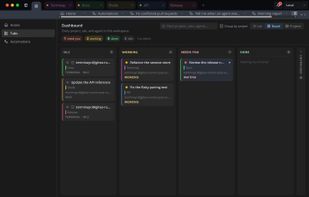
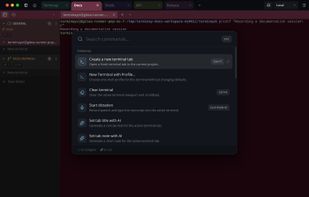


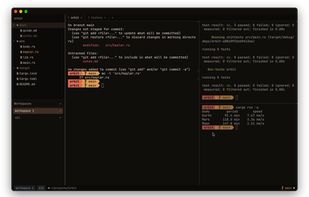
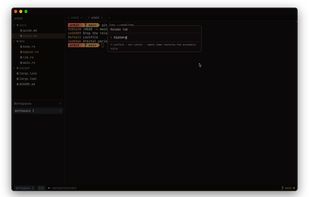
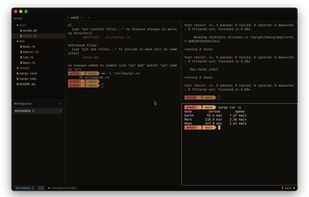
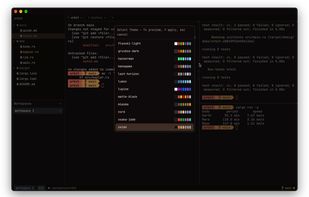
Native macOS and Linux terminal emulator written in Rust and GPU-rendered with GPUI, combining PTY and VT support with vim-driven file browsing, splits, tabs, tmux-style workspaces, a shell-aware status bar, powerline prompt, vim copy mode, and one reloadable TOML configuration file.
 United States

Terminator is an Android terminal emulator with multi-session support and deep customization. It handles terminal emulation for daily use but doesn't include built-in chroot/proot—you manage your own setup.
 Azerbaijan
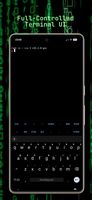
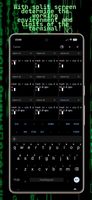
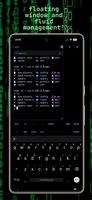


Cross-platform SSH, SFTP, FTP/FTPS and RDP client with a built-in terminal and file manager for Windows, macOS, Linux and iPhone/iPad.
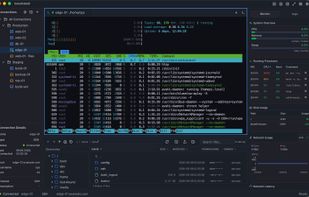
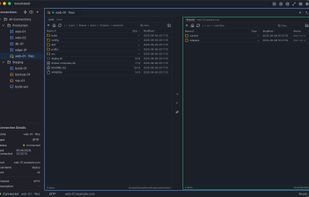
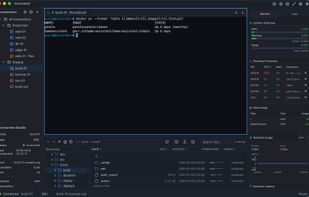

Free, open-source MobaXterm alternative for macOS: SSH client and terminal with an SFTP file browser, remote file editor and agentless server monitoring.
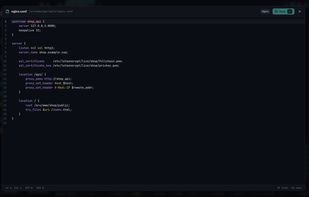

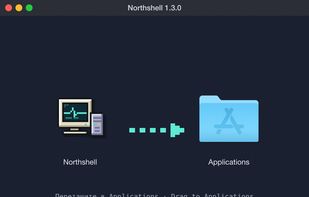
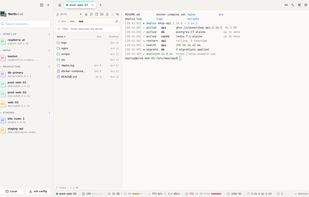


A stupidly simple web-based terminal emulator, with common tools and Starship enabled (via Docker)!


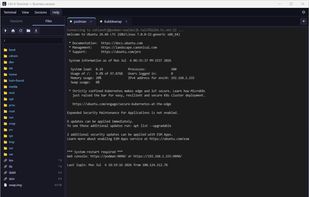
A modern MobaXterm/PuTTY alternative for Windows: tabbed SSH + VNC, a full SFTP file manager, and Ctrl+V to paste images straight into a remote terminal over SFTP.
 Netherlands
 EU



 India
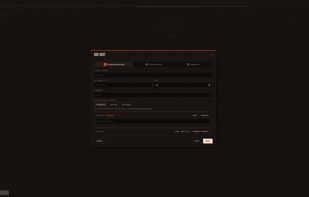


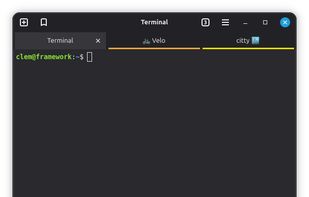
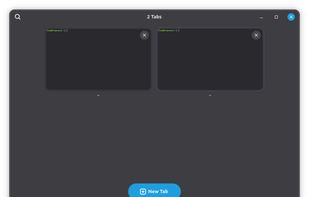
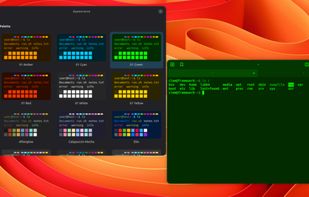


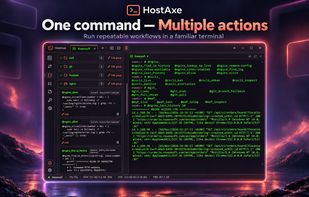
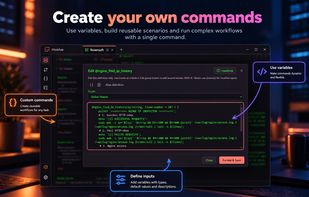
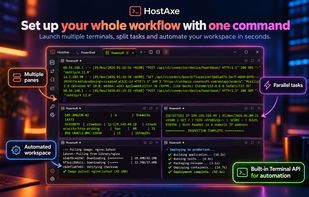
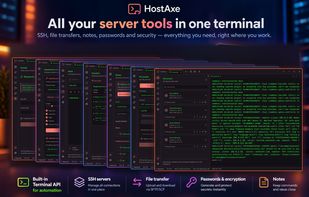
SSH terminal for local and remote sessions provides tabs, split panes, saved commands, aliases, notes, file transfers, and automation scenarios. Use one command to open workspaces, launch SSH connections, run diagnostics, and repeat recovery workflows.
 Ukraine

MyShell is a native cross-platform desktop shell workspace for macOS, Windows, and Linux designed to bridge the gap between traditional terminal emulators and modern AI-assisted developer workflows.
United States