





OmniPTY
1 like
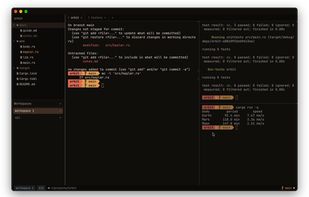
Native macOS and Linux terminal emulator written in Rust and GPU-rendered with GPUI, combining PTY and VT support with vim-driven file browsing, splits, tabs, tmux-style workspaces, a shell-aware status bar, powerline prompt, vim copy mode, and one reloadable TOML configuration file.

Cost / License
- Free
- Open Source (MIT)
Application type
Platforms
- Mac
- Linux
- Arch Linux
- Homebrew


Features
Highlights All activities
OmniPTY News & Activities
Recent activities


Developed by
 Bobby Coleman
 Licensing
Open Source (MIT) and Free product.Written in
Alternatives
51 alternatives listedBadge
Get an embeddable badge for OmniPTYSupported Languages

AlternativeTo Category
OS & UtilitiesGitHub repository
- 11 Stars
- 1 Forks
- 0 Open Issues
- Updated


No comments or reviews, maybe you want to be first?