Sublime Text AlternativesOnly apps categorised as Code Editors

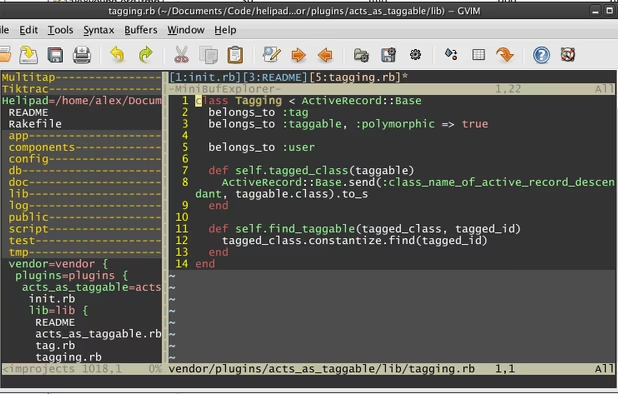
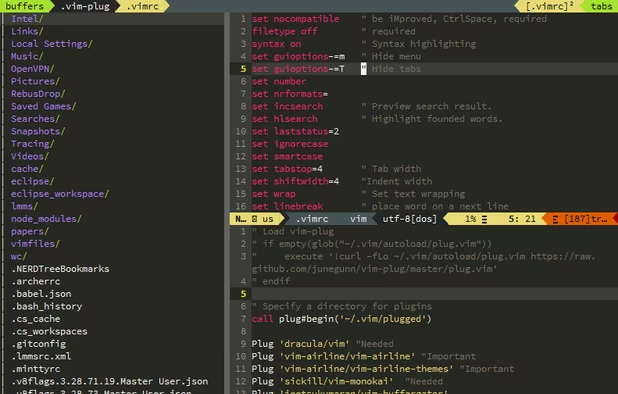
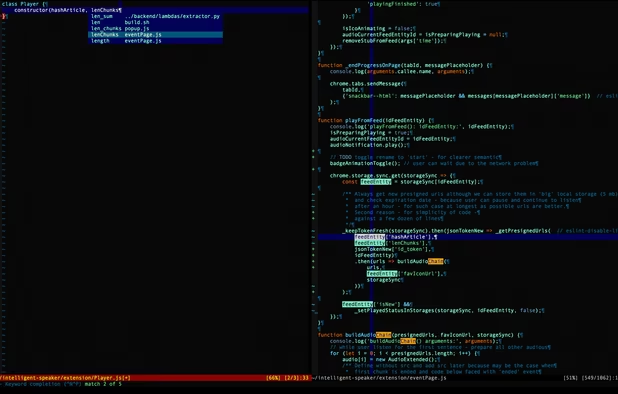
The best Code Editor alternative to Sublime Text is Visual Studio Code, which is free. If that doesn't suit you, our users have ranked more than 100 alternatives to Sublime Text and loads of them are Code Editors so hopefully you can find a suitable replacement. Other interesting Code Editor alternatives to Sublime Text are Notepad++, Vim, VSCodium and Geany.

filter to find the best alternatives

Sublime Text alternatives are mainly Code Editors, but if you're looking for Text Editors or IDEs you can filter on that. Other popular filters include Online, iPad, Android, Open Source, Mac, Chrome OS and iPhone. These are just examples - use the filter bar below to find more specific alternatives to Sublime Text.
Copy a direct link to this comment to your clipboard
Sublime Text alternatives page was last updated

Alternatives list

  1. Visual Studio Code icon
     1383 likes

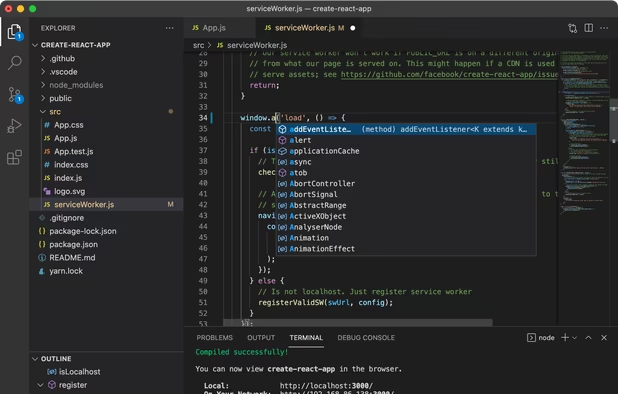
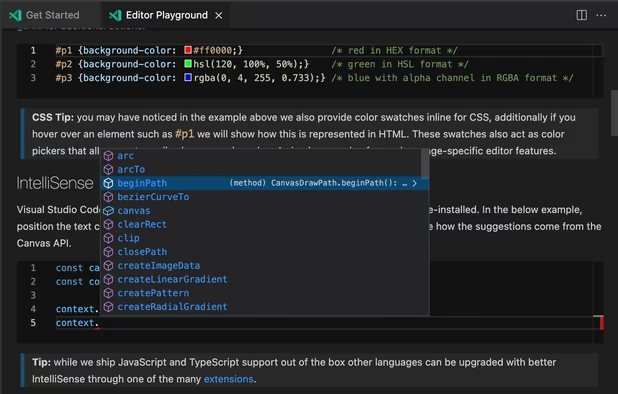
    Free and extensible code editor with built-in Git support, smart IntelliSense, integrated debugger, 30,000+ extensions, works offline, supports markdown and syntax highlighting for numerous languages.

    209 Visual Studio Code alternatives

    Cost / License

    • Free
    • Proprietary (MIT)

    Application types

    Platforms

    • Mac
    • Windows
    • Linux
    • Online
    • Chrome OS
    • Snapcraft
     
    |
    18
    Visual Studio Code vs Sublime Text Comments
    Top Positive Comment
    webzooks
    1

    VS Code can open large files as Sublime Text. Both programs are nice, but VS Code is free.

    Top Negative Comment
    Guest
    9

    As an Atom fork it has the same problems like Atom being more an IDE than an editor and the usage of the Electron Framework results in extremely more RAM usage (more than factor 10), CPU usage, loading time and disk usage.

    Review by a new / low-activity user.
    Guest
    Negative
    0

    VSCode is still extremely slow, very bloated. But it is a good indicator for bad coders that will produce slow, bloated software and also do not care about privacy or software freedom. Avoid.

    Review by a new / low-activity user.
    3 of 18 comments
    • Visual Studio Code is Free and ProprietarySublime Text is Freemium and Proprietary
  2. Notepad++ icon
     4937 likes

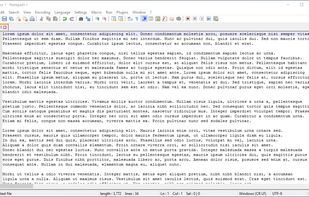
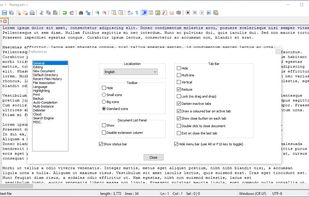
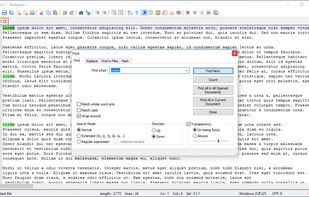
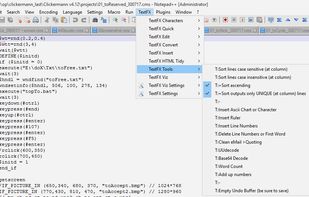
    Notepad++ is a free, open-source code editor supporting several languages, offering features like syntax highlighting, plugin support, dark mode, portability, privacy, and efficient resource usage, making it highly customizable and suitable for various programming needs.

    250 Notepad++ alternatives

    Cost / License

    • Free
    • Open Source

    Application types

    Platforms

    • Windows
    • PortableApps.com
     
    |
    6
    Notepad++ vs Sublime Text Comments
    Top Positive Comment
    redtrillix
    0

    Very good interface, with lots of plugins, and i find it to be lighter than Sublime Text, though it doesn't have an official Linux app.

    Ron Bowman
    Positive
    0

    On Windows, Notepad++ is the greatest alternative to all other text editors.

    Guest
    Negative
    -4

    notepad++ doesn't have an output screen to show the code output and its interface is not as good

    Review by a new / low-activity user.
    3 of 6 comments
    • Notepad++ is Free and Open SourceSublime Text is Freemium and Proprietary
    • Notepad++ is Privacy focusedSublime Text is not according to our users
  3. Vim icon
     1349 likes

    Advanced text editor with syntax highlighting, word completion, multiple editing modes for efficiency, plugin and script extensibility, GUI and command-line operation, a thorough help system, and cross-platform support across various operating systems.

    216 Vim alternatives

    Cost / License

    Application types

    Platforms

    • Mac
    • Windows
    • Linux
    • BSD
    • Snapcraft
    • Flathub
    • Haiku
    • Flatpak
    • AmigaOS
    • OpenSolaris
    • MorphOS
     
    |
    2
    Vim vs Sublime Text Comments
    Ron Bowman
    Positive
    6

    Much more options than any other editor. While this is great for the experienced user, novice users could easily get confused.

    Guest
    Positive
    0

    terminal-based, open-source, very fast, extensible, text editor and by that I mean it is not intended as an IDE while other recommendations mostly are, can confuse new users, but overall it is very awesome if you can get used to it.

    Review by a new / low-activity user.
    • Vim is Free and Open SourceSublime Text is Freemium and Proprietary
  4. VSCodium icon
     412 likes

    This repository contains a build file to generate FLOSS release binaries of Microsoft's Visual Studio Code - Open Source ("Code - OSS") project, the open source core of the proprietary Visual Studio Code.

    200 VSCodium alternatives

    Cost / License

    • Free
    • Open Source (MIT)

    Application types

    Platforms

    • Mac
    • Windows
    • Linux
    • Flathub
    • Electron
    • Snapcraft
    • Homebrew
    • Chocolatey
     
    |
    4
    VSCodium vs Sublime Text Comments
    Paul
    Positive
    0

    VS Code, but truly open source, and without the Microsoft crap.

    durgeshhirani131
    Positive
    0

    it is (VScode - microsoft telemetry).

    Guest
    Positive
    0

    Clear user interface and many helpful functions. Just like VSCode, but without unwanted code. The best editor for developers,

    Review by a new / low-activity user.
    3 of 4 comments
    • VSCodium is Free and Open SourceSublime Text is Freemium and Proprietary
    • VSCodium is Privacy focusedSublime Text is not according to our users
  5. Geany icon
     578 likes

    Geany is a powerful, stable and lightweight programmer's text editor that provides tons of useful features without bogging down your workflow.

    155 Geany alternatives
    Cost / License

    Application types

    Platforms

    • Mac
    • Windows
    • Linux
    • BSD
    • Snapcraft
    • Flathub
    • PortableApps.com
    • Flatpak
    • Haiku
     
    |
    2
    Geany vs Sublime Text Comments
    Guest
    Positive
    2

    its support many programming language and so easy to compile,build,and run..!

    Review by a new / low-activity user.
    LucasVieites
    Positive
    1

    For users who come from a Linux environment this is a perfect editor to keep using on MacOS X

    • Geany is Free and Open SourceSublime Text is Freemium and Proprietary
    • Geany is Minimalistic and Privacy focusedSublime Text is not according to our users
  6. Kate icon
     315 likes

    The Kate project develops two main products: KatePart, the advanced editor component which is used in numerous KDE applications requiring a text editing component, and Kate, a MDI text editor application.

    146 Kate alternatives

    Cost / License

    Application types

    Platforms

    • Mac
    • Windows
    • Linux
    • BSD
    • KDE Plasma
    • Flathub
    • Flatpak
    • Snapcraft
     
    |
    2
    Kate vs Sublime Text Comments
    Paul
    Positive
    0

    Really good code editor, especially if you're using Linux and KDE.

    Ron Bowman
    Positive
    1

    Kate is among the best text editors, especially when working on multiple documents simultaneously.

    • Kate is Free and Open SourceSublime Text is Freemium and Proprietary
  7. Zed Editor icon
     117 likes

    Blazing fast code editor offering real-time multi-user collaboration, language-aware syntax highlighting, integrated terminal, multi-buffers for tab-free editing, built-in Vim mode, searchable outline, AI coding assistance, advanced keyboard commands, and cross-platform support.

    92 Zed Editor alternatives

    Cost / License

    • Freemium
    • Open Source

    Application types

    Platforms

    • Mac
    • Windows
    • Linux
    • Flathub
    • Flatpak
     
  8. GNU Emacs icon
     387 likes

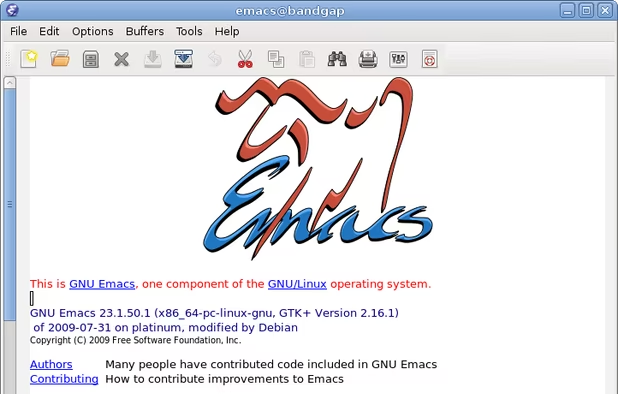
    GNU Emacs is an extensible, customizable text editor—and more. At its core is an interpreter for Emacs Lisp, a dialect of the Lisp programming language with extensions to support text editing. The features of GNU Emacs include:

    183 GNU Emacs alternatives

    Cost / License

    Application types

    Platforms

    • Mac
    • Windows
    • Linux
    • Android
    • BSD
    • Snapcraft
    • F-Droid
    • Haiku
    • Debian
    • MacPorts
    • Homebrew
     
    |
    1
    GNU Emacs vs Sublime Text Comments
    au
    Positive
    1

    More powerful and extensible plugins.

    Review by a new / low-activity user.
    • GNU Emacs is Free and Open SourceSublime Text is Freemium and Proprietary
    • GNU Emacs is Privacy focusedSublime Text is not according to our users
  9. Neovim icon
     188 likes

    Refactored version of Vim, simplifying maintenance, improving developer contributions, and enabling new user interfaces. Features extensible plugin architecture, lightweight resource usage, syntax highlighting, no registration, ad-free, and distraction-free mode.

    107 Neovim alternatives

    Cost / License

    • Free
    • Open Source

    Application types

    Platforms

    • Mac
    • Windows
    • Linux
    • Chocolatey
    • Flathub
    • Snapcraft
     
  10. gedit icon
     695 likes

    Extensible text editor with UTF-8 support, syntax highlighting for several programming and markup languages, remote editing, file reverting, print preview, clipboard operations, powerful search, customizable fonts and colors, line numbering, and plugin support.

    194 gedit alternatives

    Cost / License

    Application types

    Platforms

    • Mac
    • Windows
    • Linux
    • Chrome OS
    • BSD
    • Flathub
    • GNOME
    • OpenSolaris
     
    |
    1
    gedit vs Sublime Text Comments
    Guest
    Negative
    0

    Pales in comparison feature-wise and performance-wise.

    Review by a new / low-activity user.
    • gedit is Free and Open SourceSublime Text is Freemium and Proprietary
    • gedit is Privacy focusedSublime Text is not according to our users
  11. GNU nano icon
     292 likes

    GNU nano is a small and friendly text editor. Besides basic text editing, nano offers many extra features like an interactive search and replace, go to line and column number, auto-indentation, feature toggles, internationalization support, and filename tab completion.

    152 GNU nano alternatives

    Cost / License

    Application types

    Platforms

    • Mac
    • Windows
    • Linux
    • BSD
    • Haiku
     
    |
    3
    GNU nano vs Sublime Text Comments
    Guest
    Negative
    10

    Functionally-wise, Nano would be GNU counterpart of notepad.exe, nowhere near functionality of Sublime Text.

    Review by a new / low-activity user.
    vfrico
    Negative
    1

    It is command line based, and does not have any kind of plugins or themes.

    Guest
    Negative
    -6

    It's barely replacement of MS-DOS Wordstar from 80's...

    Review by a new / low-activity user.
    • GNU nano is Free and Open SourceSublime Text is Freemium and Proprietary
12 of 124 Sublime Text alternatives