


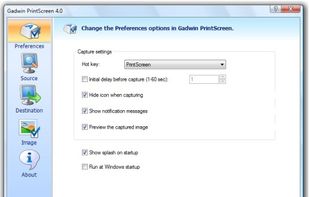
Captures the contents of the screen with a single keystroke. The captured screen can then be sent to the printer, or saved to disk as a file in 6 different graphics file formats. 15 languages.
 United States


The best Screenshot Capture alternative to Snagit is ShareX, which is both free and Open Source. If that doesn't suit you, our users have ranked more than 100 alternatives to Snagit and loads of them are Screenshot Capture Tools so hopefully you can find a suitable replacement. Other interesting Screenshot Capture Tool alternatives to Snagit are Greenshot, Flameshot, Snipping Tool and PicPick.
Captures the contents of the screen with a single keystroke. The captured screen can then be sent to the printer, or saved to disk as a file in 6 different graphics file formats. 15 languages.
United States
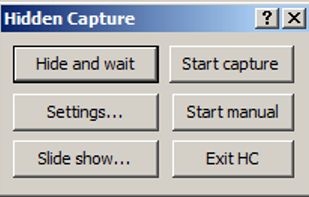
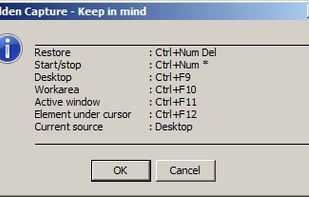
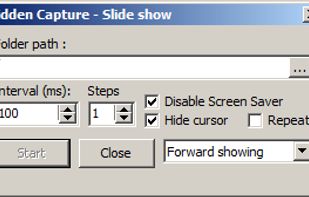
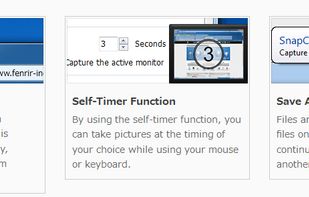
Grab screenshots in a stealth mode, and start the capturing process at a user-defined time with the help of this simple to use and efficient software tool.


SnipSVG is designed to be really simple to use and very fast. Plenty of clever helper functions such as auto-remembered styling and a favorites gallery deliver stunning results with just a few mouse clicks.
 Austria
 EU



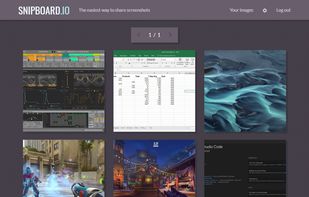
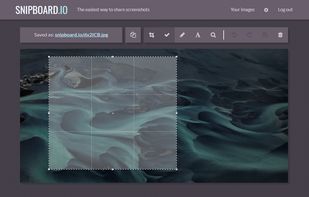
Snipboard (previously known as Snaggy) is an image host that lets you quickly paste and share images from your clipboard directly online.
United States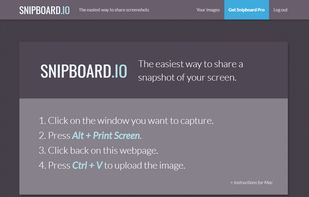


Generate web page full-length screenshot for free online.
United States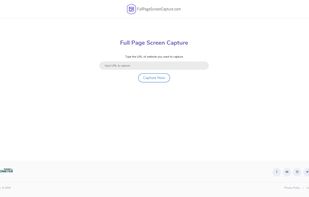


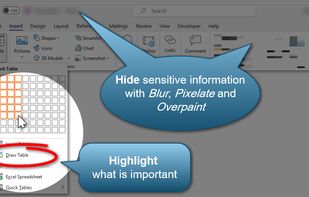
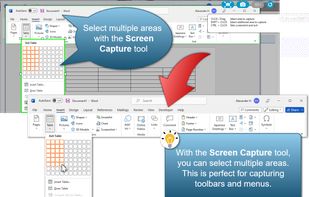
Snip tool is a screen capture tool that lets you capture one or more selected areas on your desktop and save it with optional annotations.
 GermanyEU

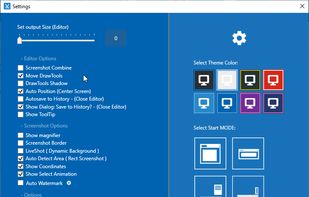

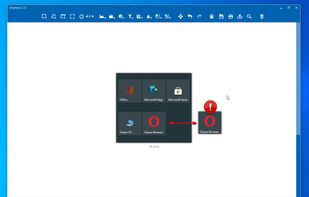


Screen OCR is a screen capture and character recognition tool. You can use Screen OCR in any way you are most comfortable with. It can be window selection, scrolling capture, simple cursor capture or rectangular selection.
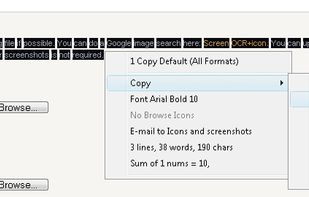
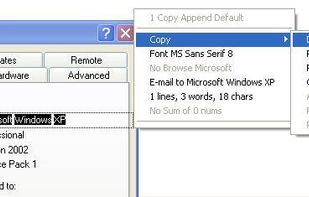


With Free Snipping Tool, not just you create snips, you can save your snips on major backup services like Imgur, Google Drive and Dropbox. Not just this you can also upload them via FTP or simple WebRequest.
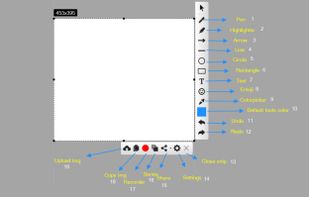
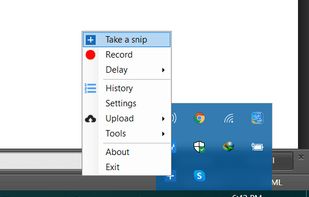
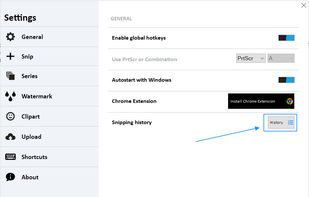
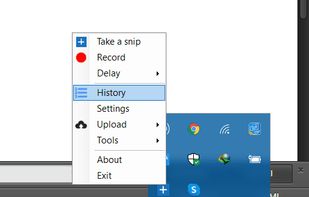


Make a screenshot, add your notes on top and share it instantly. Need to show some action? Record what you do, and share a GIF in a few seconds.


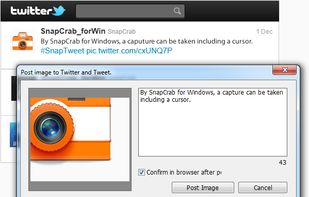
SnapCrab is a photo capture software that can capture any part of your screen. Files are saved in PNG format. Capture the whole screen, specified windows or areas, or wherever you like. With SnapCrab you can directly post captured images to Twitter, or save them to Evernote.
United States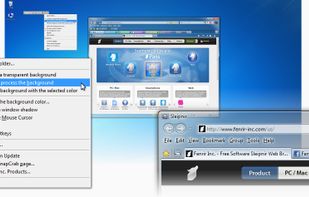


Easy, free and full-featured screenshot application to capture, edit, cloud store and share your screenshots effortlessly.


