
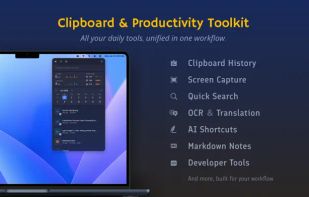
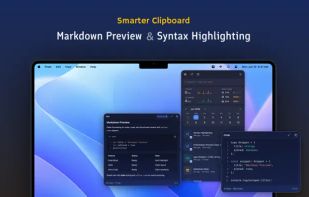
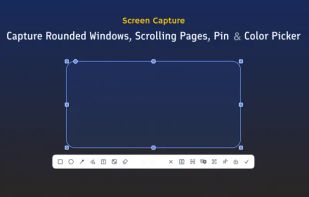
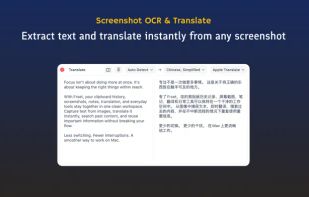
Frset is an all-in-one macOS productivity app combining clipboard management, screenshots, OCR, translation, AI shortcuts, and useful utilities in one place.
Cost / License
- Freemium
- Proprietary
Application typeApplication types
Platforms
- Mac



+9




Apps similar to Slap screenshots include ShareX, which is free and open source. Other options are Greenshot, FastStone Capture, Snipping Tool and PicPick. There's no shortage of Screenshot Capture Tools like Slap screenshots, with more than 25 alternatives for Windows, Mac, the web, Linux and iPad.
Frset is an all-in-one macOS productivity app combining clipboard management, screenshots, OCR, translation, AI shortcuts, and useful utilities in one place.

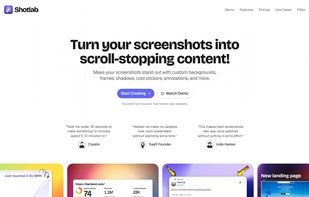
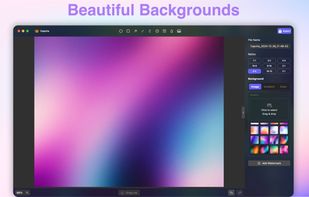
ShotLab is a lightweight screenshot editor built for creators, indie hackers, and marketers who want better engagement without spending hours on design.
 India
India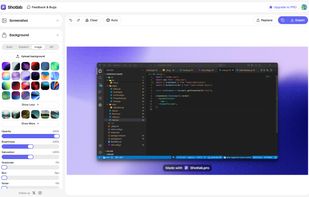


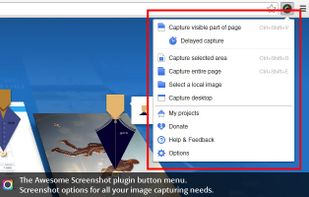
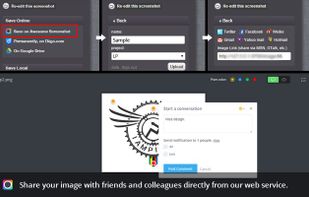
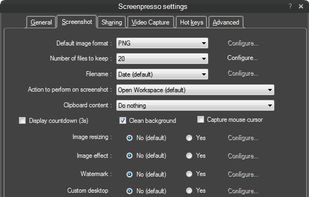
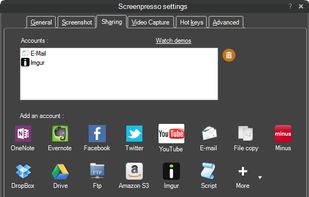
Comprehensive screenshot and screencast tool offering full-screen, window, or region captures with a built-in editor. Supports cropping, resizing, labels, and effects, with integration for popular services. Free version includes some branding and is limited to 15s screen casts.
 France
 EU
EU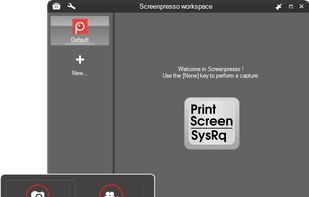
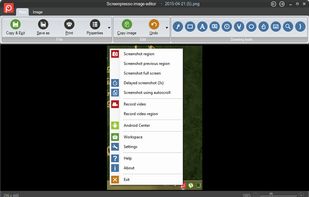


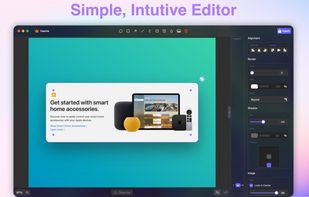
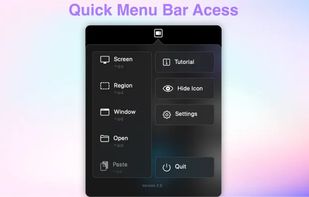
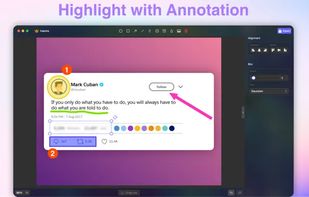


Capture full web page screenshots in Firefox, Chrome, Opera, Pale Moon or Internet Explorer Quick screenshots and annotations!
 Russia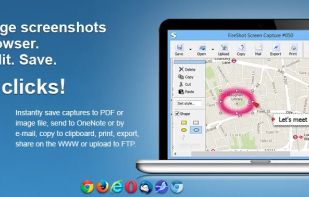


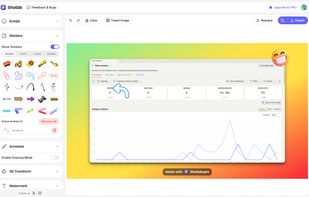
Beautiful screenshots with stunning backgrounds and powerful annotation tools. Create, edit, and share professional-quality screenshots with ease.
 PortugalEU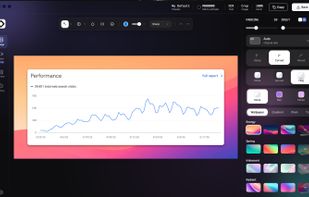

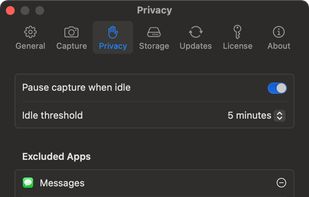
Menu bar app for Mac that takes a screenshot of every display on a timer, sorts them into a folder per day, and turns any day into a timelapse video.
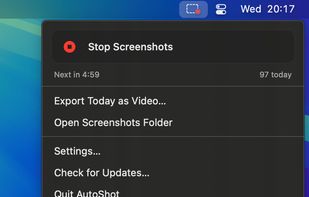
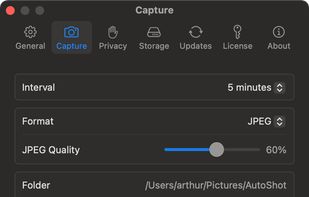
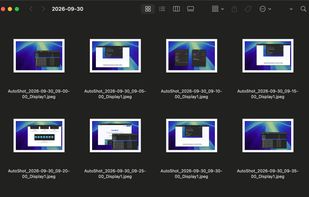


Capture full and partial screenshots, record screen or webcam videos with extensive editing tools, including annotations, video conversion to gif/mp4, and sharing options. Create step-by-step guides enhanced by AI, save in multiple formats, and utilize cloud storage integration.
 United States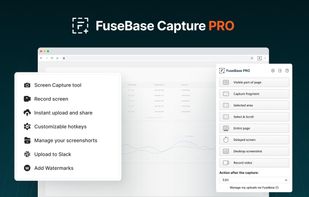
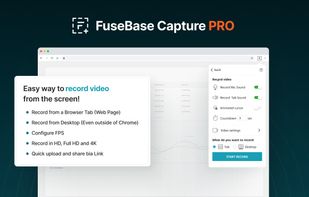
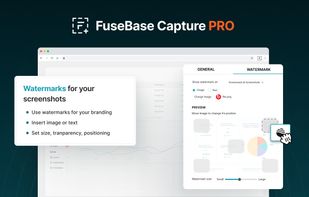
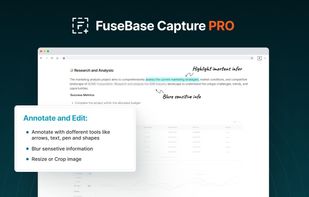


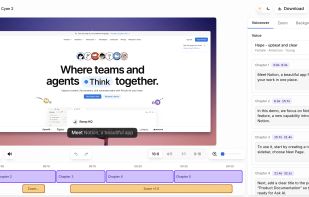
Vibrantsnap creates studio-quality product demos, training videos, and guides that speed up onboarding and drive adoption. Record your screen with the Chrome extension or import your own video, then let AI turn the raw footage into a polished video.
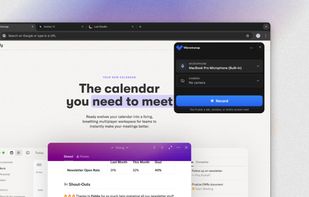


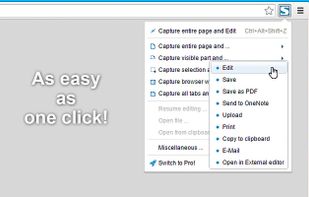
The simplest way to take a full page screenshot of your current browser window. Click on the extension icon (or press Alt+Shift+P), watch the extension capture each part of the page, and be transported to a new tab of your screenshot where you can download it as an image or PDF...
United States
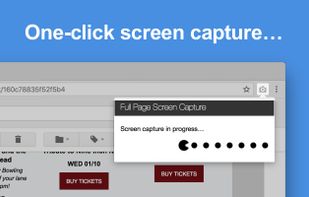
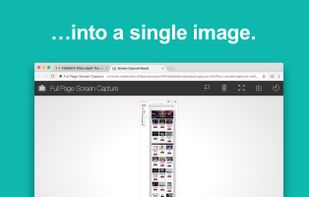


Full page screenshot, region capture, OCR text extraction, annotations, PDF export and scheduled captures. Free with $2.99 lifetime premium.


Capture the whole page or any portion, annotate it with rectangles, circles, arrows, lines and text, one-click upload to share.
United States