Cost / License
- Free
- Open Source
Application type
Platforms
- Google Chrome
- Microsoft Edge
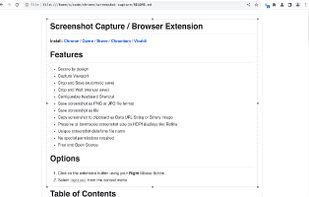

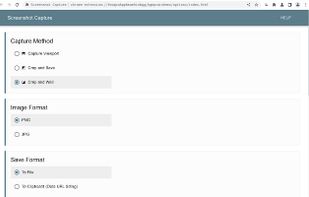

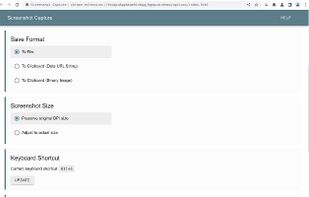

+1


Apps similar to Slap screenshots include ShareX, which is free and open source. Other options are Greenshot, FastStone Capture, Snipping Tool and PicPick. There's no shortage of Screenshot Capture Tools like Slap screenshots, with more than 25 alternatives for Windows, Mac, the web, Linux and iPad.

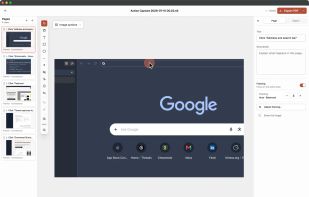
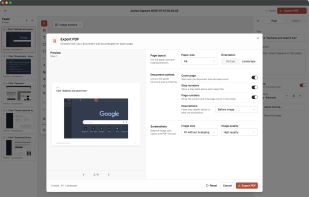
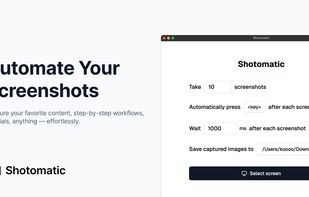
Shotomatic is a Mac app for recording a desktop task as an editable screenshot guide. Action Capture saves the target screen immediately before each accepted click, marks the action, and adds the step to a document.
 South Korea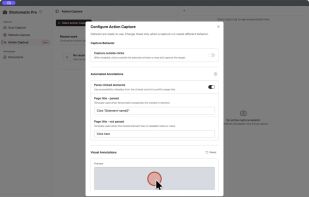


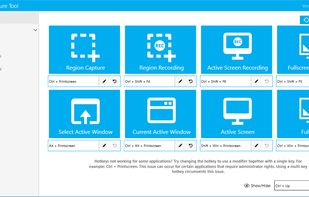
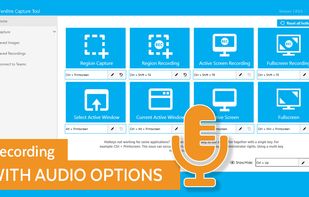
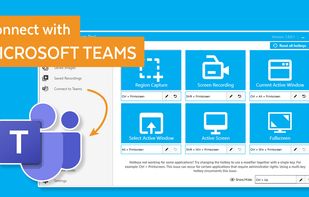
The Fenêtre Capture Tool for making professional screenshots and screen recordings. With advanced functions and abilities that other free capture tools don't offer.
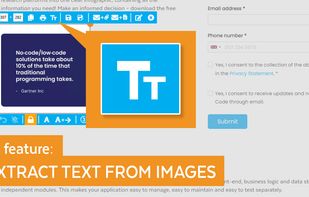


Meet MiniSnip, the smallest and fastest way to capture your screen and extract text with OCR on Windows. Open-source, feather-light, uses minimal resources, and stays completely out of your way.
Just one hotkey (Ctrl+Shift+C) is all you need to start.
 United States


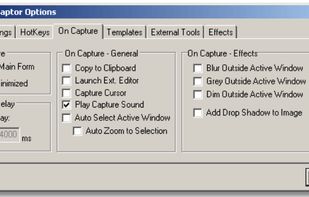
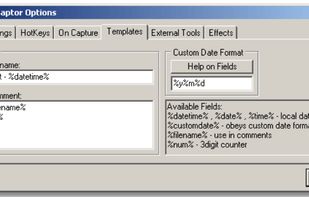
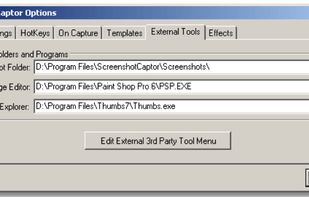
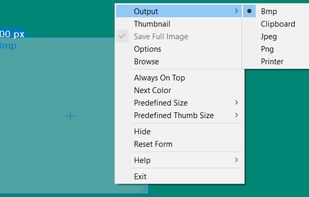
Screenshot Captor is a program for taking screenshots on your computer. Its different from other screenshot utilis in several notable ways:
United States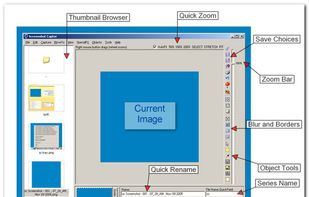


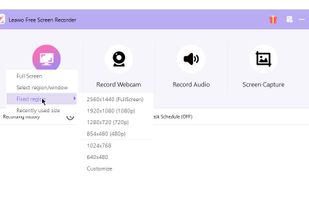
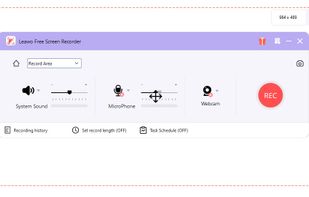
Leawo Free Screen Recorder is a 100% free screen recorder combo, allowing you to record videos with up to 4K quality from screen, webcam, system sound or/and Microphone.
 China
China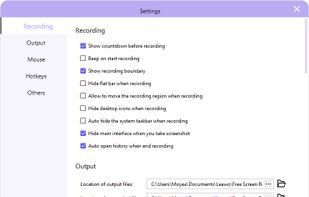


Taking screenshots with Shotty is so natural and easy, you just have to try it. Edit them in minimalistic editor and the upload them with one click. Focusing on simplicity and usability, this tool is probably the most intuitive screenshot utility out there.
 Germany
 EU
EU


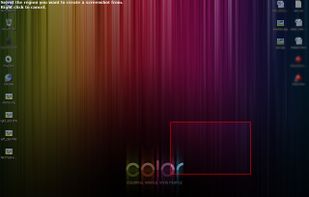


Cropper is a screen capture utility written in C#. It makes it fast and easy to grab parts of your screen. Use it to easily crop out sections of vector graphic files such as Fireworks without having to flatten the files or open in a new editor.



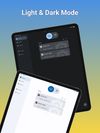
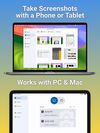
Screenshot Remote enables a seamless and secure way to capture and manage screenshots across multiple platforms and devices. Users can take screenshots on remote computers using their phone, tablet, or another computer via a local network connection or Wi-Fi.
United States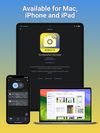

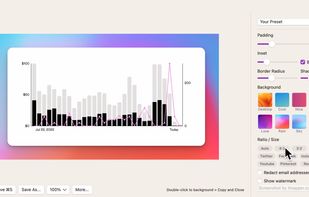
Capture and balance screenshots instantly with auto background colors, sensitive info redaction, text selection, custom shortcuts, social media sizing, history, presets, and compressed images in a native macOS app, supporting annotations and sharing.
 Singapore