Free screen capture, images, files and clipboard sharing service. Easy web publishing client.
Cost / License
- Freemium
- Proprietary
Application type
Platforms
- Mac
- Windows


Apps similar to ShareX include Greenshot, which is open source with a free version. Other options are Flameshot, SimpleScreenRecorder, Screenity and N-Studio. There's no shortage of Screenshot Capture Tools like ShareX, with more than 100 alternatives for Windows, Mac, the web, Linux and Android.
Free screen capture, images, files and clipboard sharing service. Easy web publishing client.

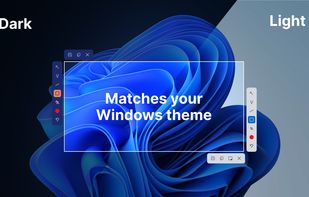
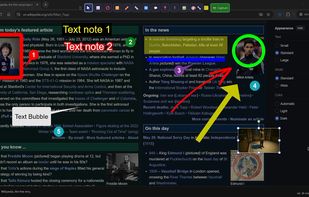
This screenshot tool is made just for Windows 10/11 and lets you take and mark up screenshots really quickly. Right after you take a screenshot, you can start editing it because the editing area shows up around what you've captured.
 Russia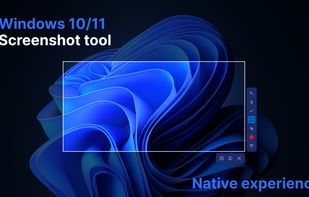
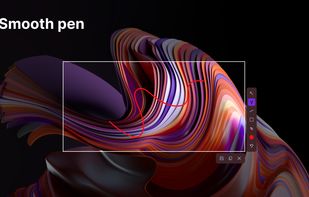
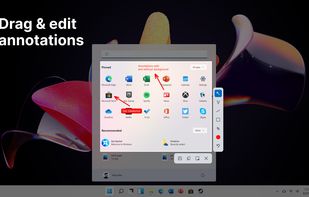


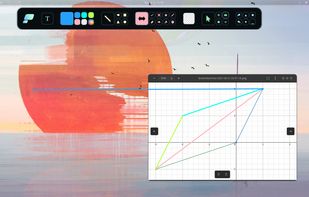
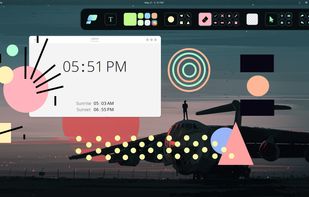
Pensela is an screen annotation tool that can also take screenshots available cross-platform.


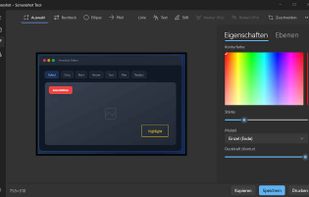
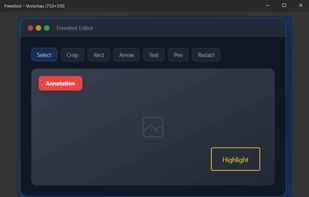
Freeshot is a free, lightweight and modern screenshot tool for Windows. Capture any region, window or full screen in under 100 ms, edit instantly with shapes, text & highlighter, organize everything in a clean library and print intelligently – 100 % free, no ads, no registration.
 Switzerland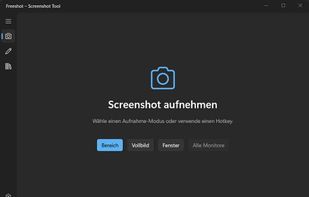


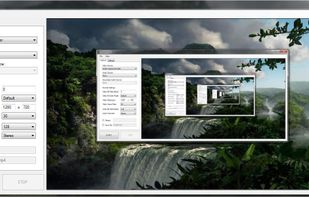
A freeware application that lets users stream high quality content similar to XSplit Broadcaster and Flash Media Live Encoder. Currently, the application is in early stages of development. This project is actively looking for dedicated testers.


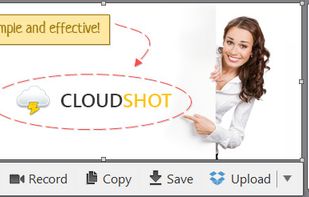
Make a screenshot, add your notes on top and share it instantly. Need to show some action? Record what you do, and share a GIF in a few seconds.


Bug Shooting is the perfect tool for software developers as well as testers. Bug Shooting provides you an easy way to create screen captures and attach them to items of your bug tracking or issue management system, e.g.


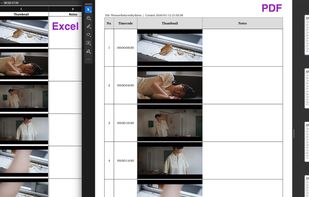
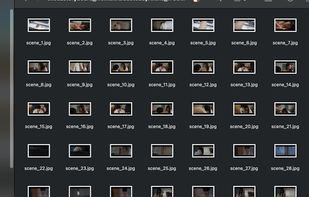
Slice2Storyboard turns any video file into a production-ready storyboard. Drop a video and get a PDF storyboard, an editable Excel storyboard, and individual frame stills — all automatic.


Full page screenshot, region capture, OCR text extraction, annotations, PDF export and scheduled captures. Free with $2.99 lifetime premium.




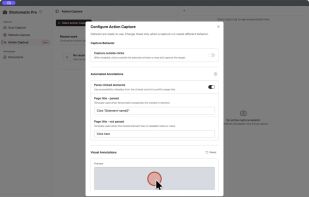
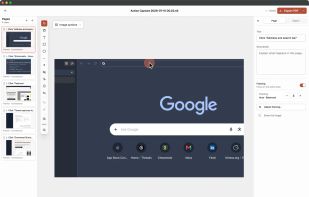
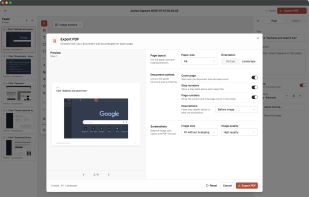
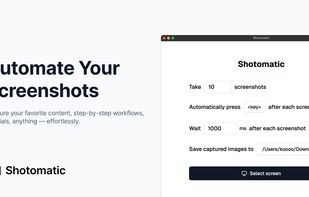
Shotomatic is a Mac app for recording a desktop task as an editable screenshot guide. Action Capture saves the target screen immediately before each accepted click, marks the action, and adds the step to a document.
 South Korea