

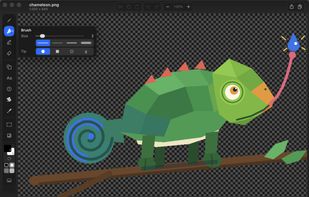
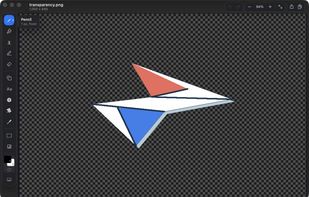
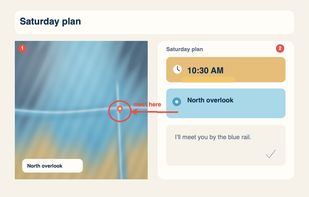
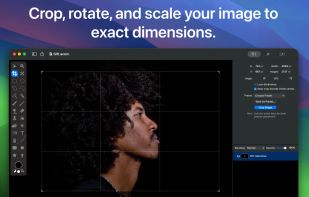
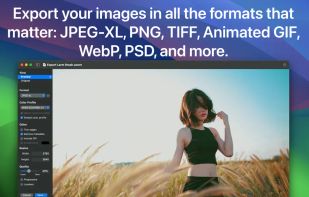
MS Paint for the Mac. Native, free and open source: blank canvas at any size, drop one image onto another, crop, and mark up screenshots.
Cost / License
- Free
- Open Source (MIT)
Application type
Platforms
- Mac
- Homebrew
 United States




One of the most popular alternatives to Pinta is GIMP, which is free and open source. Other popular alternatives are Krita, Adobe Photoshop, Paint.NET and Photopea. Image Editors like Pinta are a crowded field, with more than 100 alternatives for Windows, Mac, Linux, Android and the web.
MS Paint for the Mac. Native, free and open source: blank canvas at any size, drop one image onto another, crop, and mark up screenshots.
United States
Adobe's mobile photo-editing app lets you edit, share, and upload photos across devices. With features like free 2 GB storage, original size backup, and extra tools for advanced editing, it enhances your images for social media without reducing file quality.
United States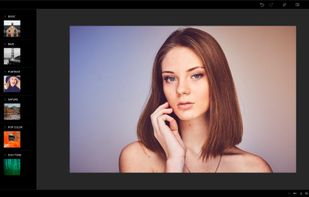
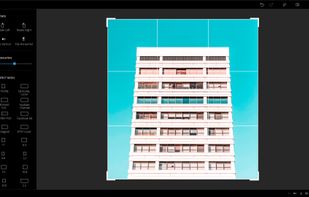
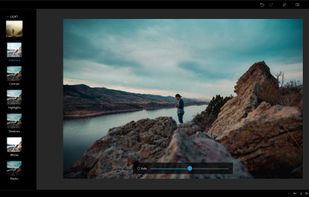


Comprehensive photo editing tool with AI-powered automation and easy step-by-step guidance. It includes unique creation tools, layer support, facial recognition, and organizes your photos seamlessly. Available as a one-time purchase, no subscription required, with cloud sync for flexibility.
United States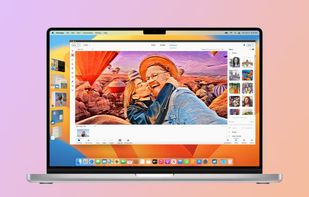
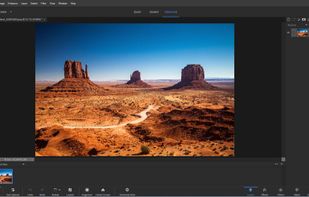
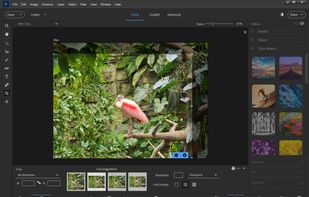



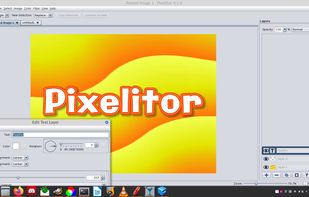
Open source image editor with non-destructive editing, 110+ filters, adjustment and text layers, support for smart objects and adjustment layers, cross-platform compatibility, and layer-based editing for flexible image composition.
 Hungary
 EU
EU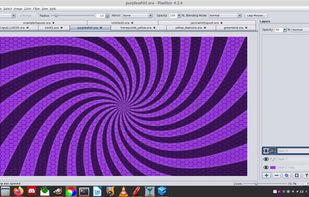


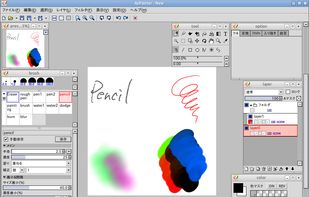
AzPainter is a full color painting program for Linux. It's a lightweight tool with tablet pressure support, and provides basic functions such as selection, layers, filters. you can use it for painting, image editing, or pixel art making.
 Japan
Japan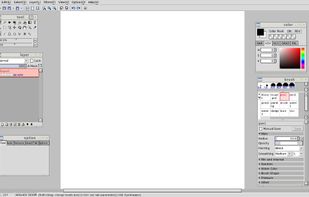


Comprehensive online editor offering filters, frames, text, stickers, collage creation, graphic design, templates for social media, batch editing, photo retouching, mobile and desktop access, regular updates, and direct sharing to social channels.
 China
China



 China
China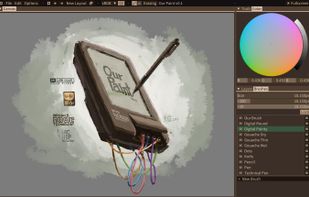
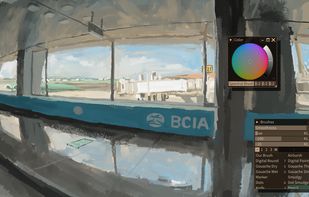


Image editor for macOS offering AI-powered background removal, live text detection, non-destructive filters, unlimited layers, vector shapes, collage creation, extensive file support including PSD and RAW formats, and tools for both designers and hobbyists.
United States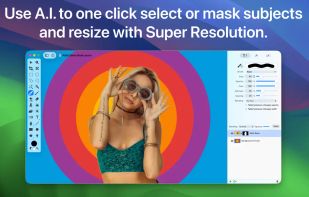
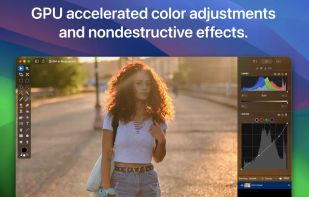


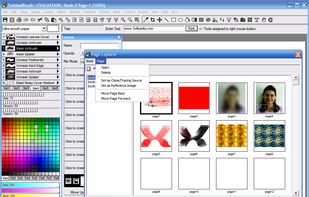
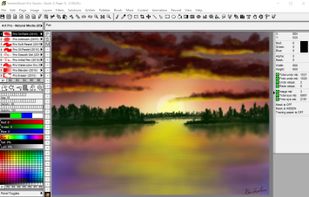
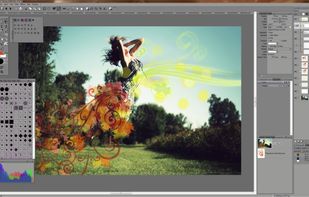
A powerful and unique digital art program, focusing on natural media painting, photo editing and illustrative styles.
United States



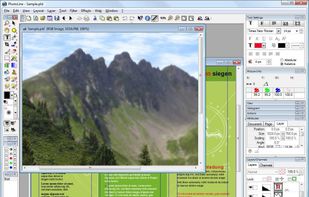
Photoline is a professional image editor which offers creatives a mostly non-destructive workflow for 8/16/32bpc image processing and compositing in RGB, CMYK, and Lab modes.
Full vector editing, DTP features, and a HSV/HIS workflow are supported.



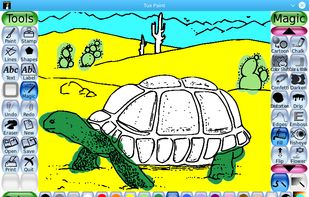
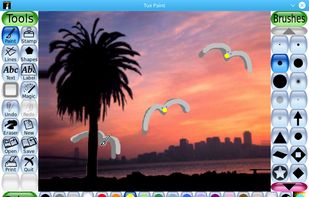
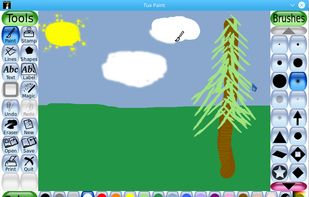
Tux Paint is a free, award-winning drawing program for children ages 3 to 12 (for example, preschool and K-6). Tux Paint is used in schools around the world as a computer literacy drawing activity. It combines an easy-to-use interface, fun sound effects, and an encouraging...
United States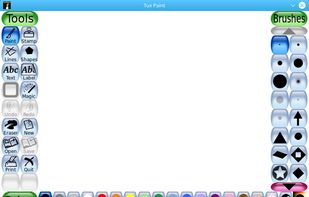


Imagine is an Image & Animation Viewer for Windows with screen capture function.
 South Korea