


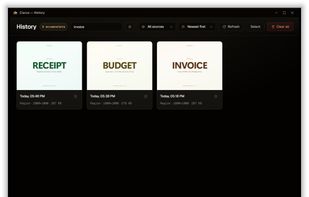
Fast, lightweight and offline-first Snipping tool for Windows with integrated high-accuracy OCR. Capture any screen area and extract text instantly without any cloud processing.
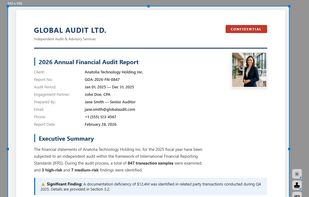


One of the most popular alternatives to PicPick is ShareX, which is free and open source. Other popular alternatives are Greenshot, Flameshot, Snipping Tool and macshot. There's no shortage of Screenshot Capture Tools like PicPick, with more than 100 alternatives for Windows, Mac, the web, Linux and iPhone.
Fast, lightweight and offline-first Snipping tool for Windows with integrated high-accuracy OCR. Capture any screen area and extract text instantly without any cloud processing.

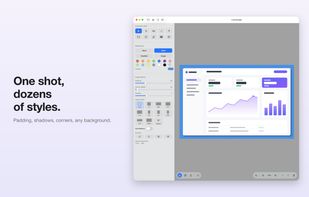
Capture macOS screenshots with a floating thumbnail for quick actions like renaming, copying, extracting text, scrolling capture, and local background removal. Supports custom folders, virtual desktops, Apple Silicon, temporary stashing, privacy, and customization.
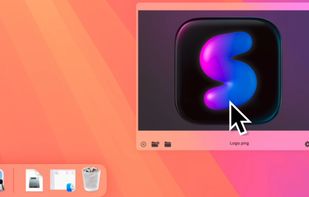

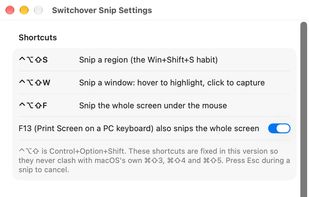
Switchover Snip is the Windows Snipping Tool rebuilt for the Mac, for people who keep reaching for Win+Shift+S out of habit.
 Australia
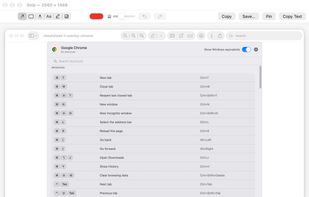



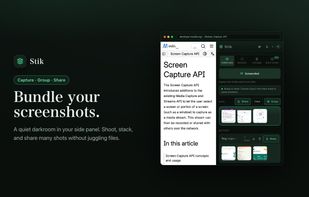
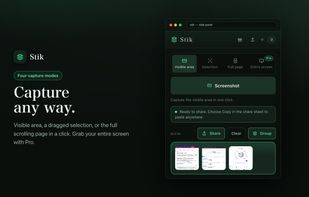
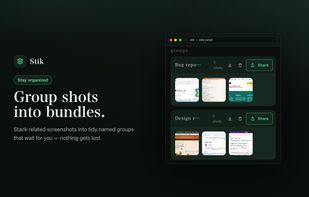
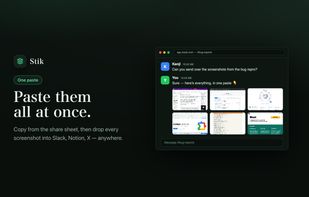
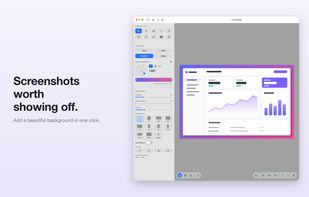
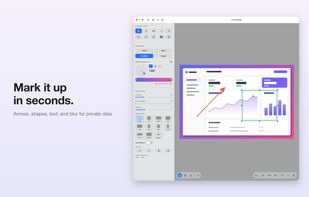
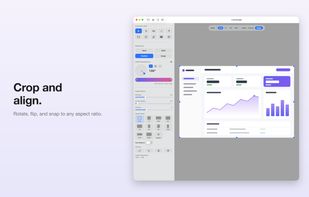
Stik is a Chrome & Brave side-panel extension that captures visible, full-page, or screen-area screenshots, bundles them into groups, and pastes many images into Slack, Notion, and X in a single paste.
 Japan




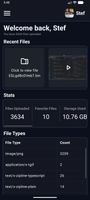
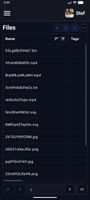
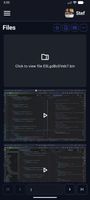
Zipline Android Client Application for a Diced/Zipline v4 ShareX Server to Upload, Download and Manage Files and Short URLs.


Free, open-source screenshot annotation for Windows and Mac: a native Skitch replacement with tapered arrows, blur and pixelate.
 United States
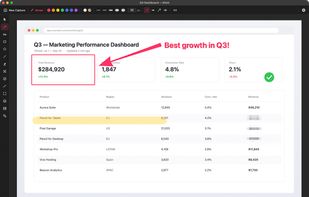
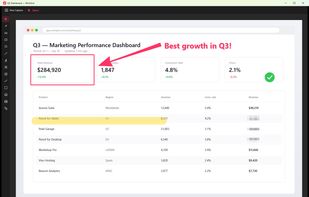
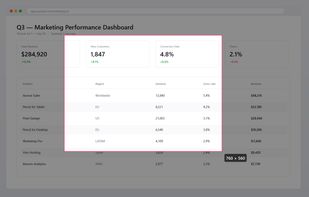

Screenshot and screen recording tool for Windows designed for fullscreen, area, or window captures, with audio recording, advanced annotation editor, and text-based search. Pro features add scrolling capture, text extraction, webcam, replays, and cloud sharing.
 United Arab Emirates
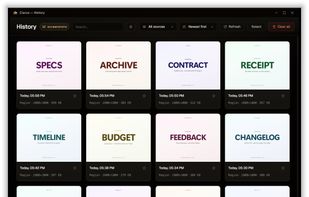
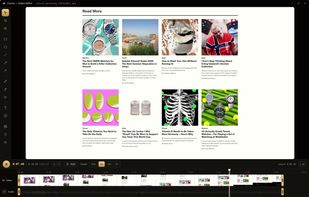

SnapIndex is a screenshot OCR Chrome extension that captures screenshots and scrollshots, extracts text, makes captures searchable, adds annotations, records click sequences, and exports searchable PDFs.



Record your screen, capture screenshots, annotate, and share them instantly. FastCapture is a lightweight, all-in-one Chrome extension for video recording, image capture, and annotation - no upload to external servers. Everything is processed locally in your browser.
United States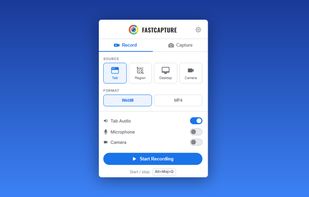
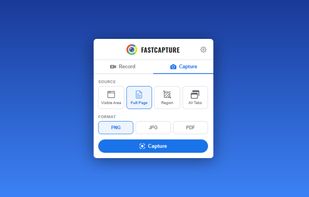
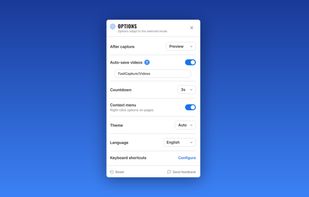
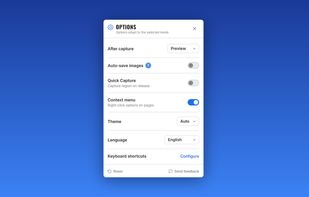


AI-powered screenshot utility for region, window, and full-screen capture, featuring background removal, optical character recognition, image enhancement, annotation, watermark, and signature tools. Supports creatives, professionals, and content sharing workflows.
 China


Hardcopy allows you to take screenshots, mark them and save them.
Standard Hardcopy: The key [Print] prints out the current screen. The key [Alt+Print] prints out the current window. A click onto the Hardcopy - symbol in the System Tray prints out the current screen. In additio.