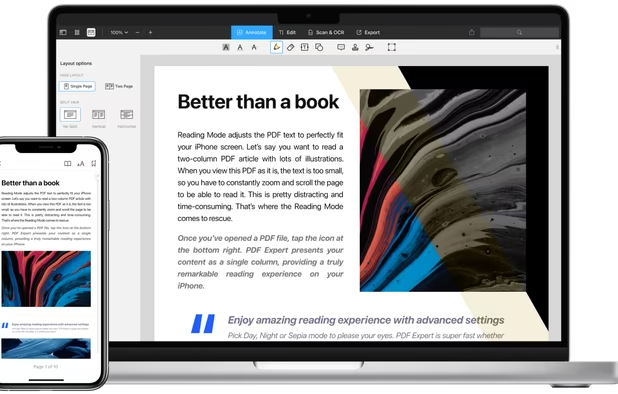
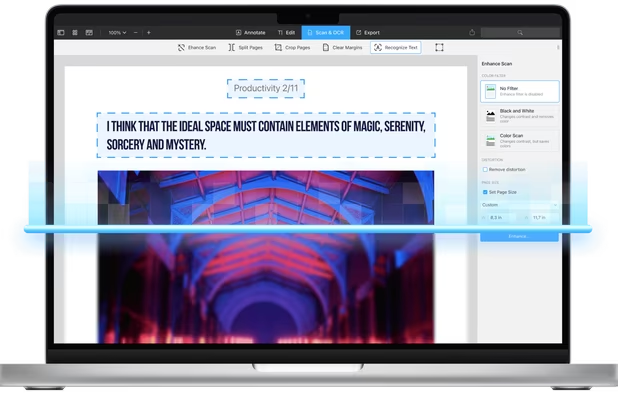
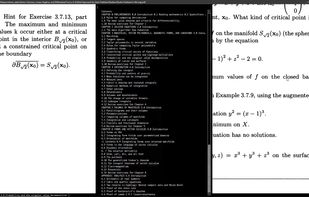
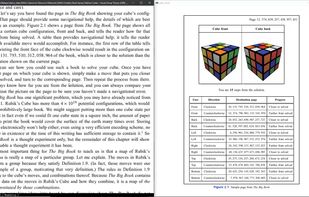
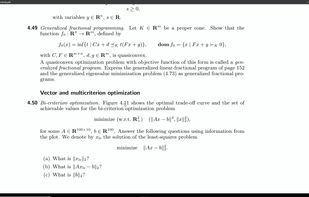
Sioyek is a PDF viewer with minimal interface optimized for reading research papers and technical books.
Cost / License
- Free
- Open Source (GPL-3.0)
Application type
Platforms
- Mac
- Windows
- Linux
 United States



+2


Apps similar to PDF X include SumatraPDF, which is free and open source. Other options are Okular, Foxit PDF Reader, PDFgear and PDF-XChange Editor. There's no shortage of PDF Readers like PDF X, with more than 50 alternatives for Windows, Mac, Linux, Android and the web.
Sioyek is a PDF viewer with minimal interface optimized for reading research papers and technical books.
United States
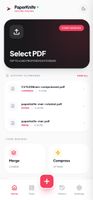
Privacy-first PDF utility (Zero-Server Architecture). Merge, split, compress, and edit PDFs 100% locally on your device. No uploads, no servers, no tracking.



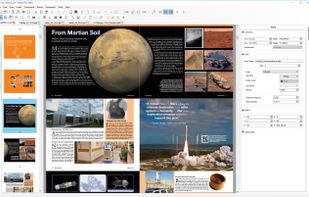
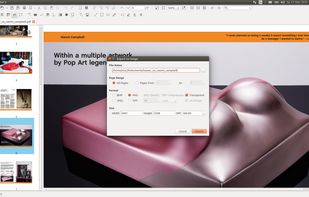
Master PDF Editor is complete solution for editing PDF and XPS files. You can insert, edit, remove, copy, add images or graphics. Export, import, remove and change page layouts. Also Master PDF Editor provides full functionality for changing PDF information, including author...
 Russia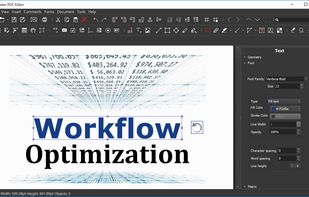


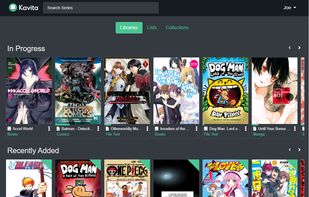
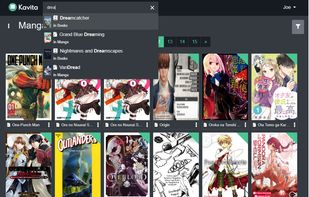
Lightning fast with a slick design, Kavita is a rocket-fueled self-hosted digital library which supports a vast array of file formats. Install to start reading and share your server with your friends. book reader, self hosted, manga, comics, free, manhwa, e readers, electronic...



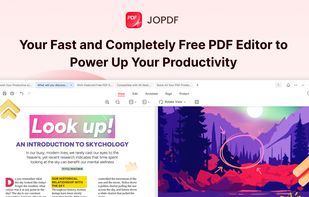
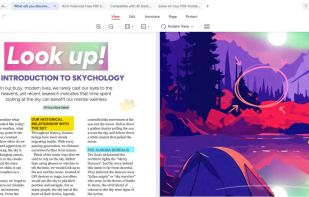
JOPDF is a 100% free PDF editor for Windows, Mac, and Linux. Edit, compress, merge, convert and annotate PDFs with no watermark or signup required.


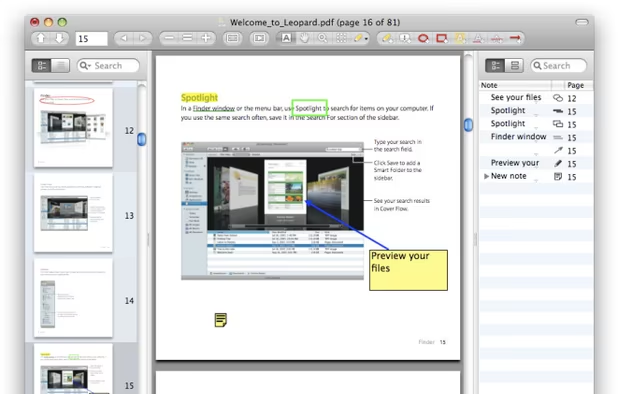
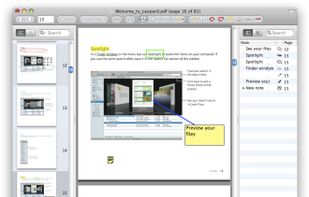
PDF viewer for macOS supports scientific papers, annotations, highlights, bookmarks, split view, exporting notes, AppleScript, multiple annotation types, bibliography integration, full-screen, search, and compatibility with various macOS versions.


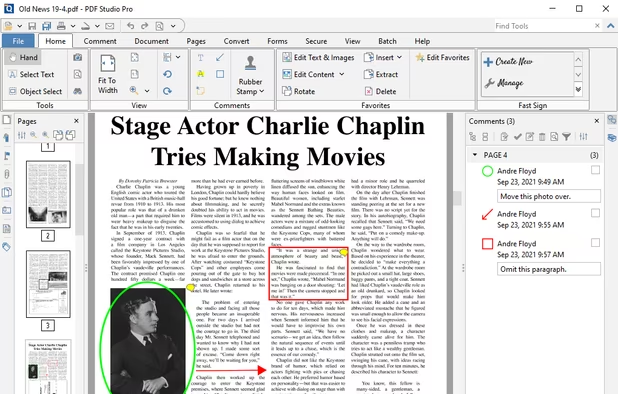
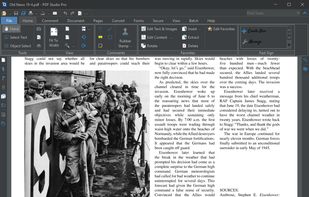
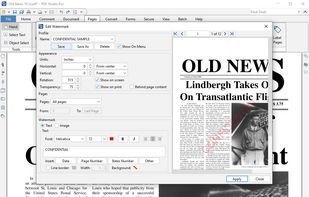
Create, Convert, Review and Edit PDF Documents on Windows, macOS, and Linux.
United States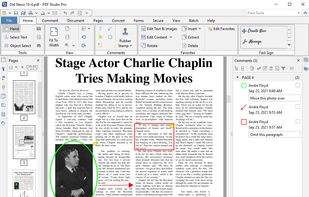
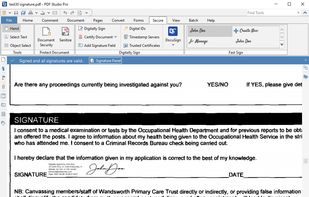


Xodo is the ultimate cross-platform PDF viewer and annotator. Powerful, fast, and optimized for all phones and tablets, Xodo makes it easy to access, edit, share, sync, manage, sign, and more.
 Canada
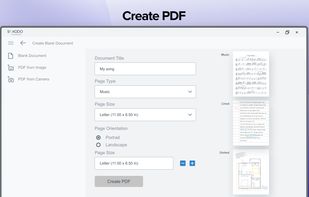
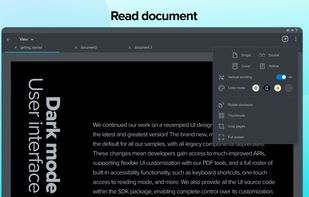
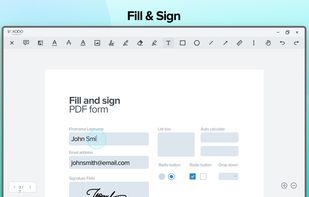


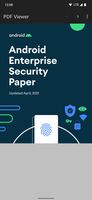
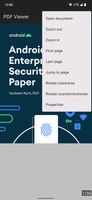
Simple Android PDF viewer based on pdf.js and content providers. The app doesn't require any permissions.
Canada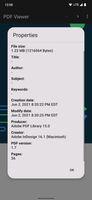


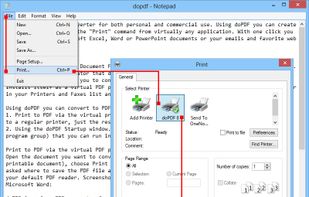
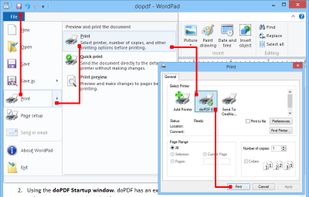
doPDF allows you to freely convert documents to PDF files. It installs as a printer driver, enabling you to print from any Windows application.
 Romania
 EU
EU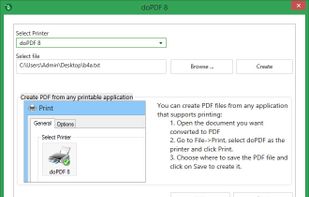



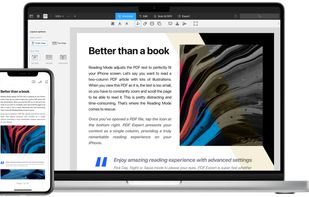
Read, annotate, and highlight PDFs, fill interactive forms with saved input, underline or strike through text, manage bookmarks, sync files from cloud services, and share documents. Compatible with Preview and Adobe Acrobat annotations, supporting extensive iOS features.
 Ukraine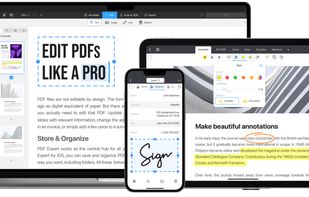
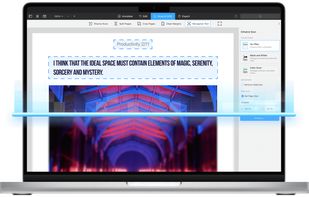
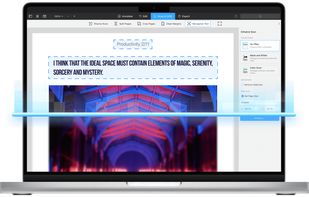

Engineered for large CAD and construction drawing PDFs, this local software offers tenfold faster markup, instant preview, text editing, rapid search, lossless PDF save, export at up to 600 DPI, full compatibility with standard viewers, auto-fit print options, and privacy for secure projects.
 LithuaniaEU