PDF X Alternatives

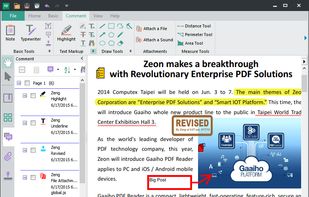
PDF X is described as 'Productive PDF reader & editor for Windows. It's powerful for users to view, print, edit, and annotate Adobe Acrobat PDFs' and is a PDF Reader in the office & productivity category. There are more than 50 alternatives to PDF X for a variety of platforms, including Windows, Mac, Android, Linux and iPhone apps. The best PDF X alternative is SumatraPDF, which is both free and Open Source. Other great apps like PDF X are Okular, Foxit PDF Reader, Evince and PDF-XChange Editor.

Copy a direct link to this comment to your clipboard
PDF X alternatives page was last updated

Alternatives list

  1. ePDFView icon
     12 likes
    Copy a direct link to this comment to your clipboard

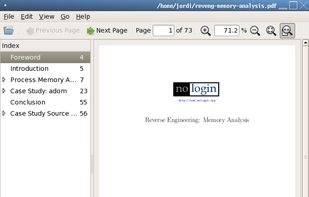
    A simple PDF document viewer, in the lines of Evince but without using the Gnome libraries. ePDFView is a free lightweight PDF document viewer using Poppler and GTK+ libraries.
    Cost / License

    • Free
    • Open Source

    Application type

    Alerts

    • Discontinued

    Platforms

    • Linux
     
  2. SwifDoo icon
     1 like
    Copy a direct link to this comment to your clipboard

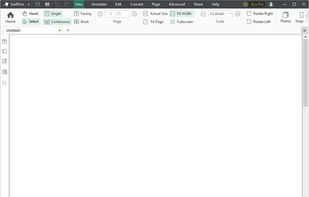
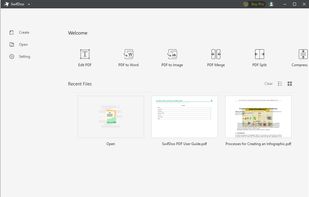
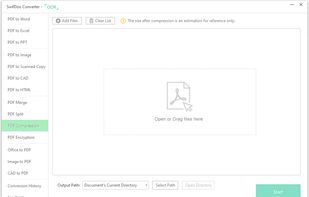
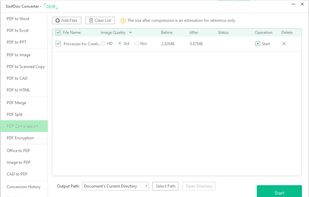
    Looking for methods to edit, merge,split,convert,rotate,annotate and other related manipulate on PDF? SwifDoo PDF will match your needs and handle most of your PDF-related jobs.

    68 SwifDoo alternatives

    Cost / License

    • Freemium (Subscription)
    • Proprietary

    Application types

    Platforms

    • Windows
     
  3. Copy a direct link to this comment to your clipboard
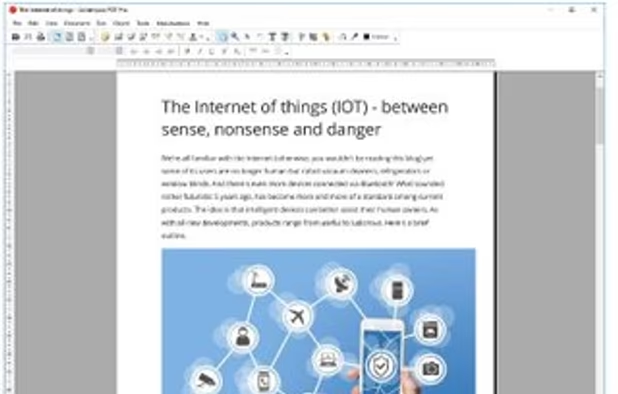
    Read, edit, annotate, and sign PDF documents with built-in AI features like summarize and translate, OCR in 50+ languages, fill forms, export to major formats offline, apply watermarks, compress files, secure with passwords, and use text-to-speech on all major platforms.

    76 PDF Reader Pro alternatives

    Cost / License

    • Freemium (Pay once or Subscription)
    • Proprietary

    Application types

    Platforms

    • Mac
    • Windows
    • Android
    • iPhone
    • Android Tablet
    • iPad
     
  4. PDFChef icon
     2 likes
    Copy a direct link to this comment to your clipboard

    PDFChef enhances document management with cross-platform support on PC, Mac, iOS, and browsers. It offers text-editing, page rearranging, conversion tools, and cloud-based sharing. Supporting various file formats, it also enables users to add signatures directly to PDFs for swift document finalization.

    Cost / License

    • Freemium (Pay once or Subscription)
    • Proprietary

    Application types

    Platforms

    • Mac
    • Windows
    • Online
     
  5. PDFTool icon
     Like
    Copy a direct link to this comment to your clipboard

    Edit your PDF files quickly and intuitively. Open, edit, save or convert PDF files with PDFTool – it’s up to you.

    Cost / License

    • Pay once
    • Proprietary

    Application types

    Platforms

    • Windows
     
  6. Xpdf icon
     12 likes
    Copy a direct link to this comment to your clipboard

    Xpdf is a free PDF viewer and toolkit, including a text extractor, image converter, HTML converter, and more. Most of the tools are available as open source.

    62 Xpdf alternatives

    Cost / License

    • Free
    • Open Source

    Application type

    Platforms

    • Mac
    • Windows
    • Linux
     
  7. PdfDing icon
     2 likes
    Copy a direct link to this comment to your clipboard

    PdfDing is a browser based PDF manager, viewer and editor that you can host yourself. It offers a seamless user experience on multiple devices. It's designed be to be minimal, fast, and easy to set up using Docker.

    Cost / License

    • Free
    • Open Source

    Application types

    Platforms

    • Online
    • Docker
    • Kubernetes
     
  8. Kami icon
     17 likes
    Copy a direct link to this comment to your clipboard

    Cloud-based PDF viewer and annotation tool for your browser. Perfect for Chromebook 1:1 schools. View, export, print and share your PDF files straight from your browser. Kami works on all browsers and works best with Google Chrome.

    82 Kami alternatives

    Cost / License

    • Freemium (Subscription)
    • Proprietary

    Application types

    Platforms

    • Online
    • Google Chrome
     
  9. Jumpdf icon
     1 like
    Copy a direct link to this comment to your clipboard

    Jumpdf is a keyboard-focused PDF viewer for documents where one needs to jump between different sections of the document frequently.

    Cost / License

    • Free
    • Open Source

    Application type

    Platforms

    • Linux
    • Flathub
    • Flatpak
     
You are at page 4 of PDF X alternatives