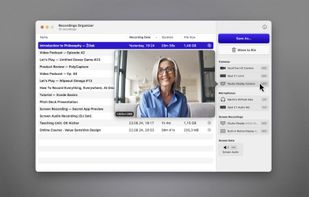
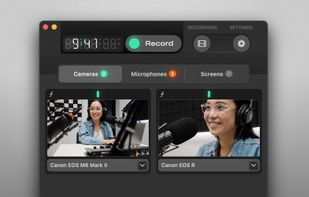
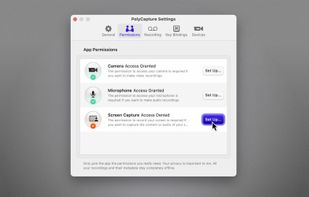
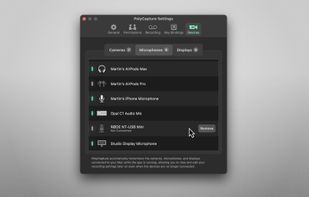
PolyCapture allows you to record cameras, microphones, screens, and apps — individually or multiple at once.
Cost / License
- Freemium
- Proprietary
Application type
Platforms
- Mac
 Germany
 EU
EU



+7


One of the most popular alternatives to oCam is OBS Studio, which is free and open source. Other popular alternatives are OpenScreen, GPU Screen Recorder, SimpleScreenRecorder and Bandicam. You're spoiled for choice with Screen Recorders like oCam: we list more than 100 alternatives for Windows, Mac, Linux, the web and Android.
PolyCapture allows you to record cameras, microphones, screens, and apps — individually or multiple at once.
GermanyEU
A screen recorder comes with automated editing. Automatically track cursor movement, apply dynamic zoom and click effects, add a pleasant background, and generate a professional-looking video/gif that is ready to use.
 China
China


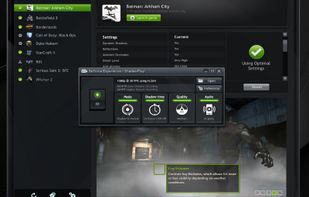
ShadowPlay is a graphics-accelerated overlay to record and share high-quality gameplay videos, screenshots, and livestreams.
 United States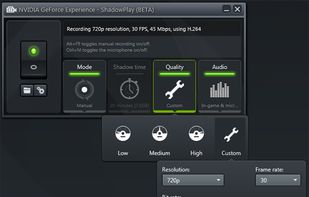


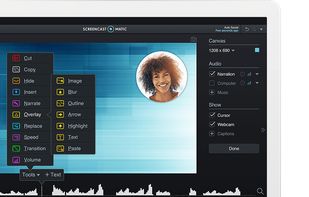
Free version Records up to 15 minutes, premium is $20/year or $48/year depending on features (as of January 2020).
United States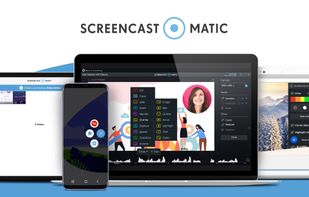
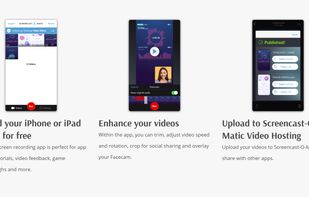


An open-source menu bar application for creating screen and camera time lapses without excessive file sizes.
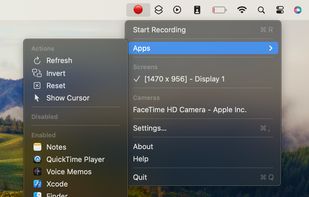
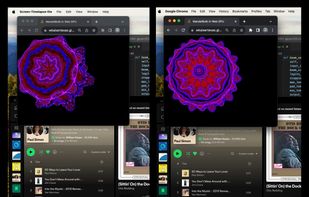


Record Go: Screen Recorder is a user-friendly and practical application for screen capture. No matter whether it is to record tutorials, courses, demonstrations, meetings, games, film/TV series, or videos, Record Go: Screen Recorder could always save your time and offer great...
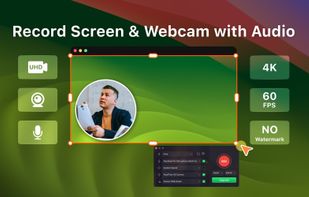
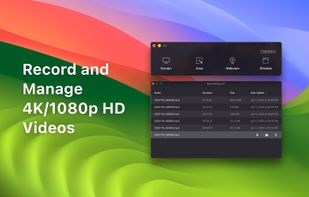

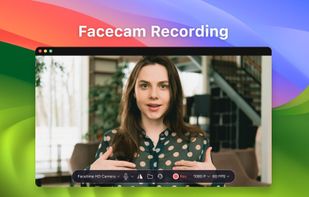


ScreenMix - Screen Recorder provides an easy, uncomplicated way of recording your desktop's screen and webcam sessions. Excellent for games and video stream recording, product demos, tutorials, webcam chats, and more!.
 Ukraine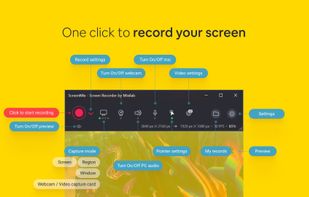
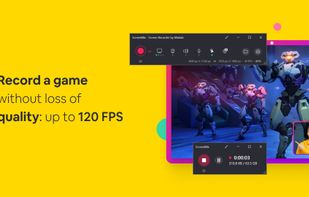

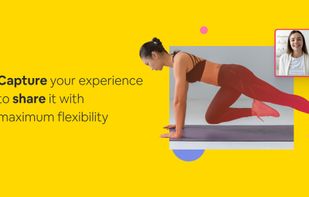


Fast, flexible, and easy-to-use screen recorder for gameplay, tutorials, product demos, and more. Record your screen, system audio, microphone, and camera in high-quality HD or 4K with smooth performance.
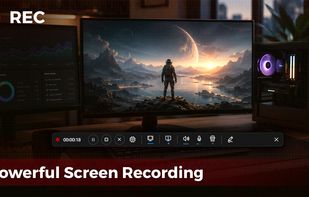
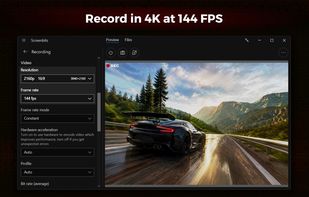


Free Cam is free screen recording software for Windows that lets you easily capture all or part of your screen, record your voice & mouse clicks, then edit your video and save it to your computer or share it instantly on YouTube.
United States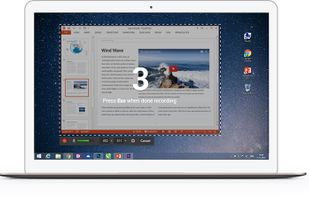

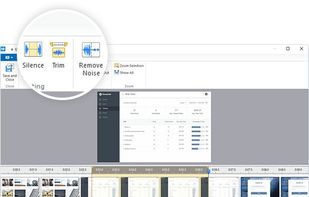


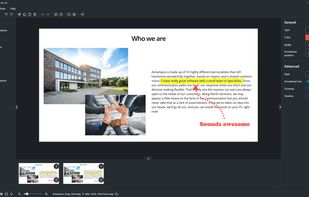
Capture screenshots or record videos with Ashampoo Snap’s efficient tools. Enjoy easy editing, multi-display support, OCR for 180 languages, and instant sharing capabilities. Revamp your projects with video cutting, annotations, and custom capture options.
GermanyEU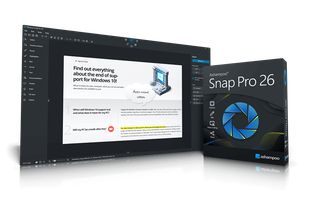


Apowersoft Screen Recorder captures screen and audio activity, saving it as WMV video files. It includes a converter for transforming WMV files into formats like AVI, MP4, FLV, SWF, and more. The software records PC screen activity with audio, webcam videos, external device...
 Hong Kong SAR China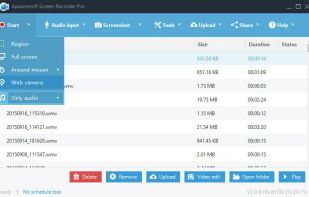
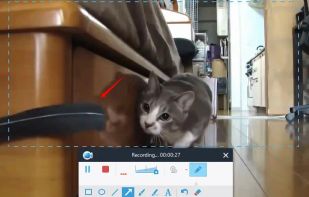
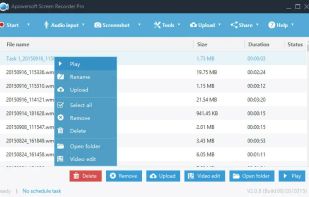
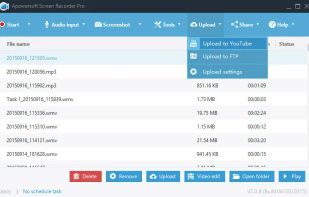


Enables screen video, audio, and webcam capture with support for system sounds, microphone input, annotation tools, zoom, custom watermarks, automated scheduling, screenshot upload, adjustable quality, region selection, and support for over 45 languages.
 CyprusEU