


Record Go
2 likes
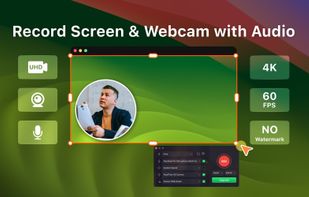
Record Go: Screen Recorder is a user-friendly and practical application for screen capture. No matter whether it is to record tutorials, courses, demonstrations, meetings, games, film/TV series, or videos, Record Go: Screen Recorder could always save your time and offer great...

Cost / License
- Freemium (Pay once or Subscription)
- Proprietary
Application type
Platforms
- Mac


Features
Highlights All activities
Record Go News & Activities
Recent News
No news, maybe you know any news worth sharing?
Share a News Tip
Recent activities
 Willie_dev added Record Go as alternative to Limelight Mac
 Paul added Record Go as alternative to ScreenKite






Developed by
PDFgearLicensing
Proprietary and Freemium product.Pricing
One time purchase that costs $25, and / or subscription ranging between $1 and $2 per month + free version with limited functionality.Alternatives
83 alternatives listedBadge
Get an embeddable badge for Record GoSupported Languages


No comments or reviews, maybe you want to be first?