





Screenize
5 likes
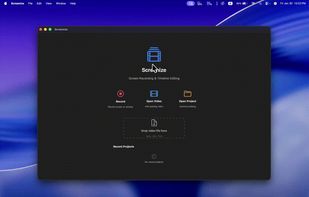
Open-source macOS screen recording app with auto-zoom, cursor effects, and timeline editing — Screen Studio alternative.

Cost / License
- Free
- Open Source (Apache-2.0)
Application type
Platforms
- Mac


Features
Highlights All activities
Screenize News & Activities
Recent News
No news, maybe you know any news worth sharing?
Share a News Tip
Recent activities
 Marvin-Aziz added Screenize as alternative to Takes for Mac
- Ben liked Screenize
 fakecam added Screenize as alternative to FakeCam - Virtual Webcam
 Willie_dev added Screenize as alternative to Limelight Mac
 Mauricio B. Holguin added Screenize as alternative to ScreenTune




Developed by
 Yein Sung
 Licensing
Open Source (Apache-2.0) and Free product.Written in
Alternatives
67 alternatives listedBadge
Get an embeddable badge for ScreenizeSupported Languages

AlternativeTo Categories
OS & Utilities, Photos & Graphics, Video & MoviesGitHub repository
- 616 Stars
- 37 Forks
- 12 Open Issues
- Updated


No comments or reviews, maybe you want to be first?