Lightweight Notepad++ Alternatives

The best alternative to Notepad++ is Sublime Text, which is free. If that doesn't suit you, our users have ranked more than 100 alternatives to Notepad++ and loads of them are so hopefully you can find a suitable replacement. Other interesting alternatives to Notepad++ are Geany, Kate, Vim and VSCodium.

filter to find the best alternatives

Notepad++ alternatives are mainly Text Editors, but if you're looking for Code Editors or IDEs you can filter on that. Other popular filters include Android, Linux, Windows, Mac, Windows + Free, iPad + Code Editor and iPad. These are just examples - use the filter bar below to find more specific alternatives to Notepad++.
Copy a direct link to this comment to your clipboard
Notepad++ alternatives page was last updated

Alternatives list

  1. Sublime Text icon
     2068 likes

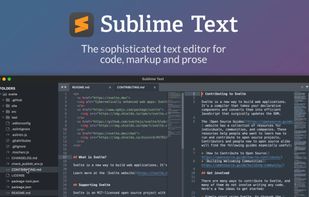
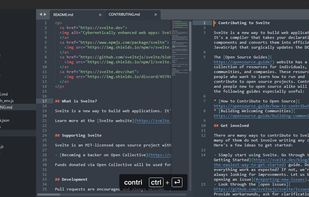
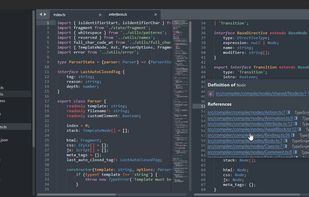
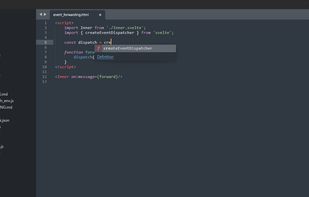
    Powerful editor blending code, markup, and prose editing with enhanced features like multi-tab selection, side-by-side definition viewing, and multiple selection tools for swift code navigation.

    218 Sublime Text alternatives

    Cost / License

    • Freemium
    • Proprietary

    Application types

    Platforms

    • Mac
    • Windows
    • Linux
    • Snapcraft
    • Flathub
    • Flatpak
     
    |
    19
    Sublime Text vs Notepad++ Comments
    Top Positive Comment
    Hexaae
    3

    Crazy pricing. June 2022: 99$/3yrs

    Top Negative Comment
    Nuncio Bitis
    0

    Sublime Text is too slow, big, and heavy, and a memory hog.

    Afroz Syed
    Positive
    0

    I haven't used Sublime Text but I've use Notepad++ and found it to be really useful! Will definitely try Sublime Text now that I know it is an alternative.

    3 of 19 comments
    • Sublime Text is Freemium and ProprietaryNotepad++ is Free and Open Source
    • Sublime Text is CustomizableNotepad++ is not according to our users
  2. Geany icon
     580 likes

    Geany is a powerful, stable and lightweight programmer's text editor that provides tons of useful features without bogging down your workflow.

    170 Geany alternatives

    Cost / License

    Application types

    Platforms

    • Mac
    • Windows
    • Linux
    • BSD
    • Snapcraft
    • Flathub
    • PortableApps.com
    • Flatpak
    • Haiku
     
    |
    13
    Geany vs Notepad++ Comments
    Top Positive Comment
    Guest
    10

    Virtually the same features and on top of it it's cross platform and open source.

    Review by a new / low-activity user.
    Top Negative Comment
    Stefan Monov
    0

    Breaks some of my basic workflows. E.g. can't drop files onto the Geany window (to open them), can't use F3 for "find next"... OTOH the UI is nice and sleek.

    victorkam26
    Positive
    1

    Simple, light and good replacement.

    3 of 13 comments
    • Geany is Free and Open SourceNotepad++ is also Free and Open Source
    • Geany is Minimalistic and CustomizableNotepad++ is not according to our users
  3. Kate icon
     330 likes

    The Kate project develops two main products: KatePart, the advanced editor component which is used in numerous KDE applications requiring a text editing component, and Kate, a MDI text editor application.

    164 Kate alternatives

    Cost / License

    Application types

    Platforms

    • Mac
    • Windows
    • Linux
    • BSD
    • KDE Plasma
    • Flathub
    • Flatpak
    • Snapcraft
     
    |
    5
    Kate vs Notepad++ Comments
    Top Positive Comment
    RR JJ
    9

    Great syntax highlighting, and good plugin support. Fast and easy to use.

    Top Negative Comment
    Max Fisher
    1

    Kate doesn't have as robustness as Notepad++ has. And feature wise it hasn't got "cache" thing when you want to close a tab and the editor shouldn't be asking whether save it or not.

    avg-gaymer
    Positive
    0

    although it certainly isnt a 1:1 replacement, kate has provided the closest "notepad++ for linux" experience for me - a text editor that can be just a text editor, but with some nice extra features if you want them.

    3 of 5 comments
    • Kate is Free and Open SourceNotepad++ is also Free and Open Source
  4. Vim icon
     1364 likes

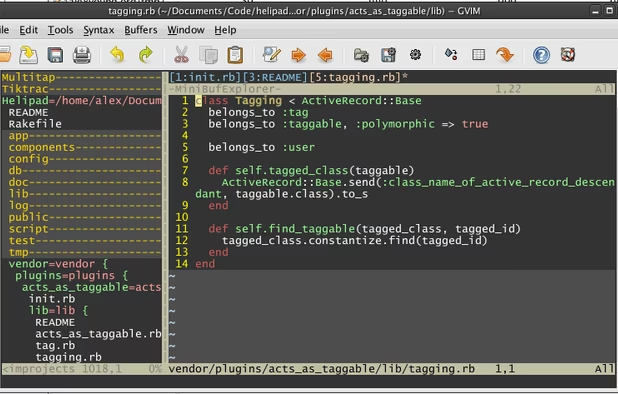
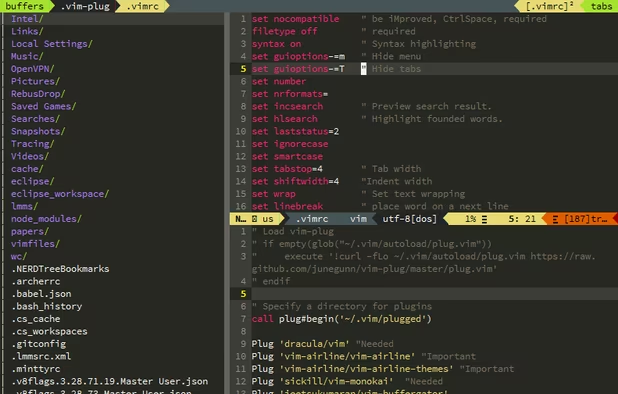
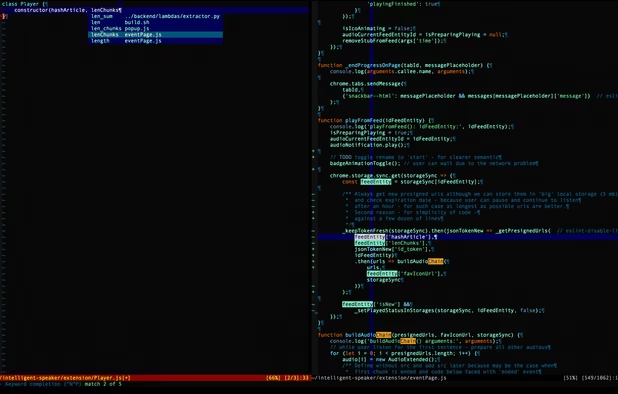
    Advanced text editor with syntax highlighting, word completion, multiple editing modes for efficiency, plugin and script extensibility, GUI and command-line operation, a thorough help system, and cross-platform support across various operating systems.

    232 Vim alternatives

    Cost / License

    Application types

    Platforms

    • Mac
    • Windows
    • Linux
    • BSD
    • Snapcraft
    • Flathub
    • Haiku
    • Flatpak
    • AmigaOS
    • OpenSolaris
    • MorphOS
     
    |
    9
    Vim vs Notepad++ Comments
    Top Positive Comment
    Marcin
    6

    Serves same purpose, similar features, different approach, multiplatform, ubiquitous.

    Top Negative Comment
    Xandros Darkstorm
    4

    Notepad++ is a gui application, while vim is strictly for terminals.

    RemovedUser
    Negative
    1

    Although it runs as a GUI, you still need to know the vi commands. Unless you don't mind using the menu bar to do everything.

    Review by a new / low-activity user.
    3 of 9 comments
    • Vim is Free and Open SourceNotepad++ is also Free and Open Source
    • Vim is CustomizableNotepad++ is not according to our users
  5. VSCodium icon
     441 likes

    This repository contains a build file to generate FLOSS release binaries of Microsoft's Visual Studio Code - Open Source ("Code - OSS") project, the open source core of the proprietary Visual Studio Code.

    219 VSCodium alternatives

    Cost / License

    • Free
    • Open Source (MIT)

    Application types

    Platforms

    • Mac
    • Windows
    • Linux
    • Flathub
    • Electron
    • Snapcraft
    • Homebrew
    • Chocolatey
     
    |
    3
    VSCodium vs Notepad++ Comments
    gregoryem
    Positive
    1

    "VS Codium does everything Notepad++ can", but unlike Notepad++, VSC is extremely heavy and bloated wannabe IDE instead od text editor.

    aaronfranke
    Positive
    3

    VS Codium does everything Notepad++ can do but better. It has more features, is more extensible/customizable, is fairly lightweight, and is cross-platform.

    Guest
    Positive
    5

    The power of Visual Studio without all the tracking of Microsoft in a simple and intuitive layout

    Review by a new / low-activity user.
    • VSCodium is Free and Open SourceNotepad++ is also Free and Open Source
    • VSCodium is CustomizableNotepad++ is not according to our users
  6. gedit icon
     699 likes

    Extensible text editor with UTF-8 support, syntax highlighting for several programming and markup languages, remote editing, file reverting, print preview, clipboard operations, powerful search, customizable fonts and colors, line numbering, and plugin support.

    208 gedit alternatives

    Cost / License

    Application types

    Platforms

    • Mac
    • Windows
    • Linux
    • Chrome OS
    • BSD
    • Flathub
    • GNOME
    • OpenSolaris
     
    |
    3
    gedit vs Notepad++ Comments
    rmpbklyn
    Negative
    6

    no sorting and don't reconize regular expression when 'replace' or search

    Guest
    Negative
    12

    Gedit can't fold code, can't make ident lines, and the ident is strange!

    Review by a new / low-activity user.
    Guest
    Negative
    4

    Some essential plugins missing especially around code formatting tools

    Review by a new / low-activity user.
    • gedit is Free and Open SourceNotepad++ is also Free and Open Source
    • gedit is CustomizableNotepad++ is not according to our users
  7. Zed Editor icon
     140 likes

    Blazing fast code editor offering real-time multi-user collaboration, language-aware syntax highlighting, integrated terminal, multi-buffers for tab-free editing, built-in Vim mode, searchable outline, AI coding assistance, advanced keyboard commands, and cross-platform support.

    115 Zed Editor alternatives

    Cost / License

    • Freemium
    • Open Source

    Application types

    Platforms

    • Mac
    • Windows
    • Linux
    • Flathub
    • Flatpak
     
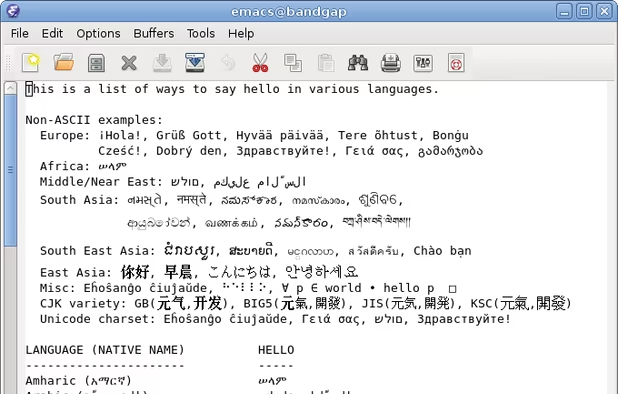
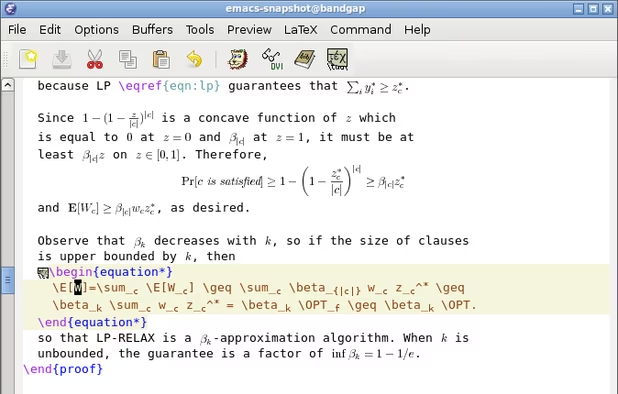
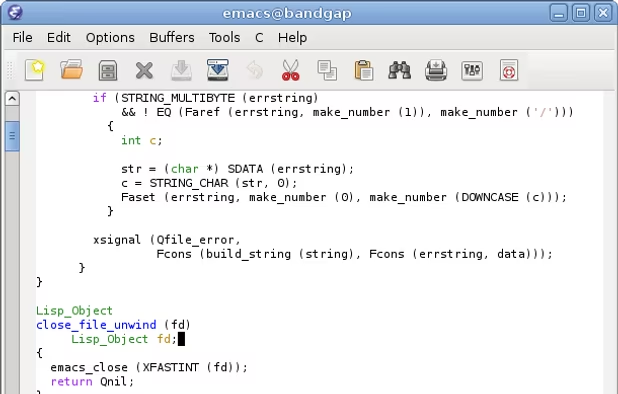
  8. GNU Emacs icon
     390 likes

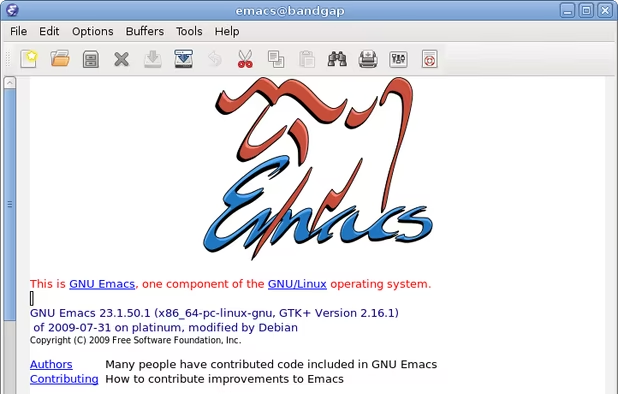
    GNU Emacs is an extensible, customizable text editor—and more. At its core is an interpreter for Emacs Lisp, a dialect of the Lisp programming language with extensions to support text editing. The features of GNU Emacs include:

    199 GNU Emacs alternatives

    Cost / License

    Application types

    Platforms

    • Mac
    • Windows
    • Linux
    • Android
    • BSD
    • Snapcraft
    • F-Droid
    • Haiku
    • Debian
    • MacPorts
    • Homebrew
     
    |
    3
    GNU Emacs vs Notepad++ Comments
    Guest
    Positive
    4

    Emacs is the be-all-end-all text editor. It takes a while to learn, but its code and text editing commands are extremely powerful. There's also a package manager for things like auto completion, automatic running, and more language support.

    Review by a new / low-activity user.
    Guest
    Negative
    2

    I don't want a fake psychologist nor to play tetris, I really just want a powerful IDE.

    Review by a new / low-activity user.
    Guest
    Negative
    -1

    Emacs is a security hazard and its usage implies a certain political opinion.

    Review by a new / low-activity user.
    • GNU Emacs is Free and Open SourceNotepad++ is also Free and Open Source
    • GNU Emacs is CustomizableNotepad++ is not according to our users
  9. Neovim icon
     201 likes

    Refactored version of Vim, simplifying maintenance, improving developer contributions, and enabling new user interfaces. Features extensible plugin architecture, lightweight resource usage, syntax highlighting, no registration, ad-free, and distraction-free mode.

    120 Neovim alternatives

    Cost / License

    • Free
    • Open Source

    Application types

    Platforms

    • Mac
    • Windows
    • Linux
    • Chocolatey
    • Flathub
    • Snapcraft
     
  10. GNU nano icon
     297 likes

    GNU nano is a small and friendly text editor. Besides basic text editing, nano offers many extra features like an interactive search and replace, go to line and column number, auto-indentation, feature toggles, internationalization support, and filename tab completion.

    165 GNU nano alternatives

    Cost / License

    Application types

    Platforms

    • Mac
    • Windows
    • Linux
    • BSD
    • Haiku
     
    |
    1
    GNU nano vs Notepad++ Comments
    johnhk
    Positive
    0

    It one of the better TerminalBased (CLI) editors. I from a WindowsOS enviroment, so I differentiate between CLI and GUI editors. But as a cli-text-editor its very windows-user-friendly.
    • GNU nano is Free and Open SourceNotepad++ is also Free and Open Source
  11. Micro icon
     89 likes

    Micro is a terminal-based text editor that aims to be easy to use and intuitive, while also taking advantage of the full capabilities of modern terminals.

    56 Micro alternatives

    Cost / License

    • Free
    • Open Source (MIT)

    Application types

    Platforms

    • Mac
    • Windows
    • Linux
    • BSD
    • FreeBSD
    • OpenBSD
     
    |
    1
    Micro vs Notepad++ Comments
    Guest
    Positive
    0

    it has alot more features in unix because it has a terminal attatched to it simple easy to use also hackable

    Review by a new / low-activity user.
    • Micro is Free and Open SourceNotepad++ is also Free and Open Source
    • Micro is CustomizableNotepad++ is not according to our users
12 of 98 Notepad++ alternatives