Open Source Notepad++ Alternatives for Linux

Notepad++ is not available for Linux but there are plenty of alternatives that runs on Linux with similar functionality. The best open source Linux alternative is Geany. If that doesn't suit you, our users have ranked more than 100 alternatives to Notepad++ and loads of them are open source and available for Linux so hopefully you can find a suitable replacement. Other interesting open source Linux alternatives to Notepad++ are Kate, Vim, VSCodium and gedit.

filter to find the best alternatives

Notepad++ alternatives are mainly Text Editors, but if you're looking for Code Editors or IDEs you can filter on that. Other popular filters include Android, Linux, Open Source, Windows, Mac, iPad and Windows + Free. These are just examples - use the filter bar below to find more specific alternatives to Notepad++.
Copy a direct link to this comment to your clipboard
Notepad++ alternatives page was last updated

Alternatives list

  1. Geany icon
     578 likes

    Geany is a powerful, stable and lightweight programmer's text editor that provides tons of useful features without bogging down your workflow.

    154 Geany alternatives

    Cost / License

    Application types

    Platforms

    • Mac
    • Windows
    • Linux
    • BSD
    • Snapcraft
    • Flathub
    • PortableApps.com
    • Flatpak
    • Haiku
     
    |
    13
    Geany vs Notepad++ Comments
    Top Positive Comment
    victorkam26
    1

    Simple, light and good replacement.

    Top Negative Comment
    Stefan Monov
    0

    Breaks some of my basic workflows. E.g. can't drop files onto the Geany window (to open them), can't use F3 for "find next"... OTOH the UI is nice and sleek.

    AntumDeluge
    Positive
    1

    So far Geany is the best cross-platform alternative to Notepad++ I have tried. Its UI isn't hard to figure out & has a similar feel.

    3 of 13 comments
    • Geany is Free and Open SourceNotepad++ is also Free and Open Source
    • Geany is Minimalistic and CustomizableNotepad++ is not according to our users
  2. Kate icon
     314 likes

    The Kate project develops two main products: KatePart, the advanced editor component which is used in numerous KDE applications requiring a text editing component, and Kate, a MDI text editor application.

    146 Kate alternatives

    Cost / License

    Application types

    Platforms

    • Mac
    • Windows
    • Linux
    • BSD
    • KDE Plasma
    • Flathub
    • Flatpak
    • Snapcraft
     
    |
    5
    Kate vs Notepad++ Comments
    Top Positive Comment
    RR JJ
    9

    Great syntax highlighting, and good plugin support. Fast and easy to use.

    Top Negative Comment
    Max Fisher
    1

    Kate doesn't have as robustness as Notepad++ has. And feature wise it hasn't got "cache" thing when you want to close a tab and the editor shouldn't be asking whether save it or not.

    avg-gaymer
    Positive
    0

    although it certainly isnt a 1:1 replacement, kate has provided the closest "notepad++ for linux" experience for me - a text editor that can be just a text editor, but with some nice extra features if you want them.

    3 of 5 comments
    • Kate is Free and Open SourceNotepad++ is also Free and Open Source
  3. Vim icon
     1348 likes

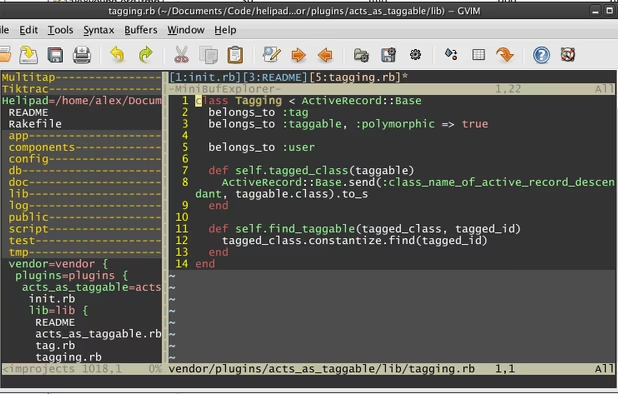
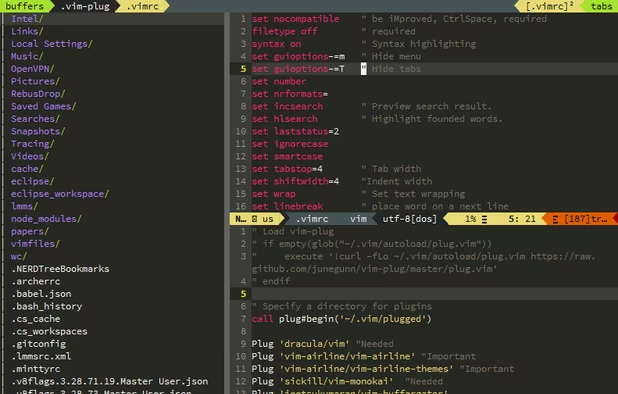
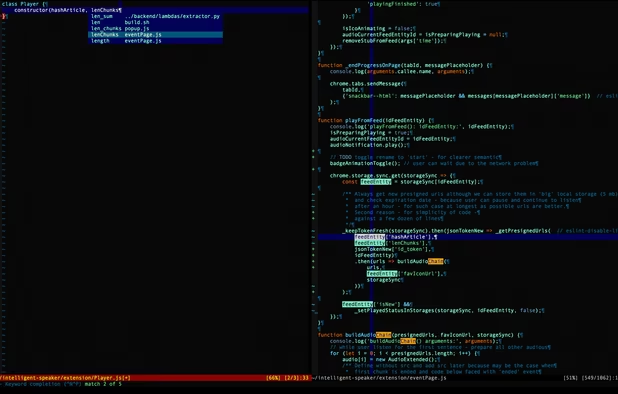
    Vim ("Vi IMproved") is an advanced text editor that allows syntax highlighting, word completion and has a huge amount of contributed content. It also has a GUI version called GVim.

    215 Vim alternatives

    Cost / License

    Application types

    Platforms

    • Mac
    • Windows
    • Linux
    • BSD
    • Haiku
    • AmigaOS
    • OpenSolaris
    • MorphOS
    • Flathub
    • Flatpak
    • Snapcraft
     
    |
    9
    Vim vs Notepad++ Comments
    Top Positive Comment
    Marcin
    6

    Serves same purpose, similar features, different approach, multiplatform, ubiquitous.

    Top Negative Comment
    Xandros Darkstorm
    3

    Notepad++ is a gui application, while vim is strictly for terminals.

    RemovedUser
    Negative
    0

    Although it runs as a GUI, you still need to know the vi commands. Unless you don't mind using the menu bar to do everything.

    Review by a new / low-activity user.
    3 of 9 comments
    • Vim is Free and Open SourceNotepad++ is also Free and Open Source
    • Vim is CustomizableNotepad++ is not according to our users
  4. VSCodium icon
     409 likes

    This repository contains a build file to generate FLOSS release binaries of Microsoft's Visual Studio Code - Open Source ("Code - OSS") project, the open source core of the proprietary Visual Studio Code.

    198 VSCodium alternatives

    Cost / License

    • Free
    • Open Source (MIT)

    Application types

    Platforms

    • Mac
    • Windows
    • Linux
    • Flathub
    • Electron
    • Snapcraft
    • Homebrew
    • Chocolatey
     
    |
    3
    VSCodium vs Notepad++ Comments
    aaronfranke
    Positive
    4

    VS Codium does everything Notepad++ can do but better. It has more features, is more extensible/customizable, is fairly lightweight, and is cross-platform.

    Guest
    Positive
    5

    The power of Visual Studio without all the tracking of Microsoft in a simple and intuitive layout

    Review by a new / low-activity user.
    gregoryem
    Positive
    0

    "VS Codium does everything Notepad++ can", but unlike Notepad++, VSC is extremely heavy and bloated wannabe IDE instead od text editor.

    • VSCodium is Free and Open SourceNotepad++ is also Free and Open Source
    • VSCodium is CustomizableNotepad++ is not according to our users
  5. gedit icon
     695 likes

    Official text editor of the GNOME desktop environment. Has syntax highlighting and is suitable for programming, with support for several languages. It is extensible with plugins.

    193 gedit alternatives

    Cost / License

    Application types

    Platforms

    • Mac
    • Windows
    • Linux
    • Chrome OS
    • BSD
    • GNOME
    • OpenSolaris
    • Flathub
     
    |
    3
    gedit vs Notepad++ Comments
    rmpbklyn
    Negative
    6

    no sorting and don't reconize regular expression when 'replace' or search

    Guest
    Negative
    12

    Gedit can't fold code, can't make ident lines, and the ident is strange!

    Review by a new / low-activity user.
    Guest
    Negative
    4

    Some essential plugins missing especially around code formatting tools

    Review by a new / low-activity user.
    • gedit is Free and Open SourceNotepad++ is also Free and Open Source
    • gedit is CustomizableNotepad++ is not according to our users
  6. GNU Emacs icon
     387 likes

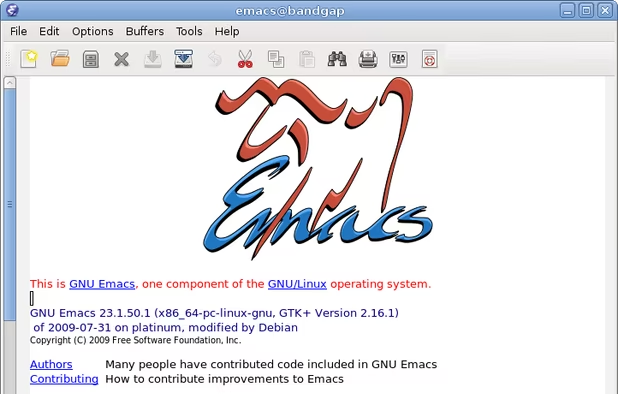
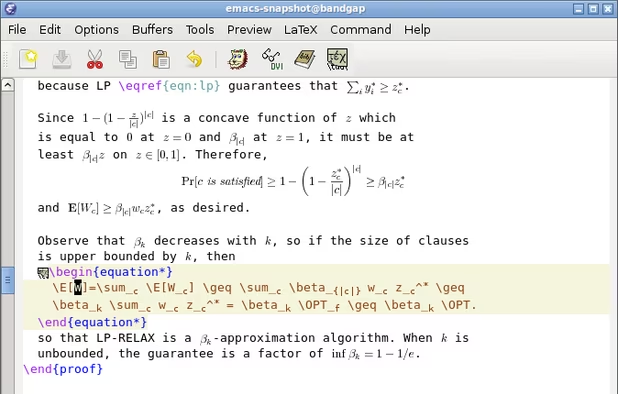
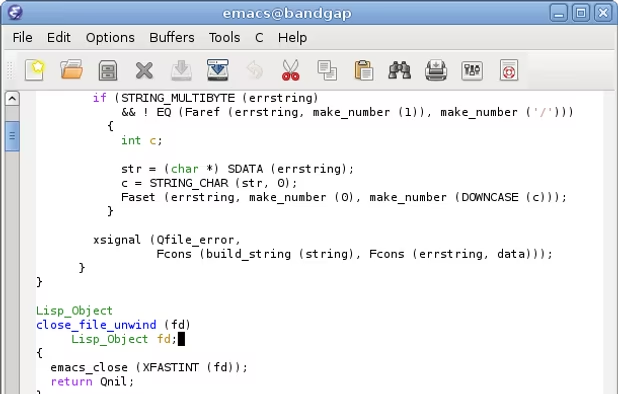
    GNU Emacs is an extensible, customizable text editor—and more. At its core is an interpreter for Emacs Lisp, a dialect of the Lisp programming language with extensions to support text editing. The features of GNU Emacs include:

    181 GNU Emacs alternatives

    Cost / License

    Application types

    Platforms

    • Mac
    • Windows
    • Linux
    • Android
    • BSD
    • Snapcraft
    • F-Droid
    • Haiku
    • Debian
    • MacPorts
    • Homebrew
     
    |
    3
    GNU Emacs vs Notepad++ Comments
    Guest
    Positive
    4

    Emacs is the be-all-end-all text editor. It takes a while to learn, but its code and text editing commands are extremely powerful. There's also a package manager for things like auto completion, automatic running, and more language support.

    Review by a new / low-activity user.
    Guest
    Negative
    2

    I don't want a fake psychologist nor to play tetris, I really just want a powerful IDE.

    Review by a new / low-activity user.
    Guest
    Negative
    -1

    Emacs is a security hazard and its usage implies a certain political opinion.

    Review by a new / low-activity user.
    • GNU Emacs is Free and Open SourceNotepad++ is also Free and Open Source
    • GNU Emacs is CustomizableNotepad++ is not according to our users
  7. Zed Editor icon
     115 likes

    Blazing fast code editor offering real-time multi-user collaboration, language-aware syntax highlighting, integrated terminal, multi-buffers for tab-free editing, built-in Vim mode, searchable outline, AI coding assistance, advanced keyboard commands, and cross-platform support.

    90 Zed Editor alternatives

    Cost / License

    • Freemium
    • Open Source

    Application types

    Platforms

    • Mac
    • Windows
    • Linux
    • Flathub
    • Flatpak
     
  8. Neovim icon
     188 likes

    Refactored version of Vim, simplifying maintenance, improving developer contributions, and enabling new user interfaces. Features extensible plugin architecture, lightweight resource usage, syntax highlighting, no registration, ad-free, and distraction-free mode.

    106 Neovim alternatives

    Cost / License

    • Free
    • Open Source

    Application types

    Platforms

    • Mac
    • Windows
    • Linux
    • Chocolatey
    • Flathub
    • Snapcraft
     
  9. GNU nano icon
     290 likes

    GNU nano is a small and friendly text editor. Besides basic text editing, nano offers many extra features like an interactive search and replace, go to line and column number, auto-indentation, feature toggles, internationalization support, and filename tab completion.

    153 GNU nano alternatives

    Cost / License

    Application types

    Platforms

    • Mac
    • Windows
    • Linux
    • BSD
    • Haiku
     
    |
    1
    GNU nano vs Notepad++ Comments
    johnhk
    Positive
    0

    It one of the better TerminalBased (CLI) editors. I from a WindowsOS enviroment, so I differentiate between CLI and GUI editors. But as a cli-text-editor its very windows-user-friendly.
    • GNU nano is Free and Open SourceNotepad++ is also Free and Open Source
  10. Edit icon
     19 likes

    Open-source command-line text editor for Windows with a modern interface inspired by MS-DOS Editor, featuring key bindings, lightweight build under 250KB, multi-file handling with ctrl + P, keyboard-optimized navigation, and direct file editing for developers.

    Cost / License

    • Free
    • Open Source (MIT)

    Application types

    Platforms

    • Windows
    • Linux
     
  11. Micro icon
     83 likes

    Micro is a terminal-based text editor that aims to be easy to use and intuitive, while also taking advantage of the full capabilities of modern terminals.

    Cost / License

    • Free
    • Open Source (MIT)

    Application types

    Platforms

    • Mac
    • Windows
    • Linux
    • BSD
    • FreeBSD
    • OpenBSD
     
    |
    1
    Micro vs Notepad++ Comments
    Guest
    Positive
    0

    it has alot more features in unix because it has a terminal attatched to it simple easy to use also hackable

    Review by a new / low-activity user.
    • Micro is Free and Open SourceNotepad++ is also Free and Open Source
    • Micro is CustomizableNotepad++ is not according to our users
12 of 87 Notepad++ alternatives