Nextpad++ Alternatives

Nextpad++ is described as 'Native macOS code editor with syntax highlighting, plugin support, advanced search, split view, macro recording, and full feature parity with the Windows version' and is a Code Editor in the office & productivity category. There are more than 50 alternatives to Nextpad++ for a variety of platforms, including Mac, Windows, Linux, BSD and Flathub apps. The best Nextpad++ alternative is Notepad++, which is both free and Open Source. Other great apps like Nextpad++ are Visual Studio Code, Sublime Text, VSCodium and Vim.

Copy a direct link to this comment to your clipboard
Nextpad++ alternatives page was last updated

Alternatives list

  1. Micro icon
     91 likes

    Micro is a terminal-based text editor that aims to be easy to use and intuitive, while also taking advantage of the full capabilities of modern terminals.

    Cost / License

    • Free
    • Open Source (MIT)

    Application types

    Platforms

    • Mac
    • Windows
    • Linux
    • BSD
    • FreeBSD
    • OpenBSD
     
  2. Edit icon
     21 likes

    Open-source command-line text editor for Windows with a modern interface inspired by MS-DOS Editor, featuring key bindings, lightweight build under 250KB, multi-file handling with ctrl + P, keyboard-optimized navigation, and direct file editing for developers.

    Cost / License

    • Free
    • Open Source (MIT)

    Application types

    Platforms

    • Windows
    • Linux
    • Mac
     
  3. Pulsar Editor icon
     50 likes

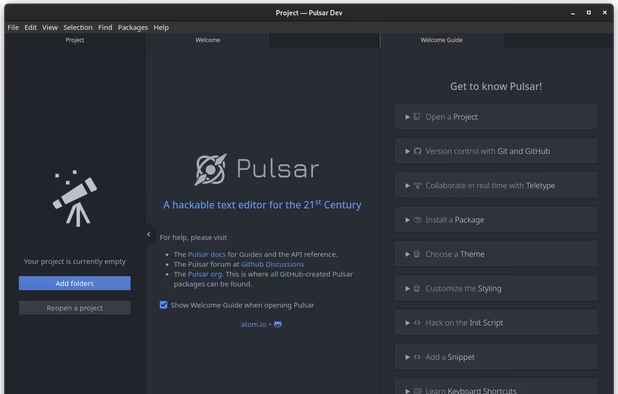
    A Community-led Hyper-Hackable Text Editor, built on Electron. and based on everything we love about our favorite editors.

    Cost / License

    • Free
    • Open Source

    Application types

    Platforms

    • Mac
    • Windows
    • Linux
    • Chrome OS
    • BSD
    • Electron
     
  4. Notepads icon
     53 likes

    Considering that most text editors are eather too heavy or look too old, the author came up with Notepads, designed to be a modern-looking UWP app.

    Cost / License

    • Free
    • Open Source (MIT)

    Application types

    Platforms

    • Windows
     
  5. Lite XL icon
     59 likes

    Lite XL is a lightweight text editor written mostly in Lua — it aims to provide something practical, pretty, small and fast, implemented as simply as possible; easy to modify and extend, or to use without doing either.

    Cost / License

    • Free
    • Open Source (MIT)

    Application types

    Platforms

    • Mac
    • Windows
    • Linux
     
  6. Helix icon
     41 likes

    Helix is a fast text editor for the terminal inspired by modal editors like Kakoune and Neovim. Built as a native app using .

    Cost / License

    Application types

    Platforms

    • Mac
    • Windows
    • Linux
     
  7. Athas icon
     19 likes

    Lightweight, open-source code editor for Windows, Mac, and Linux featuring Vim keybindings, built-in Git support, agentic AI editing with multiple models, syntax highlighting, LSP for intelligent completion, fast performance, and efficient workflows.

    Cost / License

    • Free
    • Open Source

    Application type

    Platforms

    • Mac
    • Windows
    • Linux
     
  8. Notepad3 icon
     66 likes

    Notepad3 is a fast and light-weight text editor with syntax highlighting for programming jobs. Auto-completion, Multi-language, Dark mode more.

    Cost / License

    • Free
    • Open Source

    Application types

    Platforms

    • Windows
     
  9. Gram icon
     9 likes

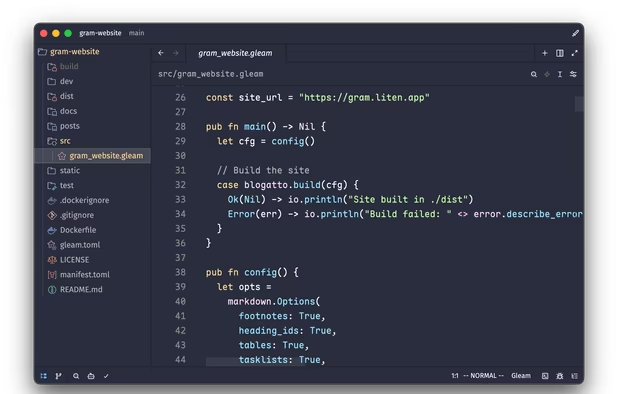
    Gram is a powerful and modern source code editor. It features solid performance and is highly configurable, yet comes with batteries included out of the box. Gram supports many popular programming languages and file formats, and can use Zed extensions to support additional...

    Cost / License

    • Free
    • Open Source

    Application types

    Platforms

    • Mac
    • Linux
    • Gentoo
    • Homebrew
    • Windows
     
  10. TextMate icon
     270 likes

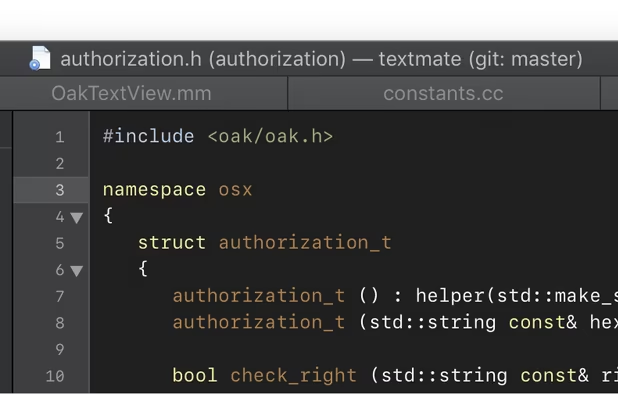
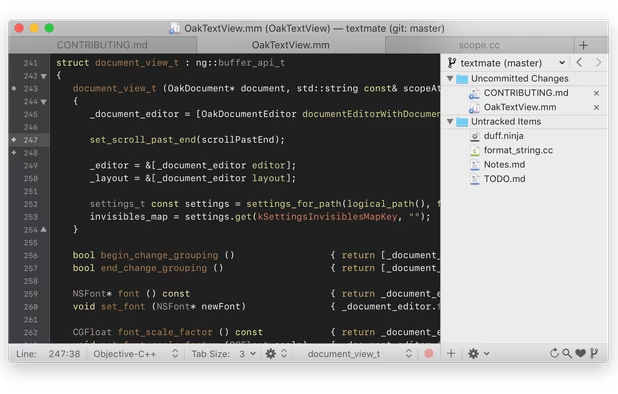
    TextMate brings Apple's approach to operating systems into the world of text editors. By bridging UNIX underpinnings and GUI, TextMate cherry-picks the best of both worlds to the benefit of expert scripters and novice users alike.

    Cost / License

    Application types

    Alerts

    • Discontinued

    Platforms

    • Mac
     
  11. CotEditor icon
     47 likes

    Syntax Highlighting: Colorize more than 50 pre-installed major languages like HTML, PHP, Python, Ruby or Markdown. You can also create your own settings.

    Cost / License

    • Free
    • Open Source

    Application types

    Platforms

    • Mac
     
You are at page 2 of Nextpad++ alternatives