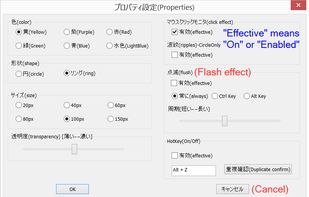
Kokomite is a software that draws semi-transparent circles (or rings) around the mouse cursor to make the focus easier to understand in a presentation.
Cost / License
- Free
- Proprietary
Application type
Platforms
- Windows

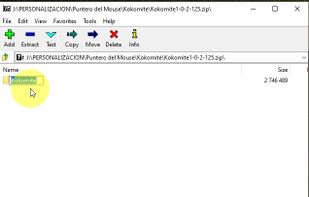

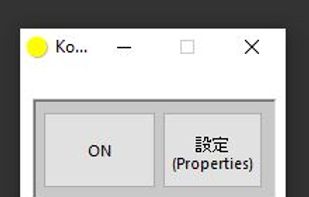

+2
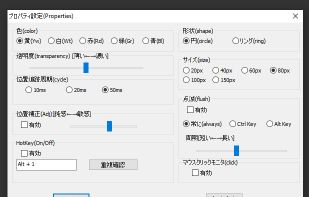


Kokomite is a software that draws semi-transparent circles (or rings) around the mouse cursor to make the focus easier to understand in a presentation.

Markwright is a powerful yet lightweight (under 2 Mb .exe, around 6 Mb RAM) screen annotation tool for technical presenters and content creators, that’s modern, has zero dependencies, does not require registration, has no tracking or telemetry, works completely offline, and...
 United Kingdom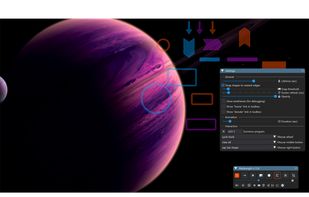


Displays a visible highlight, pencil, or pointer at the pen's location on Windows devices, enhancing audience visibility during presentations and screen sharing, with customizable styles, low resource usage, real-time on/off toggling, and compatibility for teachers and presenters.
 United States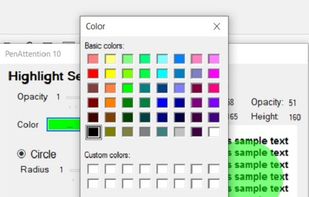

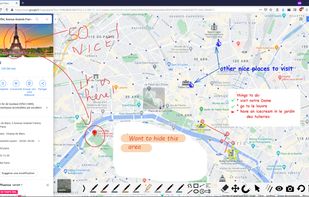
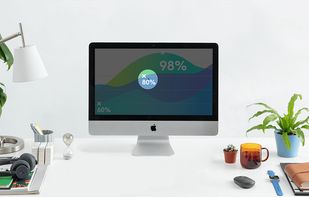
The highlight feature creates a spotlight-effect on your screen, so you can point, click, and rest assured that your audience is following along.
 Switzerland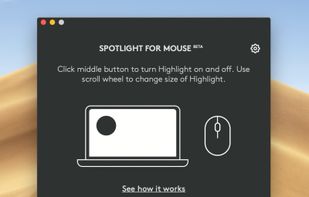

Allows you to highlight the cursor using either the toolbar or hotkeys. Options include spotlight, highlight, drawing on the screen, magnifier or show keystrokes.
 China
China


A Little utility that implements a global key logger which displays all shortcuts & keystrokes as you type on screen and with a semi-transparent overlay. This makes it very easy to show any shortcuts you use if you for example record a software demo.

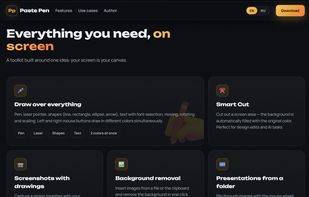
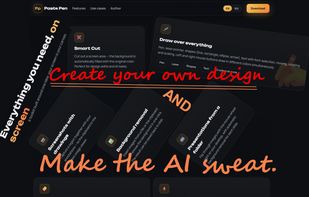
Tool for drawing on screen, screenshots and inserting images. Perfectly suited for AI coding interactions, Presentations and Trading with charts overlay.
 Russia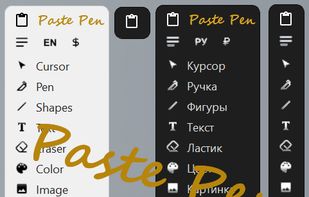



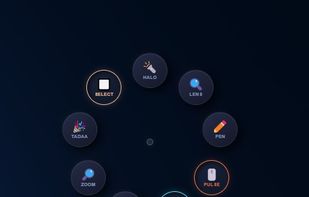
Turn every screen share into a polished presentation. Cursaura adds beautiful cursor highlights, click effects, zoom, annotations, keystroke display, and focus tools directly on your screen — perfect for demos, tutorials, livestreams, online courses, and remote meetings.
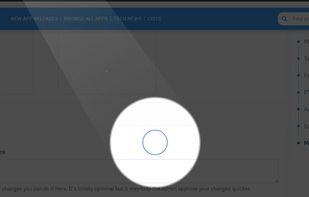

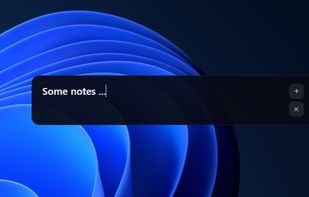


Screen annotation software which allows drawing directly on the screen. It is an open source and multiplatform (all systems that support Python) alternative to tools such as Epic Pen.
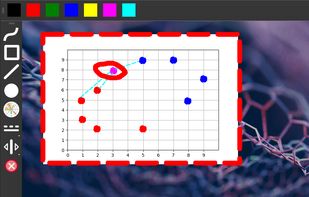


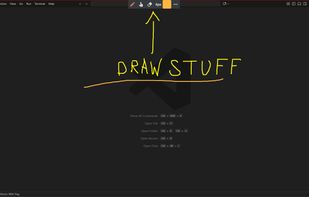
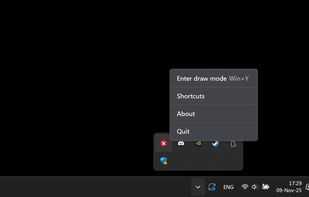
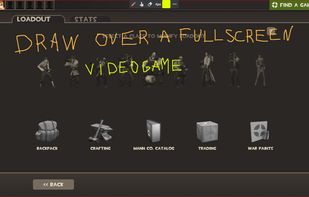
A neat little application that allows you to draw on your screen. Use it from anywhere you want - be it your desktop, while browsing internet or even while in a video game.
 Latvia
 EU
EU