

Cost / License
- Freemium (Subscription)
- Proprietary
Application typeApplication types
Since
- Since 2026


+2




The best Note-taking alternative to Microsoft To Do is Notion, which is free. If that doesn't suit you, our users have ranked more than 100 alternatives to Microsoft To Do and loads of them are Note-taking Tools so hopefully you can find a suitable replacement. Other interesting Note-taking Tool alternatives to Microsoft To Do are Todoist, TickTick, Workflowy and Superlist.
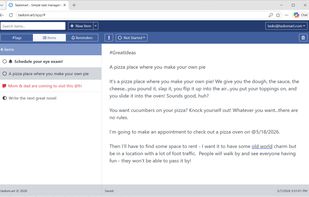
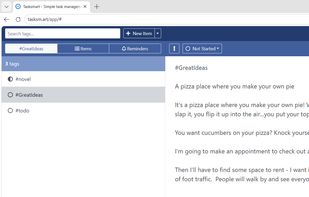
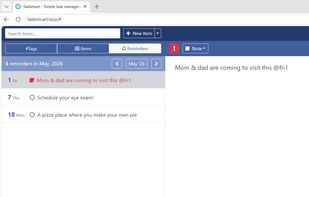
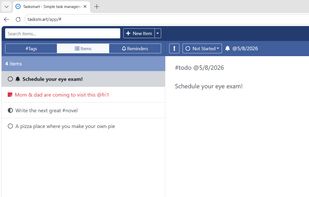
A minimal, web-based task and note manager for individuals — organize with inline hashtags, schedule with @-date reminders, no projects or setup required.


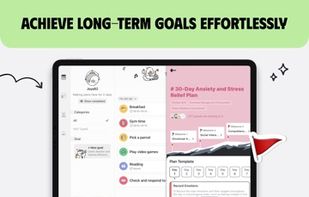
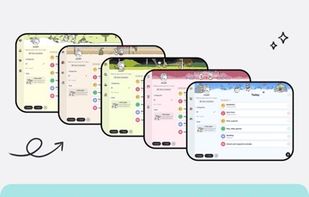
With versatile planning templates for all scenarios, managing schedules and todos becomes effortless. Your warm and comforting duck companion, JOY, is here to be your personal cheerleader, turning plans into easily achievable goals.
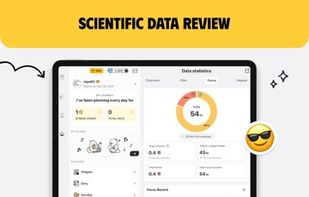


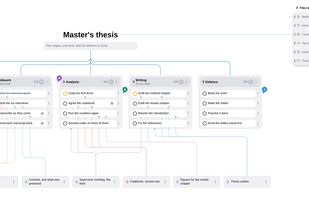
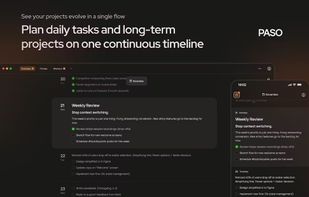
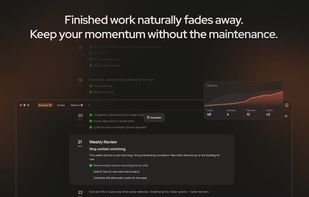
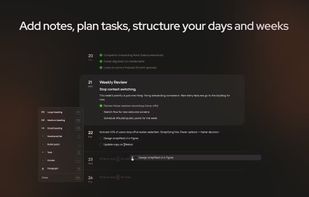
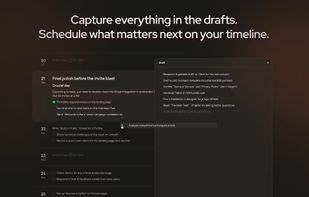
Stay organized with a visual timeline that handles planning, note-taking, and tracking for personal and work projects. Merge tasks, goals, and unstructured ideas, manage long-term progress, avoid clutter, and clarify priorities across all aspects of life.
 Poland
 EU

Voice-first notes and reminders for Android: say it naturally and it's filed as a reminder, event or note. No account needed.
 United States
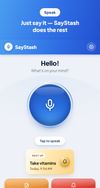
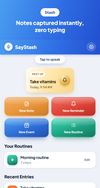
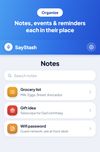

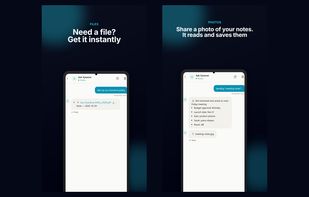
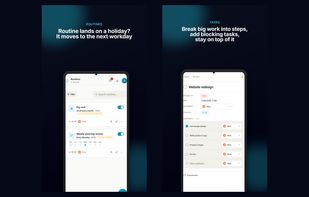
AI to-do list and reminder app. Add tasks, routines and notes by typing or talking, in the app, WhatsApp, Telegram or Slack.
 Türkiye
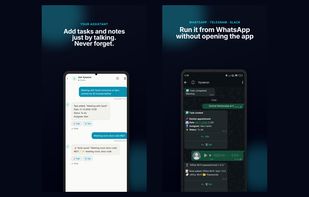


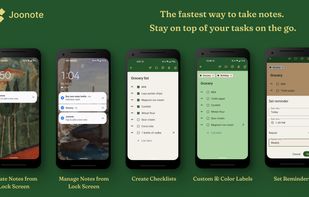
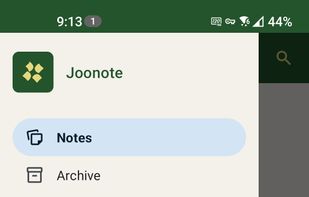
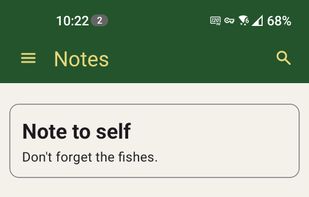
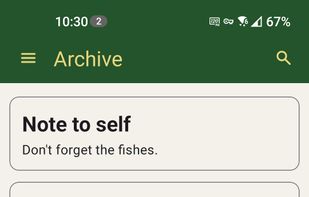
Joonote is the fastest way to create, view, edit and delete notes, tasks, reminders, and checklists from the notification panel, even on the lock screen—no unlocking your screen to open the app—so you can stay in the flow without straying to other apps.
 Malaysia

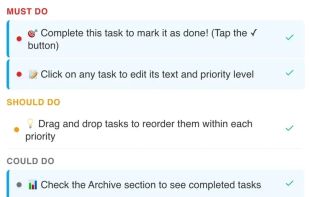
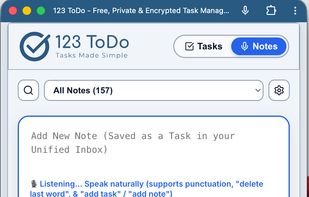
Fast, private, and free PWA task manager & voice notes with zero-knowledge AES-256 encrypted Google Drive & Cloudflare sync.
 United Kingdom

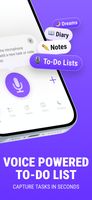
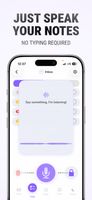
Voice-first to-do, notes, diary and dream-journal app for iPhone and iPad: hold the mic, speak, and the transcription is saved with the recording.
Türkiye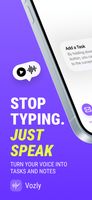


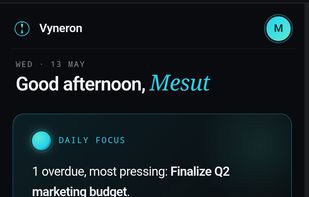
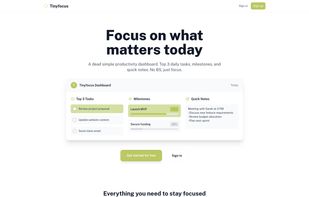
A dead simple productivity dashboard. Top 3 daily tasks, milestones, and quick notes. No BS, just focus.


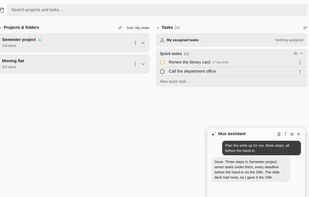
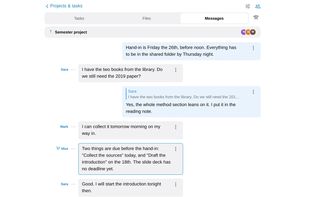
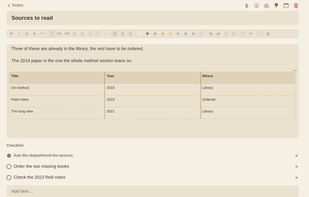
Bring tasks, numbered project steps, notes, goals and team chat together with urgency colors, list, board and map views, a shared calendar with reminders, folders, checklists, tables and images, offline access, time tracking, and an AI assistant that turns emails or documents into plans.