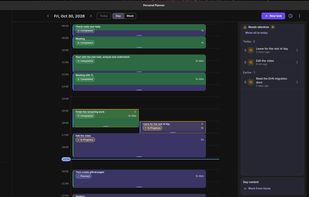
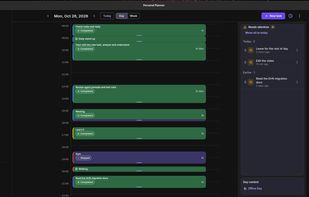
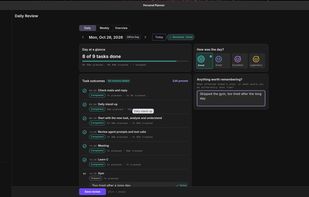
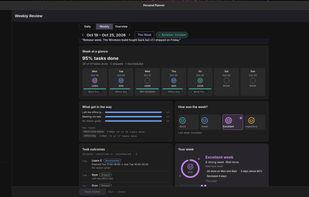
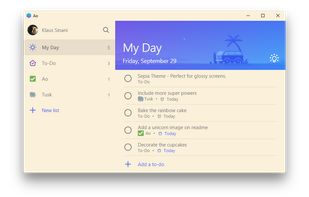
Ao is an unofficial, open source, third-party, community driven, free Microsoft To-Do app with a handful of useful features.
Cost / License
- Free
- Open Source (MIT)
Application type
Since
- Since 2018
Alerts
- Discontinued
GitHub
- GitHub stars: 2.2k
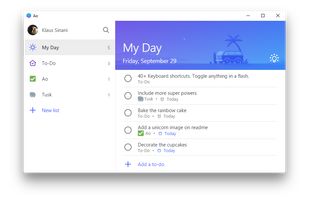







Microsoft To Do is not available for Linux but there are plenty of alternatives that run on Linux with similar functionality. The best open source Linux alternative is Super Productivity. If that doesn't suit you, our users have ranked more than 100 alternatives to Microsoft To Do and many of them are open source and available for Linux so hopefully you can find a suitable replacement. Other interesting open source Linux alternatives to Microsoft To Do are Mindwtr, Vikunja, Will Be Done and WeekToDo.
Ao is an unofficial, open source, third-party, community driven, free Microsoft To-Do app with a handful of useful features.

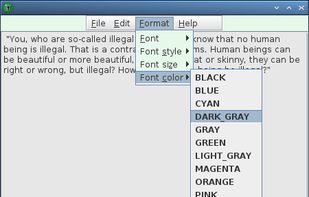
Protects your private notes with a password. Notebook PEA is a self-decrypting archive, that will never store unencrypted text on your disk.


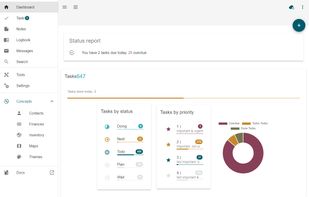
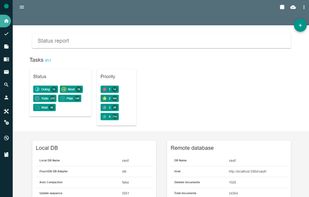
Decentralized, Offline-first, Personal Information Manager (PIM) using PouchDB/CouchDB. Includes task-, note-, and contact-management, as well as journaling.
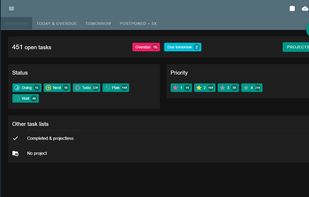


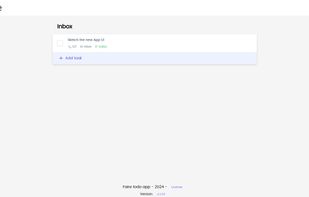
Faire is an offline-first OpenSource multiplatform todo app, created with Tauri and Angular. Faire is the french infinitive verb equivalent to "to do".


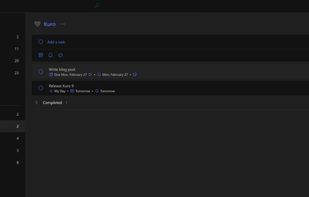


P3X OneNote Linux is, actually, an independent browser window for the online OneNote. You can use this program without having to clutter your browser. The main functions are:
 Hungary
 EU



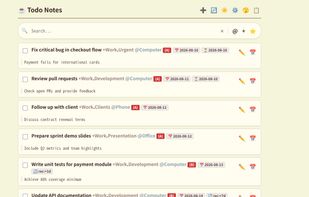
HajimiTodotxt is a lightweight, local-first task management tool built as a single-page web application. It follows the todo.txt format with extensions, providing a clean interface for managing your tasks, projects, and deadlines.


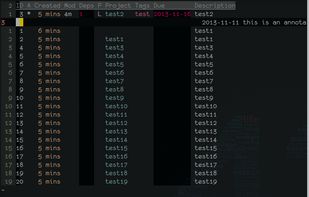
vim interface for taskwarrior. Contribute to blindFS/vim-taskwarrior development by creating an account on GitHub.Taskwarrior is a command-line todo list manager. It helps you manage task lists with projects, tags, dates, dependencies, annotations, recurrences and apply complex...


DayTasks lets you easily manage adding new tasks, removing tasks, marking tasks complete, archiving completed tasks to your done.txt file, and even filtering and searching through tasks in a simple way that lets you find certain projects or contexts easily.
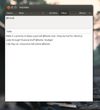
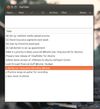


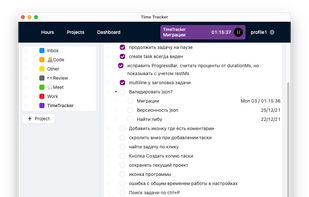
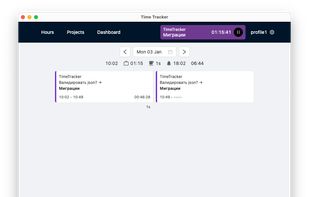
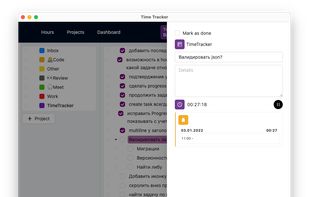


The right time for every task: Kairos sorts your tasks into the order to do them and fits them into the gaps of your day. No account, no ads, no network.
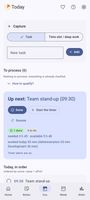




Plan your day, track task time, and compare your estimates with what actually happened. Works offline for Linux, Android, Windows and macOS.
 India