





PersonalPlanner
1 like
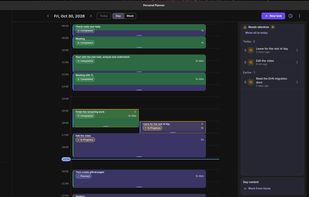
Plan your day, track task time, and compare your estimates with what actually happened. Works offline for Linux, Android, Windows and macOS.

Platforms
- Mac
- Windows
- Linux
- Android
- Android Tablet


Features
Highlights All activities
PersonalPlanner News & Activities
Recent activities
- KarthikShabari A comment was removed from PersonalPlanner
- KarthikShabari added PersonalPlanner
- Paul updated PersonalPlanner
- KarthikShabari liked PersonalPlanner
 KarthikShabari added PersonalPlanner as alternative to Super Productivity, Trello, Todoist, TickTick and 13 more
Developed by
 Karthik Shabari
Licensing
Open Source (MIT) and Free product.Alternatives
17 alternatives listedBadge
Get an embeddable badge for PersonalPlannerSupported Languages
AlternativeTo Categories
Office & Productivity, Sport & HealthGitHub repository
- 29 Stars
- 2 Forks
- 0 Open Issues
- Updated


No comments or reviews, maybe you want to be first?