Platforms
- Mac
- Windows
- Linux
- Self-Hosted
 United States



+1


 United States
 Canada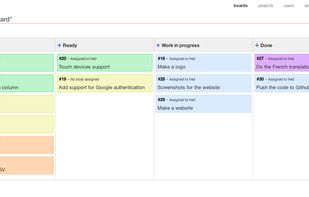
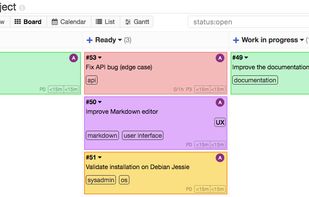
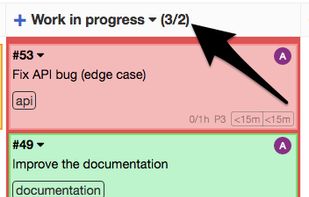


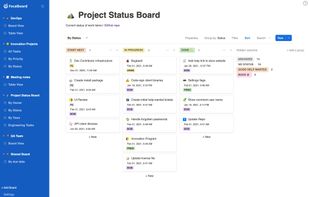
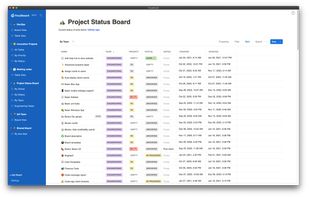
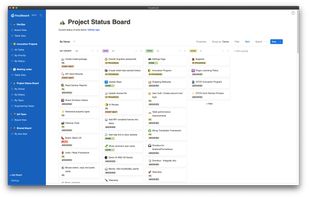
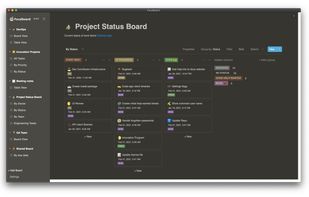
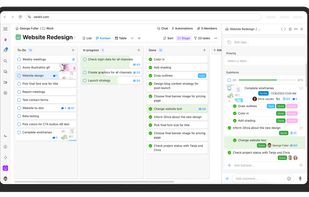
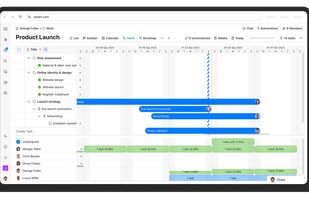
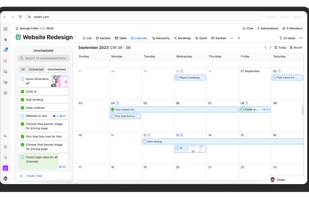
Zenkit is a hyper-flexible SaaS platform for managing projects, databases, and more. Use Kanban boards, tables, or custom views to organize tasks, track data, and collaborate with your team. Build a CRM, financial planner, or simply plan your day—all in one intuitive workspace.
 Germany
 EU
EU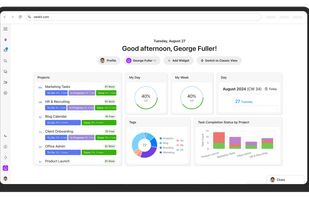


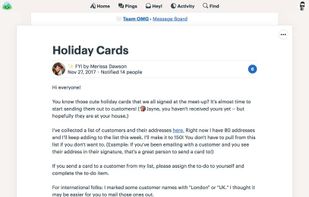
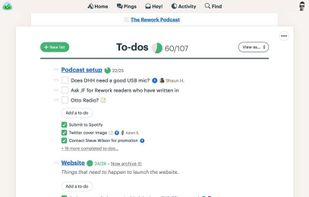
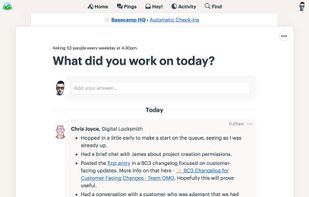
Basecamp is a web-based project collaboration tool that allows groups of people to share files, meet deadlines, assign tasks, and centralize feedback.
United States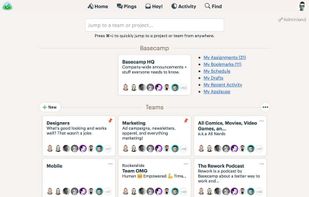


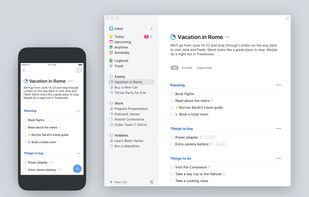
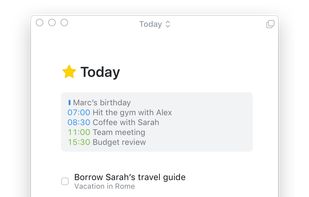
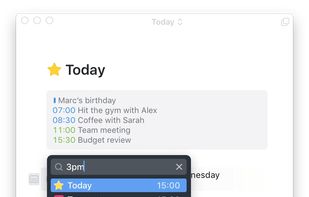
Task management has never been this easy. Simplicity, however, is not achieved at the expense of powerful features. Download your free trial today and start getting more things done with less effort.
GermanyEU


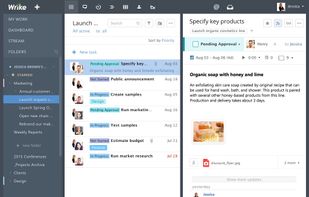
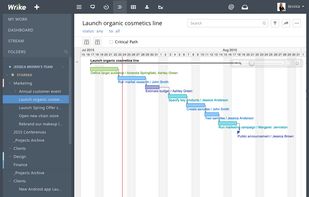
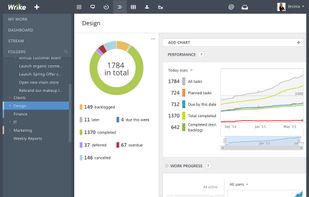
Provides project, task, and folder management, automated workflows, templates, blueprints, AI-driven work creation, resource allocation, timeline views, and integrations to centralize, visualize, and manage collaborative work across multiple teams and channels.
United States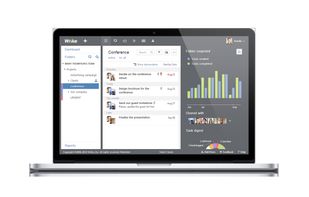


Any.do is an award-winning app used by millions of individuals, families and teams to stay organized and get more done.
 Israel


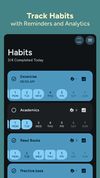
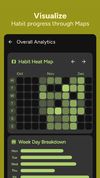
🔨 A Simple todo list and habit tracker for Android.
 India
India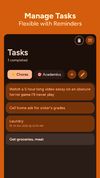


Widget Board is a productivity tool that lets you create custom boards with your favorite widgets such as tasks, notes, media, date & time, weather, calendar and so much more!.
United States



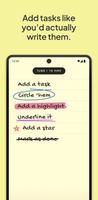
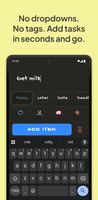
Strikethrough is a minimalist to-do app for Android that brings back the simple pleasure of the paper list.
 United Kingdom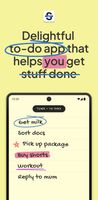


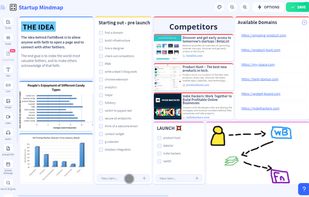
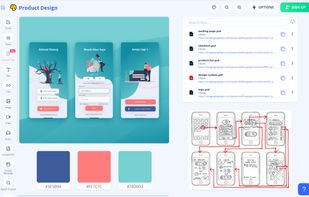
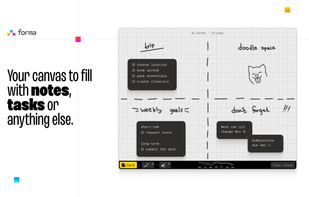
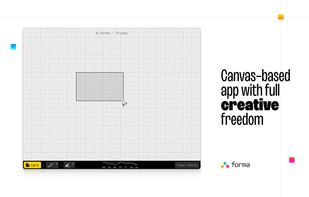
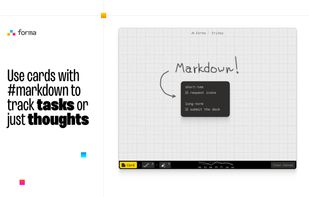
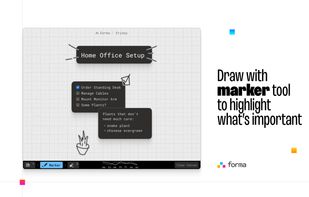
Forma gives you an open canvas where you can drop ideas anywhere. Move things around, group them visually, draw connections, and keep a clear picture of everything you’re working on.


Transform team work habits with an intuitive platform offering customizable workflow solutions, enterprise-grade security with certifications, and features that imbue data ownership, ensuring privacy and control across global processes.
Israel