Optimize your desktop environment with this management tool offering window docking, snapping, multi-monitor support, and keyboard shortcuts for enhanced productivity.
 France
 EU



+8
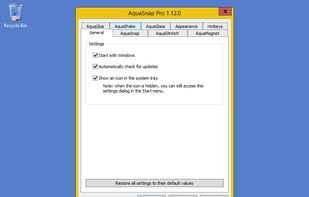





Apps similar to MaxTo include Microsoft PowerToys, which is free and open source. Other options are Rectangle, DisplayFusion, AquaSnap and NVIDIA RTX Desktop Manager. There's no shortage of Window Managers like MaxTo, with more than 25 alternatives for Windows, Mac and Linux.
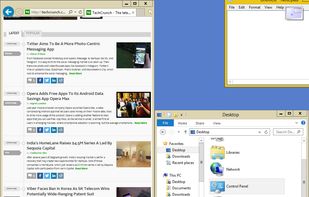
Optimize your desktop environment with this management tool offering window docking, snapping, multi-monitor support, and keyboard shortcuts for enhanced productivity.
FranceEU
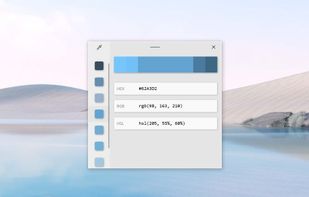
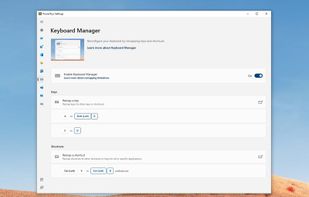
Open-source utilities for Windows include FancyZones for window management, PowerRename for bulk renaming, and Keyboard Manager for custom shortcuts. Ad-free, supports multi-monitor setups, no registration needed, lightweight resource usage, and works offline.
 United States

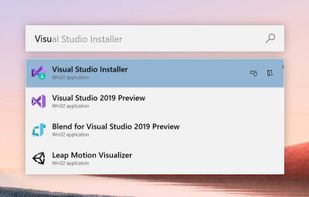

Move and resize windows on macOS with keyboard shortcuts. Rectangle is a window management app based on Spectacle Wndow Manager, written in Swift (programming language).
United States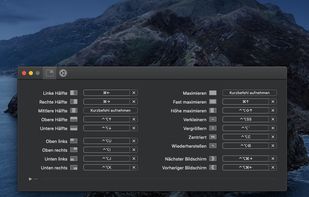


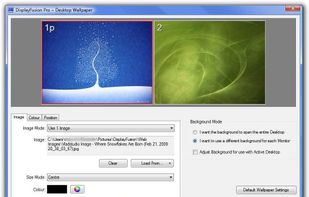
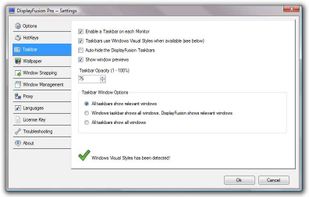
Enables multi-monitor taskbars with advanced wallpaper management, scripted macros, remote access, screen savers, and desktop profile features; offers window snapping, customizable hotkeys, logon backgrounds, and multi-language support for home or business use.
 Canada


NVIDIA RTX Desktop Manager is a software tool that manages single or multi-monitor workspaces. It comes with the NVIDIA RTX Enterprise/Quadro driver package or can be downloaded separately. Its main function is to boost productivity by optimizing workspace layout.
United States


 Australia


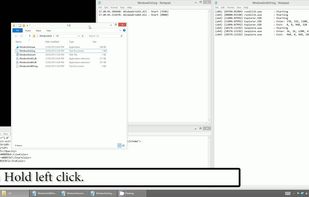
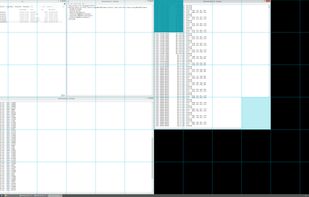
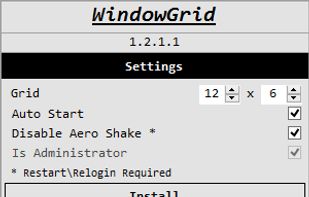
WindowGrid is a modern window management program that allows the user to quickly and easily layout their windows on a dynamic grid.


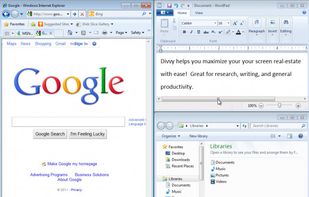
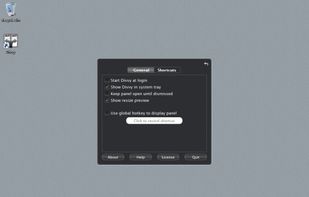
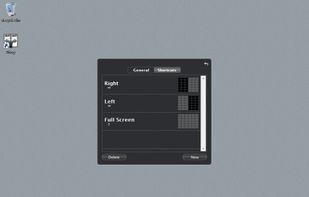
Divvy is an entirely new way of managing your workspace. It allows you to quickly and efficiently "divvy up" your screen into exact portions.
United States


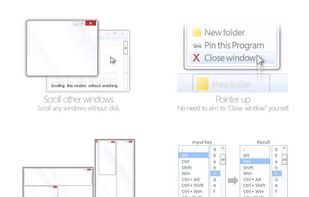
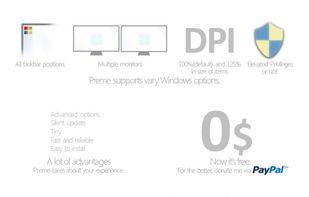
Preme is a free software for Windows which lets you add cool desktop features and enhances the desktop functionality.
 Thailand




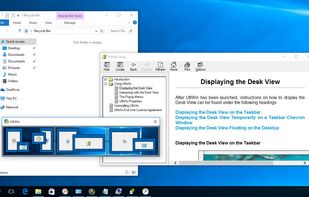
DeskScope is an easy-to-use window manager with the Desk View™, an interactive view of the desktop. DeskScope creates mini-windows on the Desk View to represent desktop applications and Windows 11 apps.


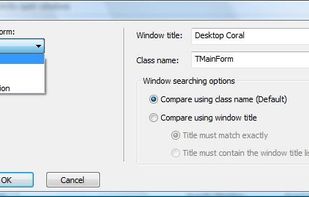
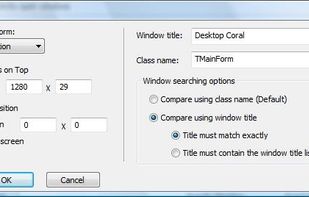
AutoSizer automatically resizes programs for you, keeping them at a specific size or keeping them maximized. One popular use is to keep Internet Explorer maximized when you go on the web. It works with most software programs, and supports maximizing to specific monitors on...
United States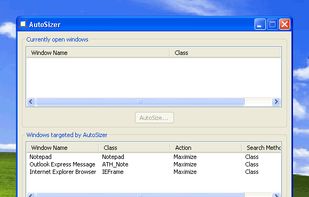
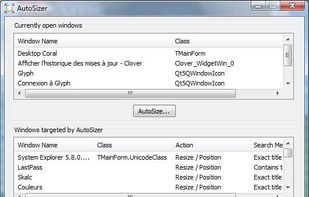


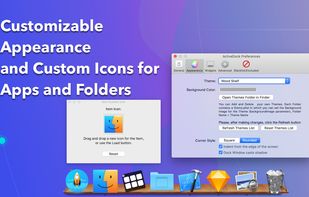
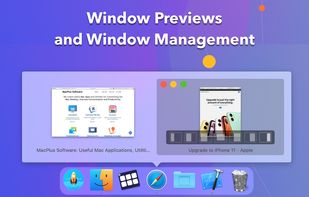
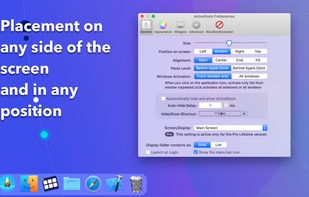
ActiveDock 2 is a customizable alternative to the standard macOS Dock, offering advanced features for app launching, window management, appearance customization, and more. It fully replaces the classic Apple Dock and Launchpad while preserving their familiar look and behavior...
 Ukraine


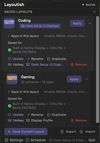
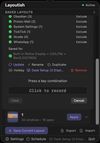
Saves complete macOS window layouts and restores them with one click or hotkey, including multi-monitor and multi-Space setups.
 United Kingdom