Cost / License
- Free
- Open Source
Application type
Platforms
- Windows





Apps similar to MaxTo include Microsoft PowerToys, which is free and open source. Other options are Rectangle, DisplayFusion, AquaSnap and NVIDIA RTX Desktop Manager. There's no shortage of Window Managers like MaxTo, with more than 25 alternatives for Windows, Mac and Linux.

A lightweight utility for allowing you to quickly snap windows to a tiling grid under your existing Linux window manager. Can be triggered via keyboard shortcuts, the command line, or D-Bus calls.


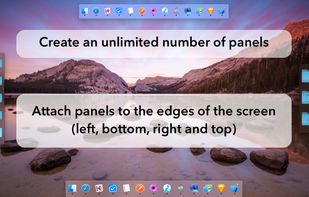
MultiDock is a simple application that allows you to organize frequently used applications, documents and folders using small panels (Dock’s).
 Ukraine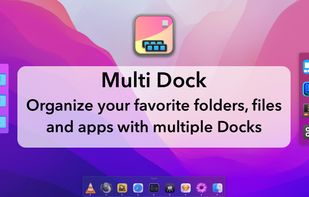


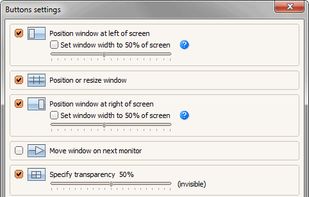
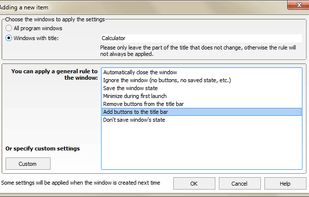
Chameleon Window Manager will allow you to control the windows of your programs using customizable buttons added to the title bars of the windows (Always on Top, Minimize to Tray, Minimize to Caption, Specify Transparency, Position window at left/right of screen).
 Russia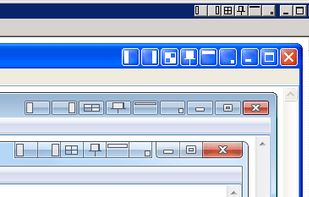
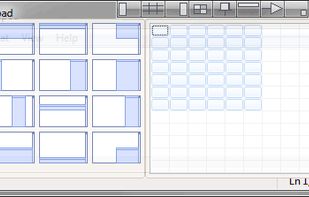


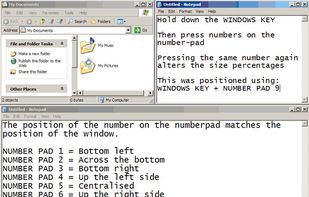
WinNumpad Positioner is a lightweight and snappy Windows management tool that repositions Windows using simple Windows Key + Numpad combinations.


Tuck is a handy menu bar application that allows you to quickly and simply clear multi-window clutter by hiding windows under your screen edges.
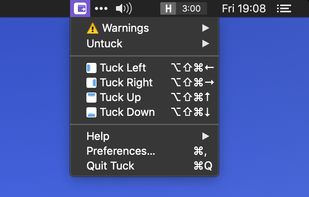
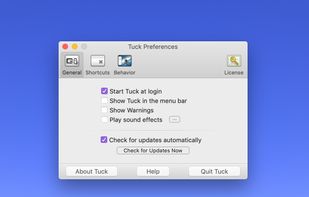
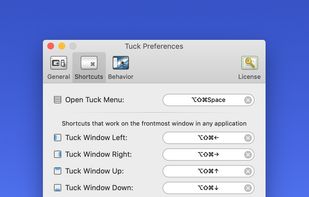
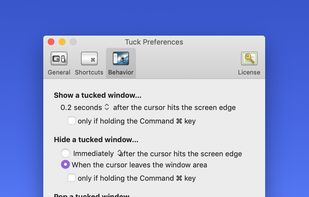


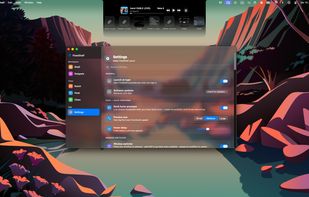
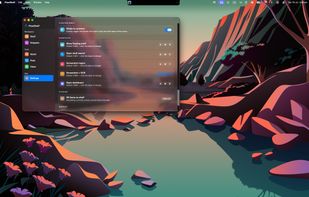
FlowShelf a free Mac app that turns your notch into a Dynamic Island and gives everything you copy, drop, or screenshot a temporary home.
 Australia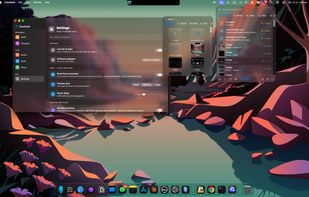


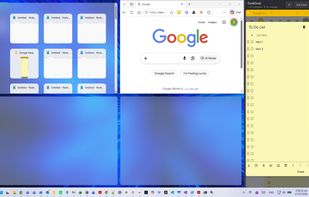
Reserve space on your desktop for three always-visible apps that never get covered. Supports notes, chat, reference, calculators, video calls, or tutorials. Easily dock, resize, reorder, or hide the area. Compatible with all Windows programs and works fully offline.
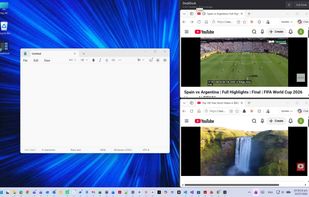
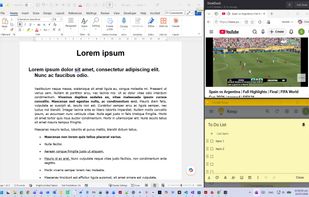

A small utility which allows you to easily organize your open windows by tiling, resizing and positioning them to make the best use of your desktop real estate. It's easy to configure and supports multiple monitors.
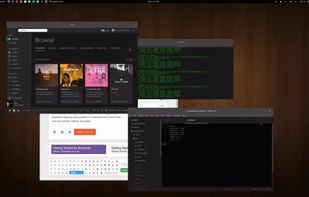




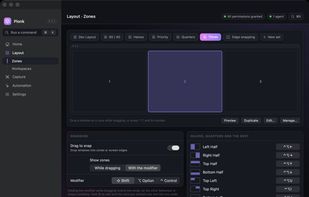
Plonk is a menu bar app for macOS that bundles a window manager with nine additional desktop utilities, so one icon replaces a stack of single-purpose tools.