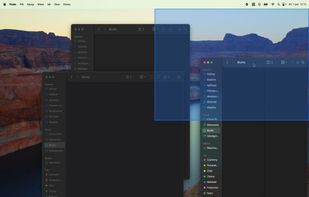
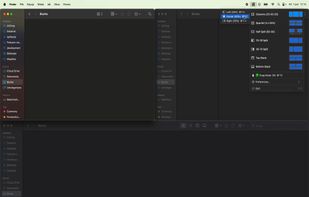
Optimize your desktop environment with this management tool offering window docking, snapping, multi-monitor support, and keyboard shortcuts for enhanced productivity.
 France
 EU



+8
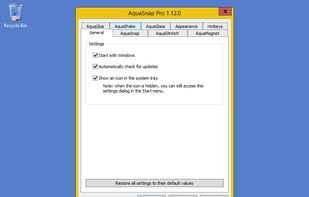


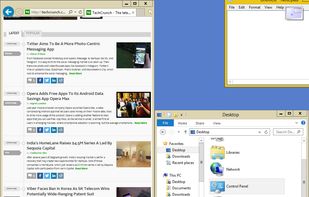
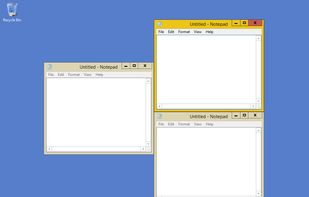
Apps similar to Chameleon Window Manager include Rectangle, which is open source with a free version. Other options are BetterTouchTool, AquaSnap, SnapZones and MenuTools. Window Managers like Chameleon Window Manager are a crowded field, with more than 50 alternatives for Windows, Mac, Linux and Android.
Optimize your desktop environment with this management tool offering window docking, snapping, multi-monitor support, and keyboard shortcuts for enhanced productivity.
FranceEU
Move and resize windows on macOS with keyboard shortcuts. Rectangle is a window management app based on Spectacle Wndow Manager, written in Swift (programming language).
 United States
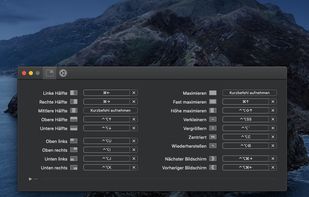


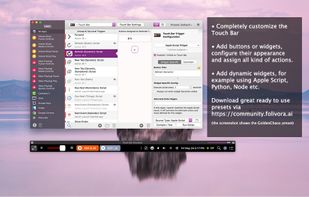
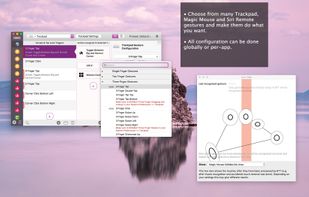
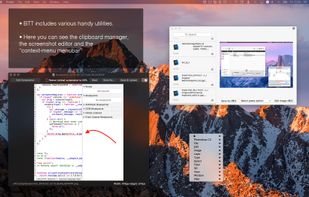
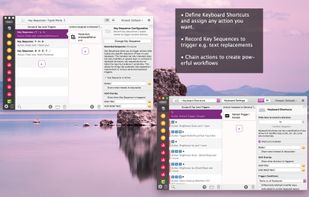
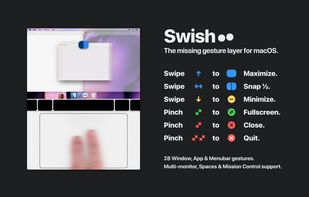
Customizes input devices on macOS by enabling gesture and button mapping, keyboard shortcut assignment, window snapping, automation, scripting, multi-device integration, and iOS app control. Features include touch bar, Apple Remote, and per-app profiles.
 GermanyEU


Organize windows with ease using SnapZones. Enjoy magnetic snapping, predefined and custom layouts, multiple display configuration, and seamless transitioning between workspaces. SnapZones auto-starts at login, ensuring streamlined productivity for macOS users in any environment.
 AustriaEU


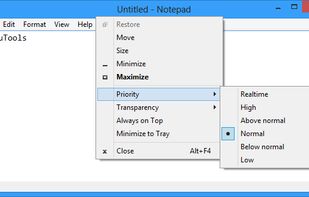
MenuTools is a simple program that adds options for task priority, window transparency, and Always On Top to open dialog windows.
 Brazil


SmartSystemMenu extends system menu of all windows in the system. It appends next custom items to menu:
United States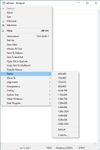


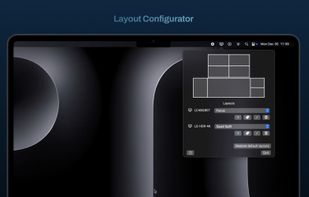
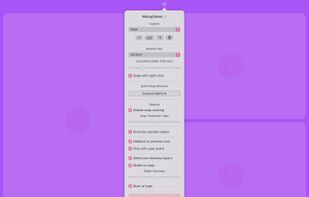
Customize layouts and sections for organizing windows into defined zones on macOS, easily snap and rearrange application windows, support multitasking needs, reduce desktop clutter, and enhance work efficiency for users managing multiple windows.
 Türkiye

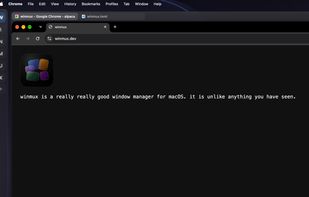
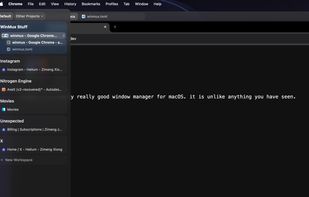
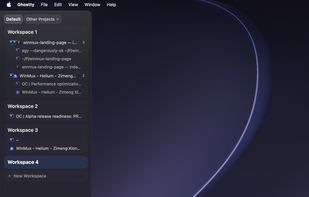
Sidebar-first macOS window manager supporting project hierarchies, drag-and-drop window and tab group organization, fully adjustable window gaps, browser-style tab groups with tab reordering, auto-hiding sidebar, Liquid Glass support, and robust workspace navigation.


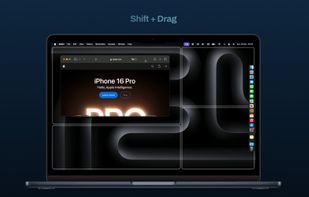
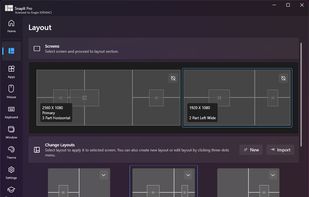
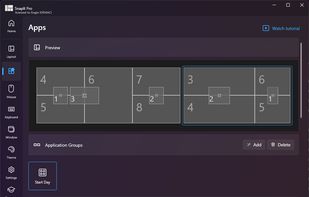
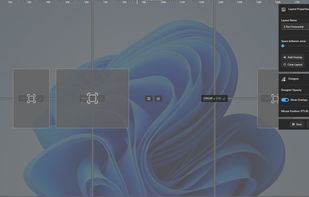
Keep Organized with an easier and powerful snapping for windows. Create custom layouts, snap windows using customizable keyboard shortcuts or mouse buttons.
Türkiye


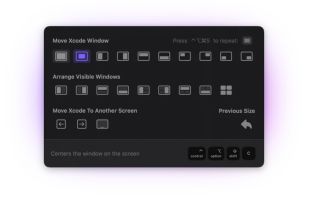
Access all native macOS window tiling commands in one place — the Tiling Panel. Customize keyboard shortcuts and use them on any keyboard, even third-party ones.
 PolandEU


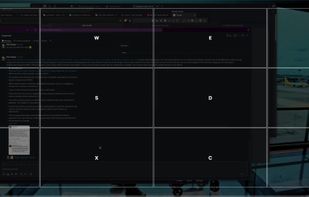
A native macOS menu bar app that provides quick window tiling with keyboard shortcuts and visual grid overlay. Just press QWE, ASD to tile your windows instantly. DRM-free, one-time purchase for all your Macs.
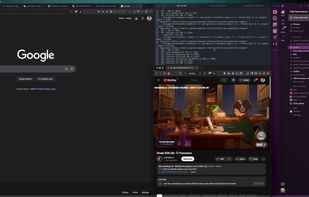


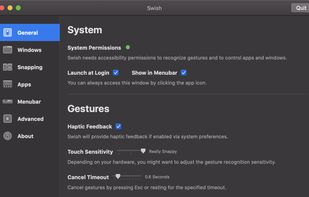
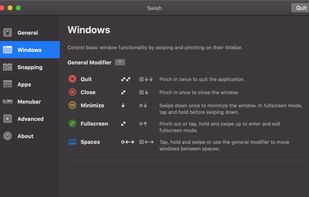


Split screen and organize windows on Mac with keyboard shortcuts, drag-and-drop zones, and professional layouts. Better than native Split View. Multi-monitor support.
PolandEU