


Formiko is reStructuredText and MarkDown editor and live previewer. It is written in Python with Gtk3, GtkSourceView and Webkit2.
Cost / License
- Free
- Open Source
 Czechia
Alerts
- Discontinued
Platforms
- Linux


Apps similar to MarkText include Logseq, which is free and open source. Other options are Zettlr, Typora, Trilium Notes and HelixNotes. You're spoiled for choice with Text Editors like MarkText: we list more than 100 alternatives for Mac, Windows, Linux, the web and Android.
Formiko is reStructuredText and MarkDown editor and live previewer. It is written in Python with Gtk3, GtkSourceView and Webkit2.

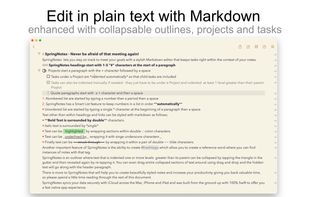
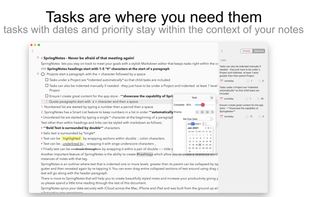
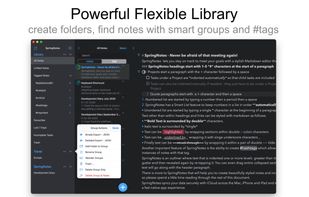
Write styled Markdown notes, sync across Mac, iPhone and iPad add to-dos and tags, export to a variety of formats and choose your favourite style from a variety of colourful themes.
 United Kingdom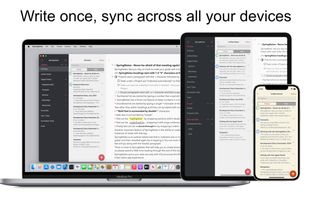


Quillpane, formerly Markpad, is a native desktop Markdown notepad for individual local files. Write in the editor, read the rendered preview, or use Split view to keep both visible. Notes remain ordinary files on your device, with recovery drafts, session restore, and...
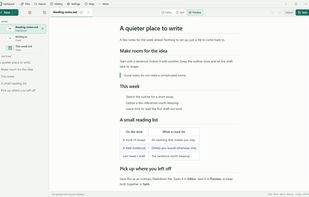
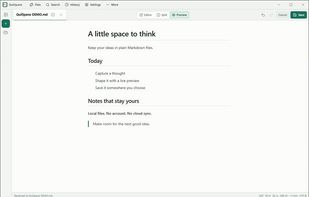
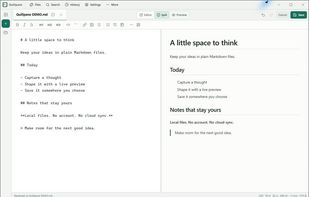
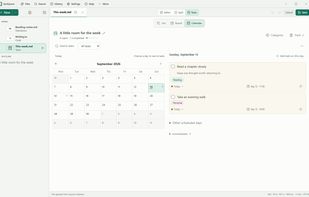


TypeBreeze is a clean, distraction-free Markdown editor with live formatting, a polished writing experience, and support for focused editing without unnecessary clutter.
 Switzerland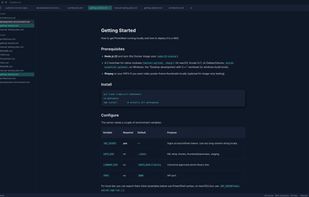
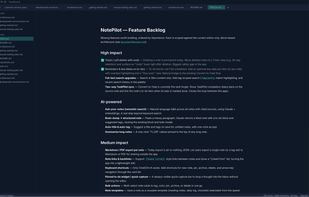


TypoZen is a Markdown editor and an ePub reader in one quiet window: somewhere to write in the morning and somewhere to read in the evening, without switching apps or going near the internet.
United Kingdom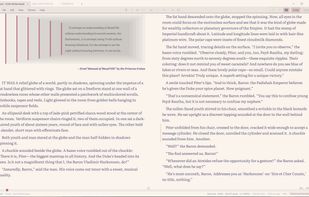
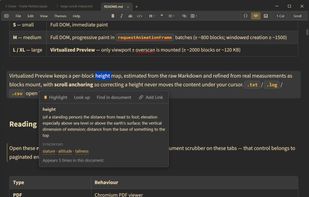


The digital notebook for developers, and makers. Ultra fast fuzzy search. Mouse or Keyboard only navigation. Pure markdown with auto formatting and indentation. Offline.
 Germany
 EU
EU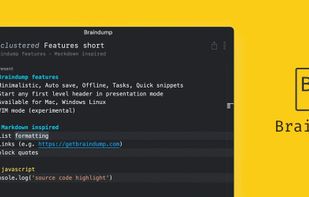
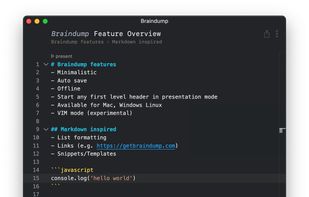


Write markdown documents with quickly accessible code snippets, mathematical equations and images and store them in the cloud to be accessed anywhere.
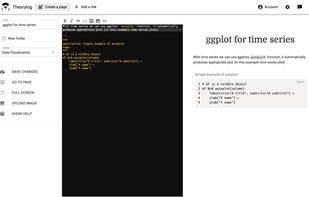
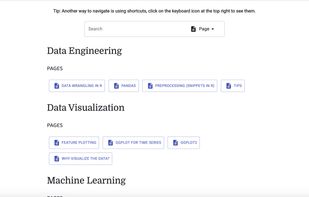


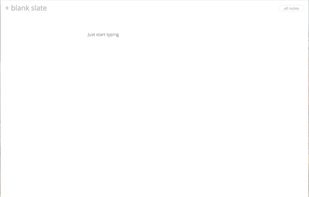
Get thoughts down quick, do things with them later. Just start typing.
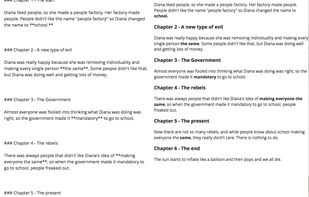
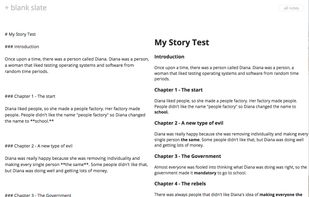


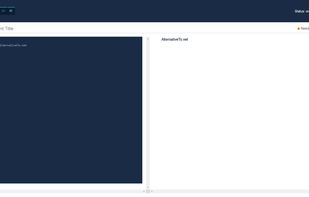
This service allows you to write, collaborate and export markdown documents directly in your browser!
Get started by start typing in the blue-pane to the left of this text. This area will automatically start to reflect your new changes.
GermanyEU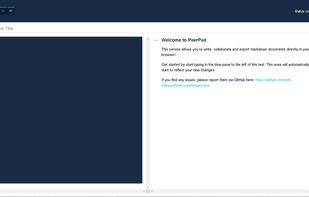


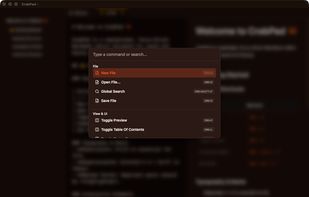
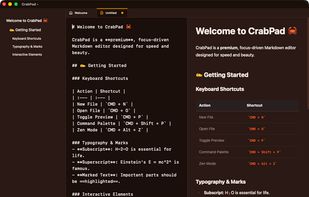
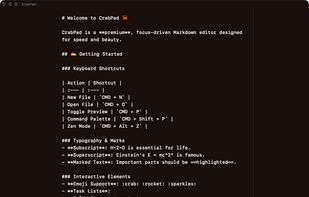
CrabPad is a fast, free Markdown editor built with Rust. Local-first, keyboard-driven, with Zen Mode, Command Palette, live preview, and support for KaTeX math, Mermaid diagrams, and GFM. Available for macOS, Windows, and Linux.
 PolandEU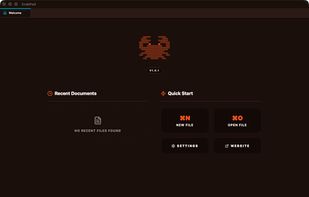


 United States


