


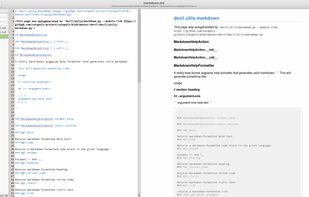
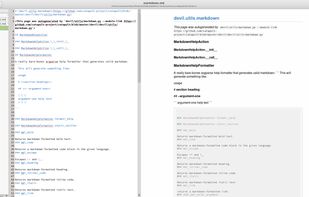
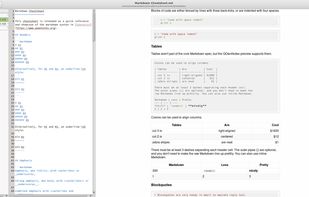
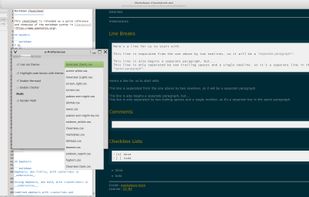
A simple GTK+ Markdown text editor with dual-pane live preview, spellcheck, style and theme support, and export to HTML and PDF.
Cost / License
- Free
- Open Source (GPL-3.0)
Application typeApplication types
Platforms
- Linux
- Flathub
- Flatpak



+2


Apps similar to MarkText include Logseq, which is free and open source. Other options are Zettlr, Typora, Trilium Notes and HelixNotes. You're spoiled for choice with Text Editors like MarkText: we list more than 100 alternatives for Mac, Windows, Linux, the web and Android.
A simple GTK+ Markdown text editor with dual-pane live preview, spellcheck, style and theme support, and export to HTML and PDF.

Octopage is a dedicated markdown editor for GitHub-hosted Jekyll sites.
Now, you can create, edit, publish and delete your posts of website hosted on github pages from iPhone!.



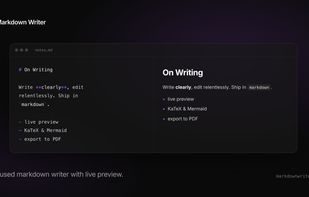
Markdown Writer is a free online Markdown editor for writing and previewing documents in the browser. It supports live preview, GitHub Flavored Markdown (GFM), KaTeX math, Mermaid diagrams, and PDF export.


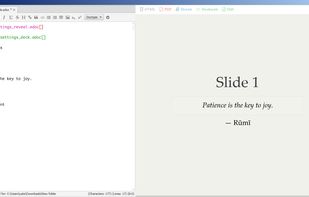
Asciidoc FX is a book / document editor to build PDF, Epub, Mobi and HTML books, documents and slides. AsciidocFX is also a winner of Duke’s Choice Award 2015.
 Türkiye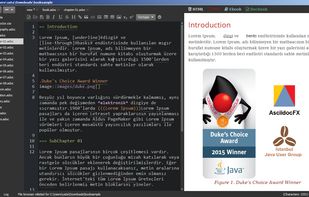

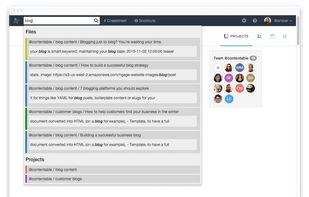
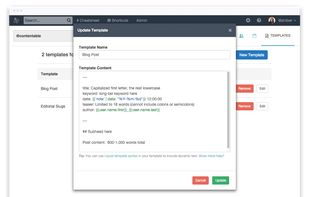
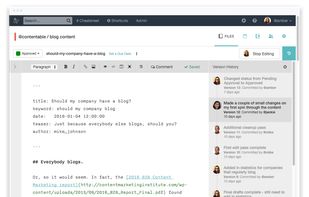
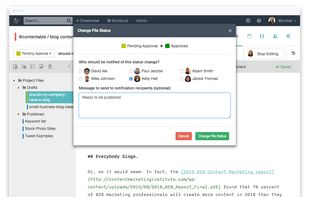
Beegit is the online writing platform that removes barriers across your organization to create, edit and approve web content. Try it free.

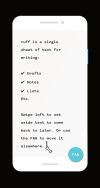
ruff is your pocket-sized best friend that aims to make writing on the go fun and sharing it fast & easy. It's a single sheet of text with your progress automatically saved and restored between sessions.




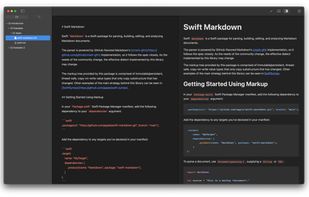


Ommwriter is a simple text processor that firmly believes in making writing a pleasure once again, reinvindicating the close relationship between writer and paper. The more intimate the relation, the smoother the flow of inspiration.
 Spain
Spain EU
EU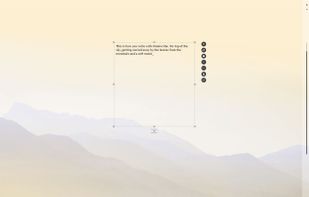


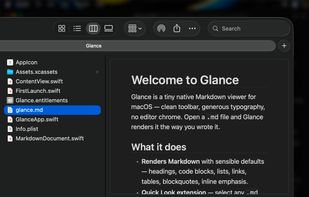
Glance is a tiny native Markdown viewer for macOS. Open a .md file and Glance renders it the way you wrote it, with real typography and no editor chrome. It is Quick Look-aware, meaning you can tap space in Finder to preview any markdown file instantly.
SpainEU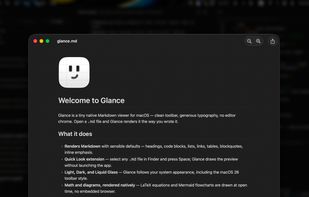


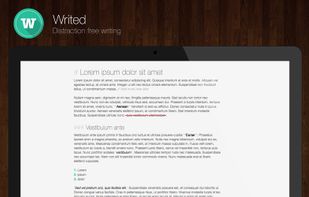
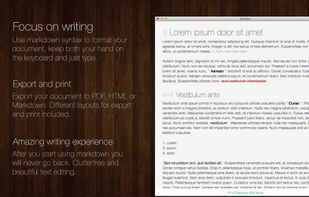
Writed is a distraction free text editor that will help you type more in less time. Writed uses markdown* syntax to format your document in real time, keep both your hand on the keyboard and just type.



 United States


 Russia


