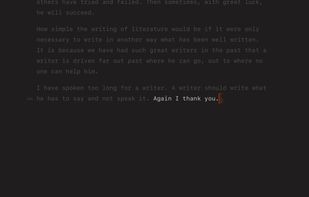
Super-clean writing space with a lot of configurability that stays out of sight when you don’t need it.
Cost / License
- Freemium
- Proprietary
Application typeApplication types
Platforms
- Mac
- iPhone
- iPad


+9


MacDown has been discontinued. Similar apps include Typora. It's paid, but ghostwriter and Clearly Markdown are free. Other options are Marknote, Ferrite, marka.md and Downright. There's no shortage of Text Editors like MacDown, with more than 50 alternatives for Mac, Windows, Linux, the web and iPhone.
Super-clean writing space with a lot of configurability that stays out of sight when you don’t need it.

A native macOS reader for the Markdown your AI tools generate. Renders any .md, GitHub-flavored, Mermaid diagrams, syntax-highlighted code, right in Finder via Quick Look. Read-only, pairs with any editor. $19.99 one-time.
 France
 EU
EU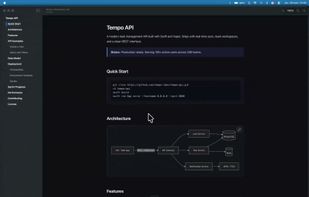




Zen by Unit is a free, minimal, fast, private writing app. Just open and use.
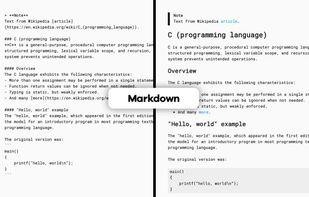


TypeBreeze is a clean, distraction-free Markdown editor with live formatting, a polished writing experience, and support for focused editing without unnecessary clutter.
 Switzerland


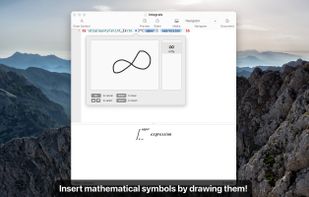
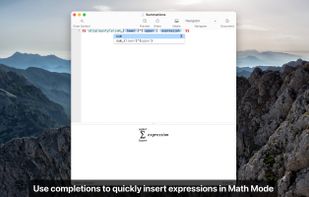
Archimedes is a LaTeX and Markdown editor designed to make mathematical writing easy.
 United States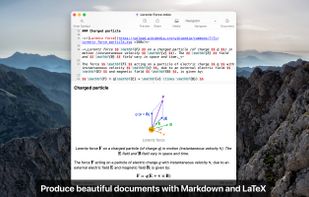
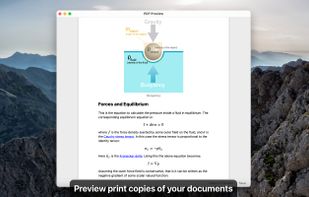

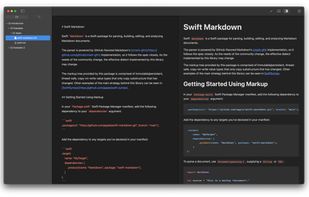
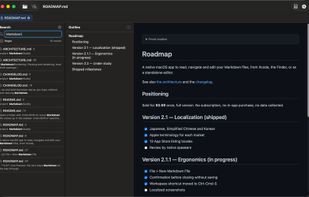
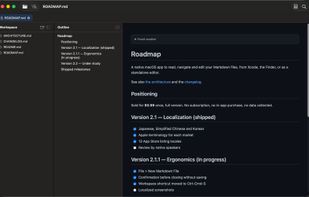
Native macOS Markdown editor that also renders Markdown files in the Finder and inside Xcode.
FranceEU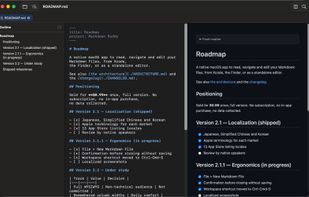
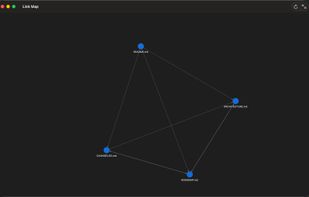

Writeopia is a modern text editor that integrates AI while prioritizing offline functionality and user privacy. Unlike cloud-based AI assistants, Writeopia allows you to choose your own AI model and interact with it locally, ensuring that your data stays on your device.
 Brazil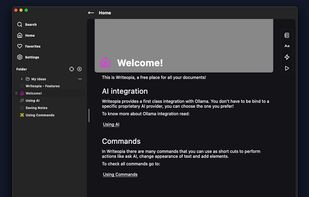


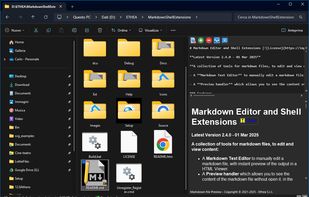
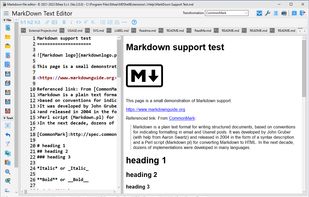
A Markdown Text Editor to manually edit a markdown file, with instant preview of the output in a HTML Viewer.
 ItalyEU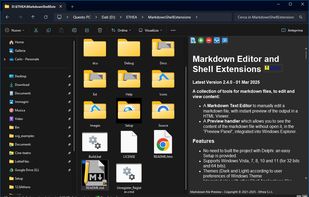
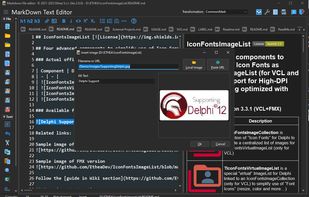


MarkRight is a simple but very efficient Markdown editor built using Electron and ClojureScript. It uses a dual pane interface that lets you focus on the task of writing, while providing a live preview so you can instantly see the results.
 Japan
Japan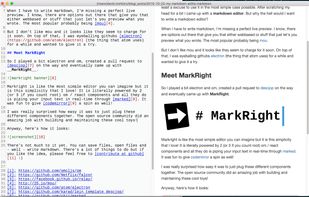


LightPaper lets you write your documents/articles/blogs using powerful features such as markdown, folder navigator, real and live preview, shadow notes, multi-tabs, custom styles, distraction free mode, syntax highlighting, math rendering, full GFM support including GitHub...
United States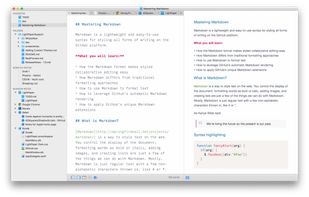


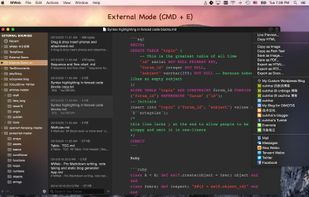
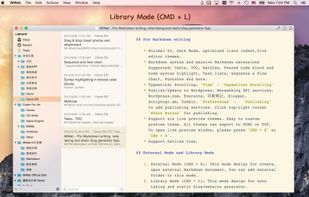
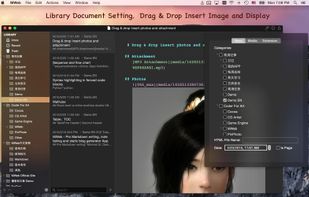
MWeb can handle professional-level markdown with support for markdown extensions. It provides publishing to various social networks and blogging formats, as well as various preview themes.
 China
China