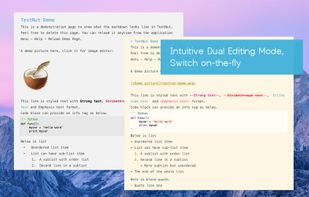
TextNut will convert your edits into markdown on-the-fly. If you are familiar with Markdown, it is add-on, with a powerful markdown editing mode.
Cost / License
- Free
- Proprietary
Alerts
- Discontinued
Platforms
- Mac
- iPhone
- iPad

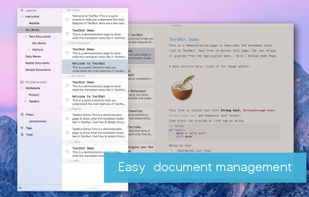


+2


MacDown has been discontinued. Similar apps include Typora. It's paid, but ghostwriter and Clearly Markdown are free. Other options are Marknote, Ferrite, marka.md and Downright. There's no shortage of Text Editors like MacDown, with more than 50 alternatives for Mac, Windows, Linux, the web and iPhone.
TextNut will convert your edits into markdown on-the-fly. If you are familiar with Markdown, it is add-on, with a powerful markdown editing mode.

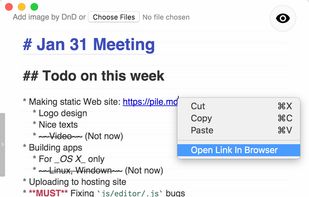
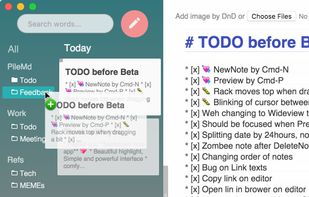
PileMd has a really beautiful Markdown Editor, looks like Preview. It's like a RichText Editor but it's actually Markdown, and it works like a word processor, complete with Undo/Redo histories, list completion and clickable urls.
 Japan
Japan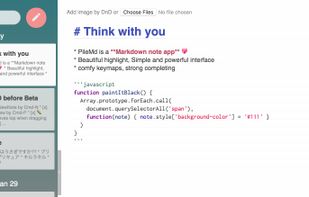


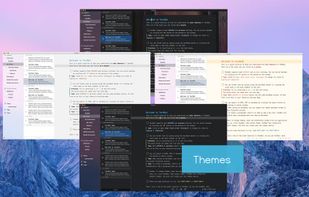
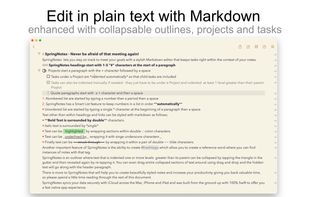
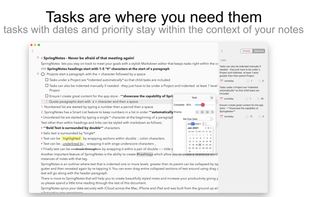
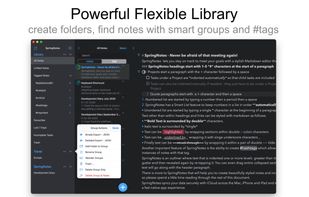
Write styled Markdown notes, sync across Mac, iPhone and iPad add to-dos and tags, export to a variety of formats and choose your favourite style from a variety of colourful themes.
 United Kingdom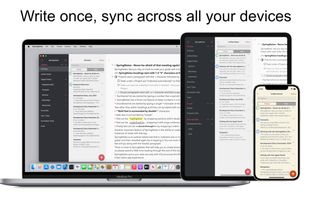


Write markdown documents with quickly accessible code snippets, mathematical equations and images and store them in the cloud to be accessed anywhere.
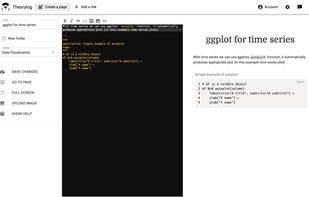


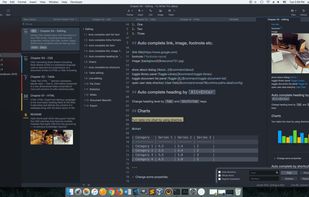


A beautiful and easy to use editor for the popular Markdown markup language, combined with a themed live preview feature, you will never have to write boring documents again.
 United States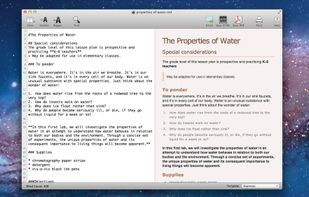
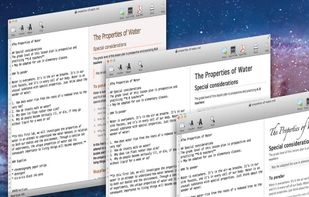


Epsilon Notes is a text editor for writing texts with Markdown-compatible CommonMark tags. Epsilon Notes can generate pdf and HTML code from your documents. CommonMark is an easy text formatting tool taking only a few minutes to learn, Runs on Android and Windows.


A clean & intuitive design focused on things that matter most - your notes! Write offers a well designed writing experience with beautiful inline markdown rendering and some gorgeous fonts. Add Folders from Anywhere.


Writage is a new add-in for Word, which enables to edit Markdown documents. Zero knowledge of Markdown is required in order to write structured documents. No need to remember markup for hyperlink or footnote, or how to format a table.

An elegant and easy to use editor with simplicity for the Markdown markup language. Markdown Life is able to use full power of your new Mac and brings you unprecedented performance.

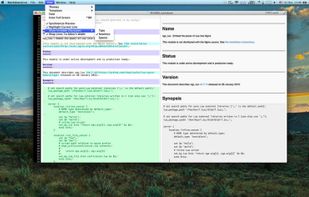


Try WriteDown, an app that made text editing simpler. You can write your note whether you are at home, at work, or on the go. Your notes are synchronized to the cloud, so you can easily read it wherever you want.


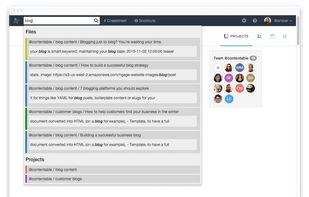
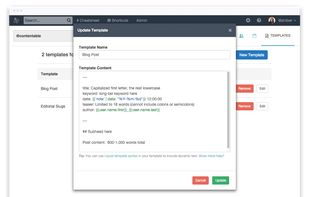
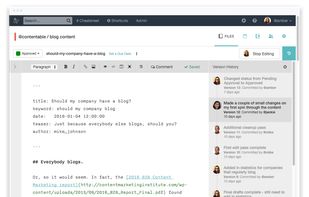
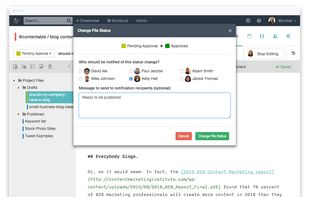
Beegit is the online writing platform that removes barriers across your organization to create, edit and approve web content. Try it free.