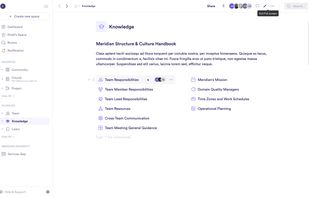
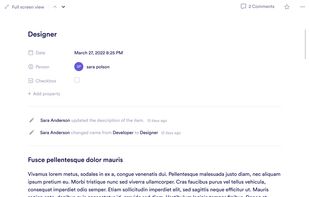
Pivot is a workspace platform for communities, courses, projects, and teams. It combines real-time and async communication tools.
Cost / License
- Paid
- Proprietary
Application typeApplication types
Platforms
- Online
 United States





+2


Apps similar to Logseq include Obsidian, which has a free version. Other options are Joplin, Anytype, Notion and Notesnook. Note-taking Tools like Logseq are a crowded field, with more than 100 alternatives for Mac, the web, Windows, Linux and Android.
Pivot is a workspace platform for communities, courses, projects, and teams. It combines real-time and async communication tools.
United StatesTUI-Journal is a terminal-based application written in Rust that allows you to write and manage your journal/notes from within the comfort of your terminal. It provides a simple and efficient interface for creating and organizing your thoughts, ideas, and reflections.
 Germany
 EU
EU

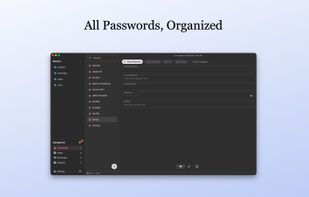
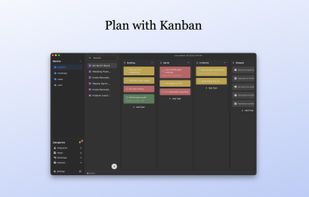
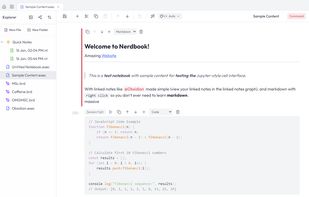
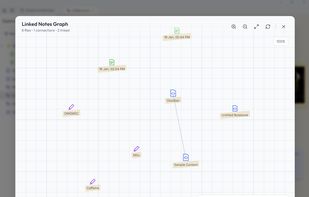
LocArk is a local-first private workspace for notes, passwords, kanban, mind maps, and Inbox. Content stays in storage you choose and works offline. Back it up or use a sync folder you trust; LocArk does not provide hosted cloud sync.
 United Kingdom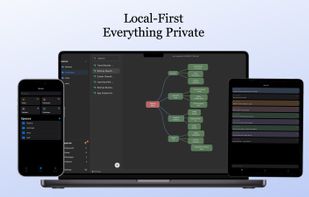
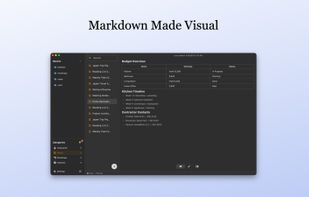


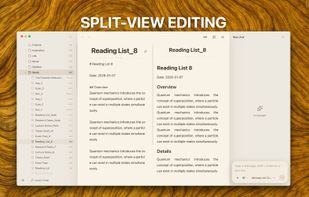
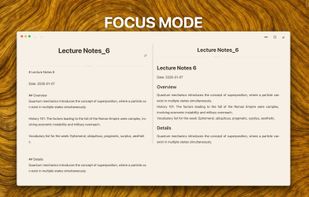
WitNote is a macOS writing, reading, and local AI assistant for people who want to keep drafts, notes, research, and ideas organized on their own device.



The high-velocity, shortcut-first brain dump for Windows. ThoughtsPlus eliminates the friction of bloated productivity tools, allowing power users to capture ideas, sketch, and track progress without ever leaving their workflow. No cloud, no telemetry, just pure focus.
United Kingdom



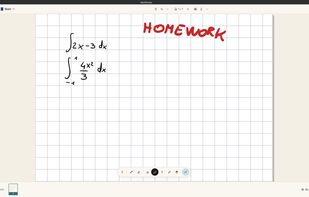
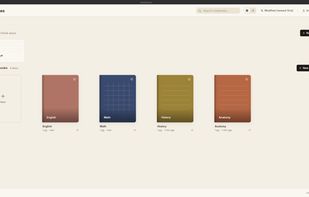
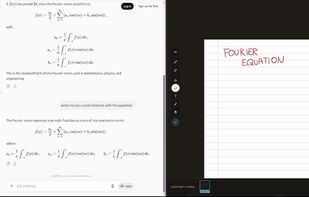
AbelNotes is an open-source handwritten note-taking app built for technical work. It renders LaTeX math natively with searchable source, lets you import and annotate PDFs, and offers eight paper types including Cornell, isometric and music staff, with pressure-sensitive pens.


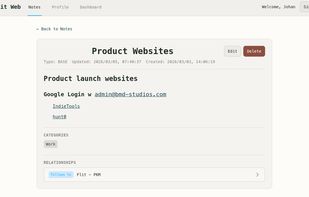
AI-enhanced platform for note taking, habit tracking, and journaling with semantic search, relational links, advanced categorization, summarization, insight generation, private backup, secure cross-device sync, tagging, and backup recovery for effective knowledge management.
 South Africa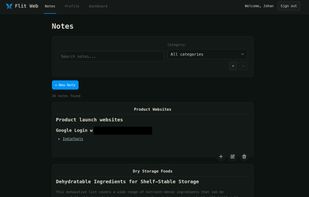

A cross-platform Markdown editor for macOS, Windows, Linux, and the browser. It combines a professional writing experience with team collaboration and AI integration in one fast, native app.
 United Arab Emirates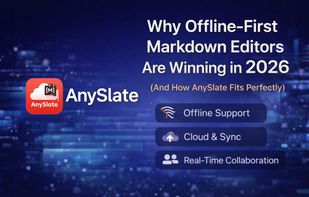

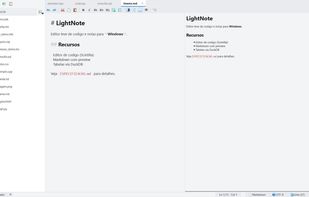
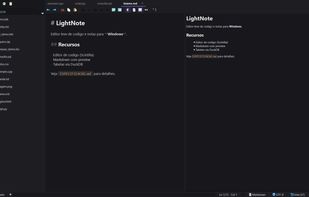
Fast, lightweight editor for Windows that combines a Markdown knowledge base, a code editor, an SQL client and AI assistant integration.
 Brazil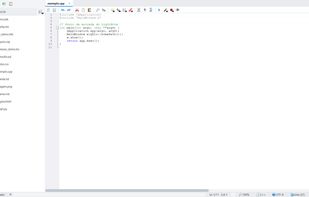


Summarizes PDFs, transcribes lectures and videos in real-time, creates flashcards, quizzes, and study plans, supports audio, text, image, and web input, offers advanced note organization, and allows interactive querying to streamline diverse study workflows.
United States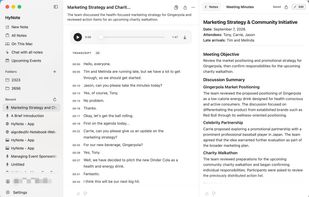




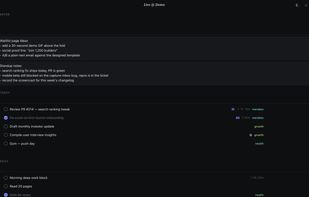
A native macOS to-do list and notes app in one window: Today, Daily, Backlog, notes, goals, timers and analytics — all over one timestamped log. No cron, no cloud, no accounts. Open source on GitHub.
 Pakistan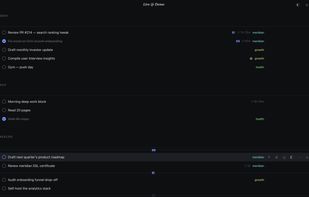


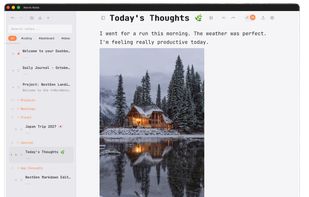
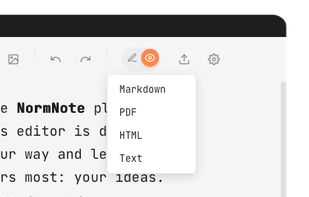
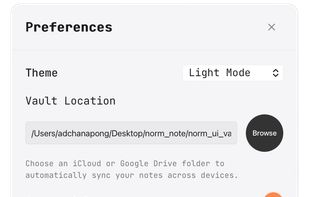
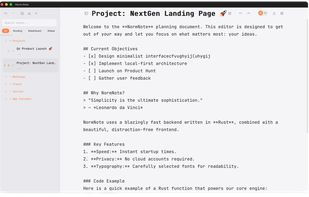
NormNote is a minimalist, distraction-free Markdown editor built for focus and privacy. All notes are stored directly on your device — no accounts, no forced cloud sync. If you want to sync across devices, simply point NormNote to your iCloud or Google Drive folder.
 Thailand