


Platforms
- Android
- Android Tablet
- F-Droid
 Israel







One of the most popular alternatives to Krita is GIMP, which is free and open source. Other popular alternatives are Adobe Photoshop, Paint.NET, Affinity and Photopea. There's no shortage of Digital Painting Tools like Krita, with more than 100 alternatives for Windows, Mac, Linux, iPad and Android.
Israel
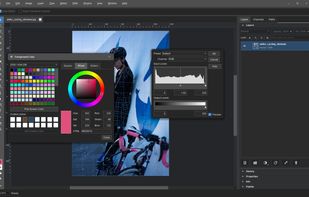
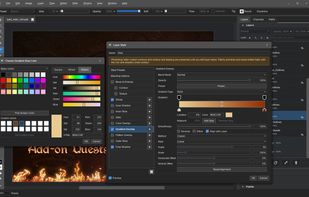
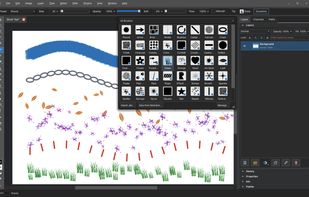
Patchy is a free, open-source image editor for Windows, macOS, and Linux, built for accurate PSD and PSB editing and round trips with Adobe Photoshop. It supports editable text and vectors, masks, layer styles, Smart Objects and Smart Filters, legacy 8BF plug-ins, JavaScript...


You can use it to view your photographs and improve them. Showfoto is the standalone image editor of the digiKam project.
 Germany
 EU
EU


Built by painters for painters
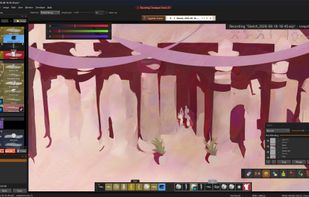
Brushes that feel great to use, tools that make art fun again: Kala Paint is a powerful new painting software built to fully replace old subscription programs. No Generative AI, ever.
 United Kingdom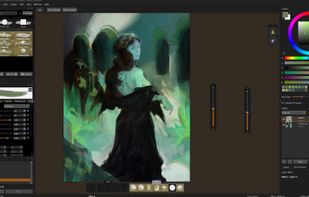


JSPaint is a free web-based remake of Microsoft Paint , a basic but popular image editor for the Windows operating system.
 United States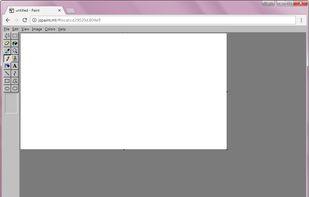
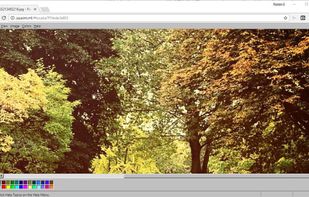
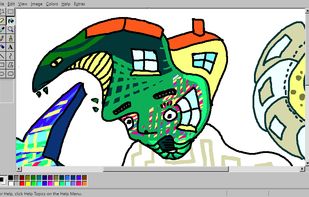


Wizardbrush is a natural media painting software which has a lot of brushes and paper with realism style. You can create realistic picture with it. You can not only use it to paint pictures, but also handle your digital photos, even use it to teach digital painting and image...
United Kingdom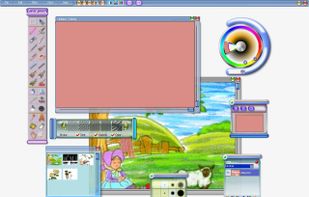
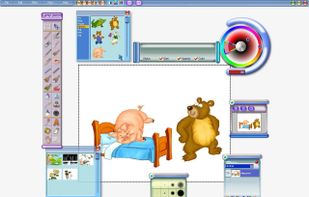
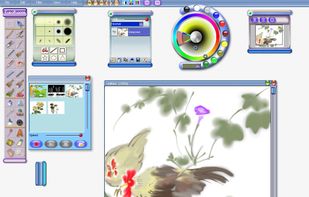
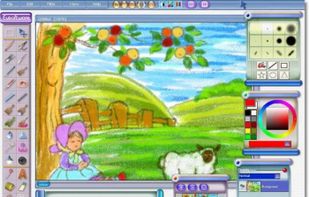


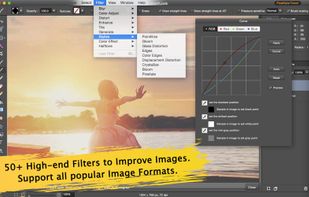
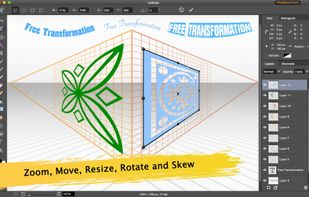
Pro Paint for Mac is the realistic full-featured digital art software that is used for painting, image editing, vector drawing, free-form transformation, cropping, alpha channel editing, and more specialized tasks.




Touch screen software – Corel Paint it! touch is touch screen software designed for Windows 7 touch-enabled computers. Draw, paint and get creative with your touch screen PC.


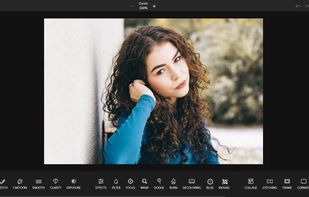
PhotoKit.com is integrated with a powerful online photo editor, smart brush, image quality enhancement, exposure repairment and image filters, splicing, cropping, transformation, painting, resizing, and can add text, shape, sticker, frame, round corners, etc.




 Sri Lanka


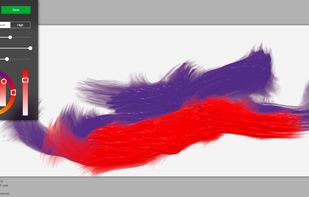
Fluid Paint is an open-source web app that simulates real paint using a dynamic brush that is easily controlled by moue and using simple parameters.



 Canada


