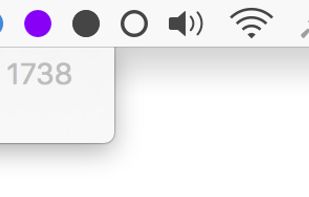
AnyBar is a small indicator for your menubar that does one simple thing: it displays a colored dot. What the dot means and when to change it is up to you.
Cost / License
- Free
- Open Source
Since
- Since 2020
GitHub
- GitHub stars: 6k


There are many alternatives to iStat Menus for Mac if you are looking for a replacement. The best Mac alternative is Stats, which is both free and Open Source. If that doesn't suit you, our users have ranked more than 50 alternatives to iStat Menus and loads of them are available for Mac so hopefully you can find a suitable replacement. Other interesting Mac alternatives to iStat Menus are MacThrottle, Wokyintosh, ACTVT and Activity Monitor.
AnyBar is a small indicator for your menubar that does one simple thing: it displays a colored dot. What the dot means and when to change it is up to you.
A Windows 11 Task Manager–style system monitor for macOS — processes, CPU/memory/GPU/disk/network, listening ports, startup items and services, with no password and no permission prompts.
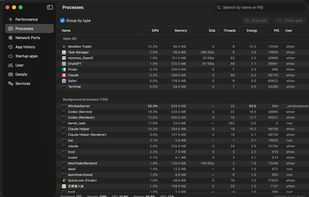
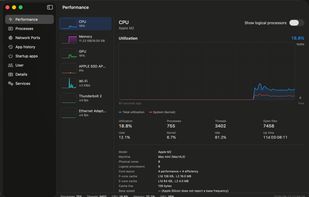
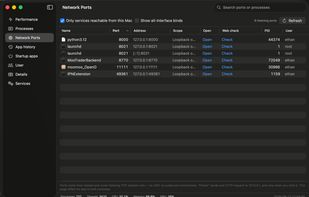
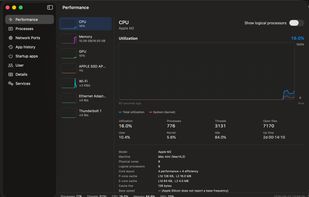
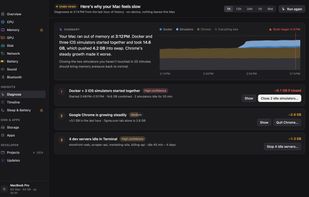
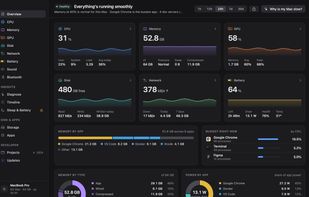
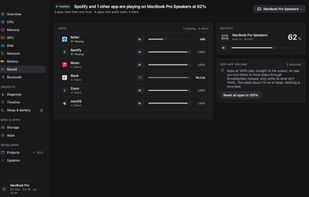
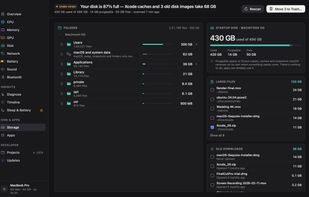
iKnowMyMac is a native Mac app that explains what your Mac is doing. It groups about 1,000 background processes into the apps they belong to, and its "Why is my Mac slow?" button reads the last hour and names the cause, with the evidence and one action for each.
 India


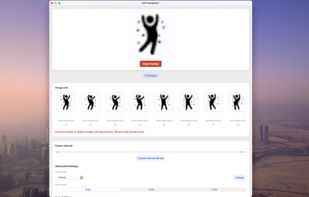
A magical creature lives in your menu bar — it might be a game character, a playful puppy, or something entirely unique. And it never stops running!



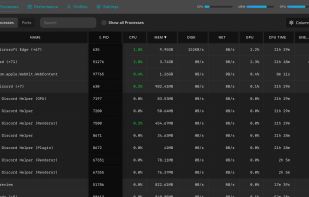
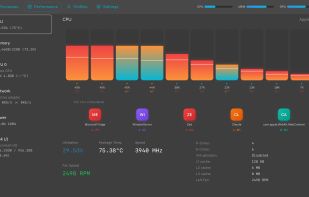
The best Windows Task Manager, macOS Activity Monitor, and Linux System Monitor alternative. A modern, cross-platform process manager to monitor CPU, memory, GPU, and more in real-time.
 United Kingdom
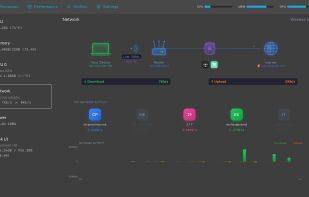
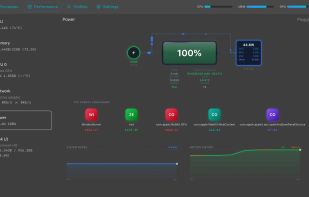

Live CPU, GPU, RAM, and thermal data directly in your macOS menu bar. Native for Apple Silicon, private by design, and built for fast first-glance insight.
 Germany
 EU

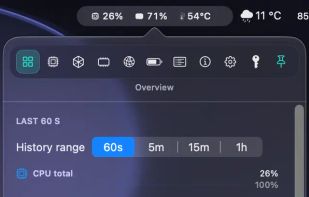
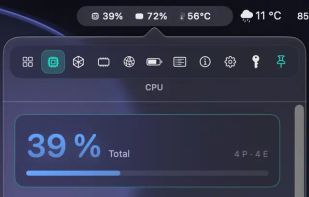
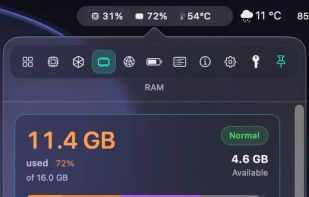

A tiny native macOS menu-bar line for CPU, GPU, RAM, network activity, and the apps behind meaningful spikes.
 Australia


Menu bar system monitor for Apple Silicon Macs: CPU temperature, fan, memory, GPU, battery, network, disk, power and Wi-Fi with live charts.
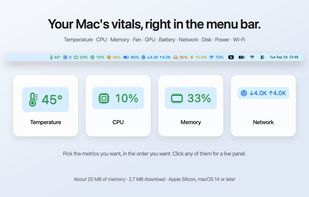
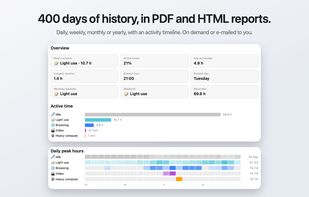
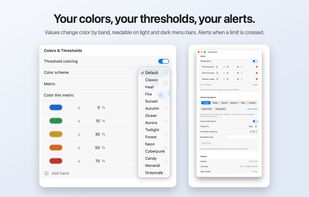

Displays Mac CPU, GPU, memory, storage, and network stats with per-core and per-volume detail, plain-language explanations, process analysis, on-demand memory reclaim, battery health, multiple themes, optional helper for temperature, and fully private.
 Hong Kong
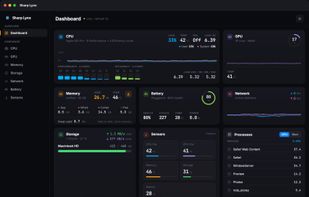
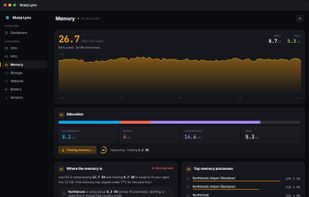
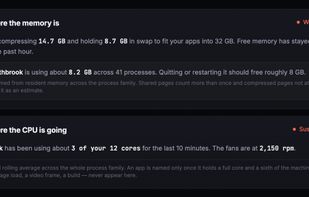
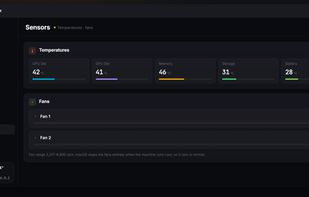
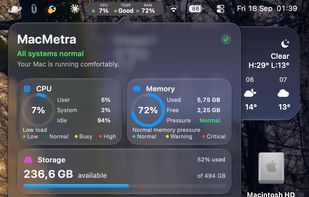
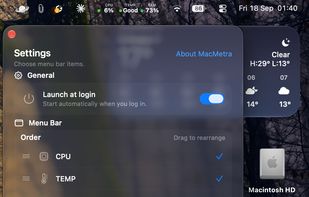
A macOS system monitor that lives entirely in the menu bar, showing CPU load, thermal state and memory at a glance, with a one-click dashboard.
 RomaniaEU


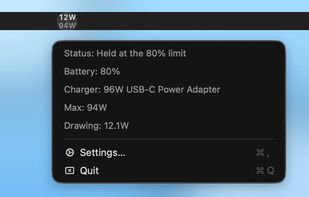
A tiny macOS menu bar app that shows how many watts your Mac is drawing from its charger, stacked above the charger's max.
 Japan