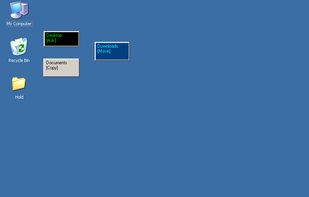
MoveOut will help you make rules to move files automatically. Use it to make a rule that moves files from the desktop to a subfolder, based on file type, part of a filename, or whatever.


Hazel is described as 'Automates file organization by monitoring specific folders, sorting, renaming, moving files with custom rules, managing trash, and removing leftover app files' and is a popular app in the os & utilities category. There are more than 50 alternatives to Hazel for a variety of platforms, including Mac, Windows, Linux, Android and Web-based apps. The best Hazel alternative is Mouzi, which is both free and Open Source. Other great apps like Hazel are SortSage, AutoIt, FilePipe and DropIt.
MoveOut will help you make rules to move files automatically. Use it to make a rule that moves files from the desktop to a subfolder, based on file type, part of a filename, or whatever.


rsk.guardian monitors folders and automates file workflows on Windows. Create rules to copy, move, rename, sort, archive or extract files locally. With triggers, conditions, dry-run preview and history, it keeps your files organized without cloud dependency.


Forget about the mess in your Downloads folder! This extension allows you to set custom download locations with a flexible and strong RegExp-based rules.

The offline AI-powered Mac file organizer that automatically sorts, categorizes, and declutters your desktop. It turns a chaotic Downloads folder into clean, named folders in minutes.


This lightweight file organization tool automatically sorts files into subfolders based on their file type, helping users maintain a clean and structured directory with minimal effort. Designed for simplicity and speed, it requires no complex configuration or setup—just choose a...


Visual file automation for macOS — create powerful rule-based workflows with a drag-and-drop designer to automatically organize, convert, and process your files.


Rule-based local file automation. Watch folders, define conditions, and let CaveButler move, archive, or delete files automatically.


Automatically organizes the Android Downloads folder by sorting files into images, videos, documents and apps.