Cost / License
- Paid
- Proprietary
Application type
Platforms
- Mac
 United States





+3


One of the most popular alternatives to Hazel is Mouzi, which is free and open source. Other popular alternatives are FilePipe, AutoIt, DropIt and Dolfer. There's no shortage of File Managers like Hazel, with more than 50 alternatives for Mac, Windows, Linux, Android and the web.
United StatesAnacron is a periodic command scheduler. It executes commands at intervals specified in days. Unlike cron, it does not assume that the system is running continuously. It can therefore be used to control the execution of daily, weekly and monthly jobs (or anything with a period...

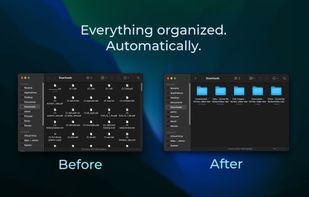
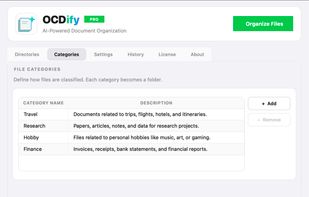
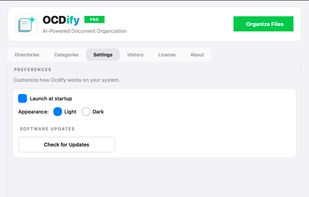
The offline AI-powered Mac file organizer that automatically sorts, categorizes, and declutters your desktop. It turns a chaotic Downloads folder into clean, named folders in minutes.
 India
India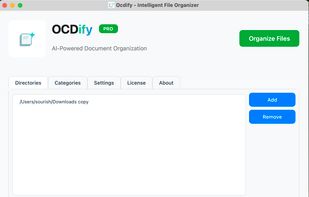
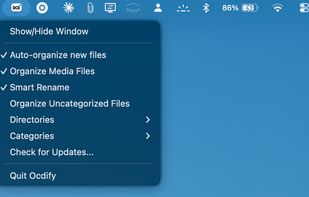


FileFlow scans your files periodically and organizes them according to your rules.
India




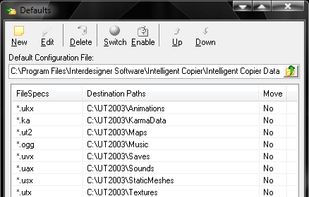
Intelligent Copier is an automatic file mover and copier. It offers a window that you can drag files onto, and will then copy or move them based on your settings. For example, you could choose to move all .mp3 files into the C:Music folder or copy any .



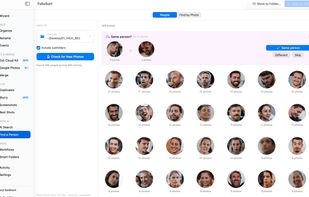
Organizes, de-duplicates and searches thousands of photos in real dated folders by their true EXIF date, with on-device AI. No cloud, no subscription.
 Portugal
 EU
EU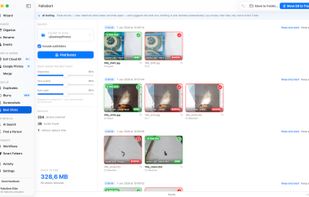
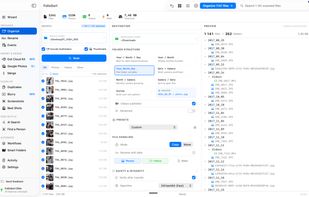



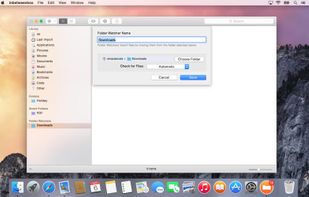
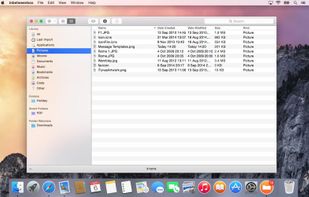
inbetweenbox sits in between your organized file system and the files that you get sent and download everyday. Import these files into inbetweenbox, and inbetweenbox with organize them within it's own library system.
 United Kingdom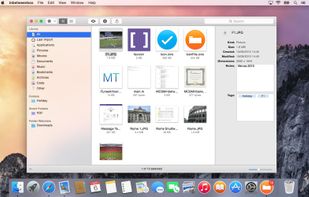


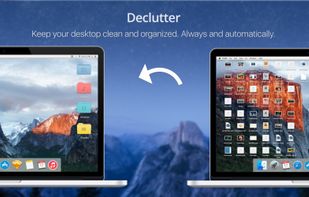
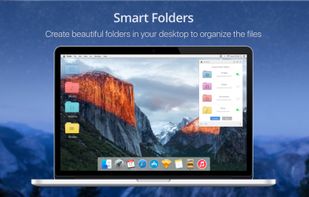
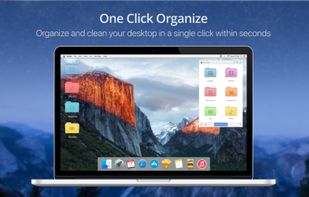
Declutter is an elegant solution to Desktop Clutter that every Mac user faces. It automatically keeps your desktop organised and clean always by moving the files on the Desktop to smart folders using rules based on file names and extensions.



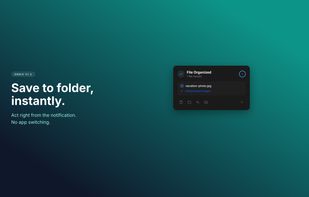
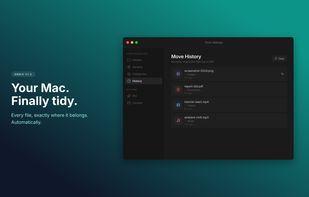
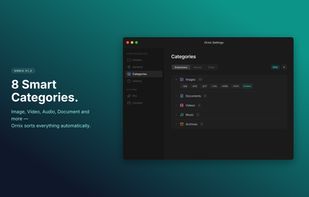
Ornix automatically organizes your messy Downloads folder. Set it once, and Ornix watches your folders, sorting files into categories like Documents, Images, Videos, and more.
 South Korea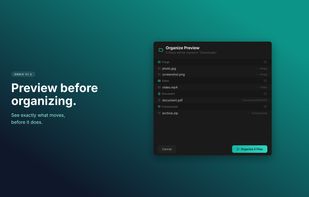


Forget about the mess in your Downloads folder! This extension allows you to set custom download locations with a flexible and strong RegExp-based rules.



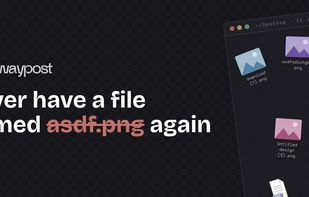
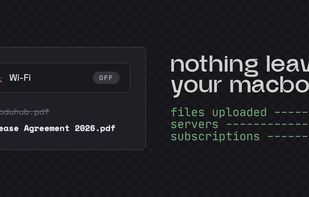
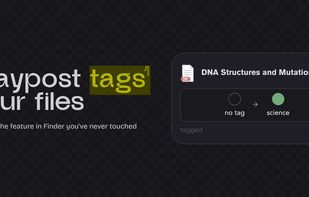
Your Downloads folder is where files go to die. IMG_3427.png, Untitled_document_final_v2.pdf, a hundred things you'll never find again. Waypost fixes that. Waypost reads folders of your choice, then renames, sorts, and tags dropped files based on what's actually inside.
United States